
pi-state-sync


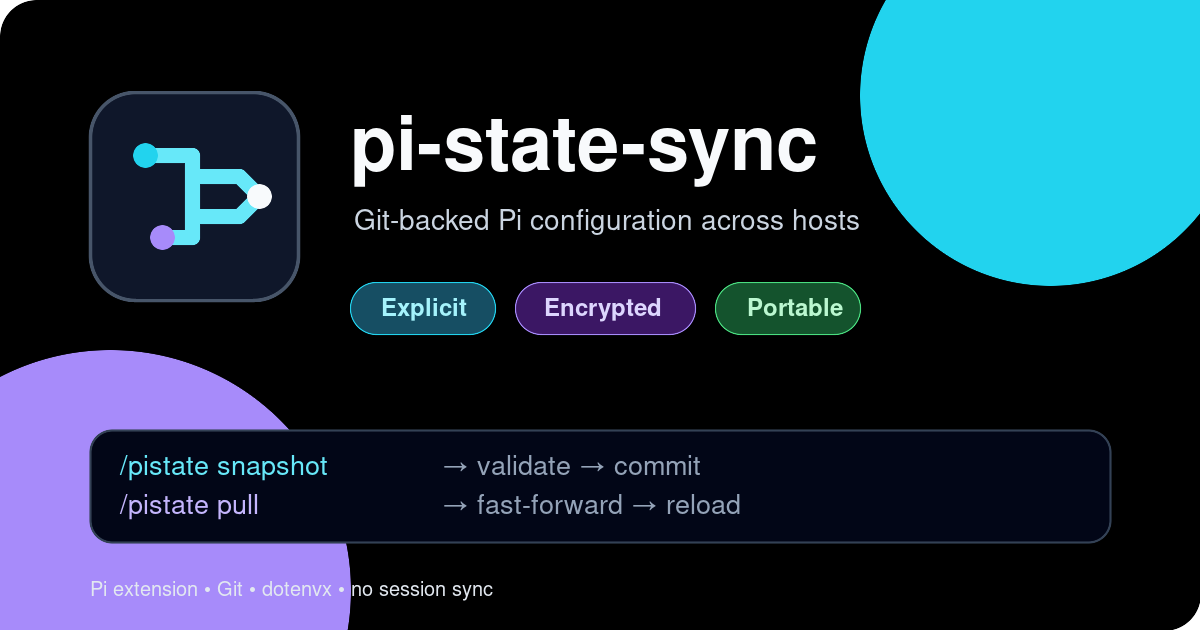
Git-backed configuration sync for Pi, with dotenvx validation for encrypted secrets.
pi-state-sync adds five explicit commands for configuring, reviewing, committing, pulling, and pushing portable Pi configuration. Sessions, OAuth credentials, trust decisions, caches, and package installations stay local.
Features
- Choose explicitly between creating a new private GitHub repository, connecting an existing repository, or staying local.
- Configure a dedicated local Git repository and safely reset its remote without deleting local history.
- Generate a state-repository README with new-host clone and daily sync instructions.
- Sync Pi settings, model definitions, context files, extensions, skills, prompts, and themes.
- Commit only an explicit allowlist—never
git add -Aacross the whole Pi directory. - Reject tracked credentials, sessions, package caches, and runtime state.
- Reject likely literal secrets in
settings.jsonandmodels.json. - Validate staged
.envfiles with dotenvx. - Use
git pull --ff-only; never hide conflicts with merges or force pushes. - Reload Pi after a successful pull.
- Keep all writes user-triggered. No background commits or shutdown-time pushes.
- No session synchronization.
Install
From npm:
pi install npm:@moejay/pi-state-syncFrom GitHub:
pi install git:github.com/moejay/pi-state-syncRestart Pi or run /reload after installation.
Quick start
Pi stores global configuration in ~/.pi/agent by default. With GitHub CLI authenticated, run:
/pistate configureThe interactive setup:
- initializes a dedicated Git repository when needed;
- merges safe host-local paths into
.gitignore; - asks whether to create a new private GitHub repository, connect an existing repository, or stay local;
- verifies that an existing GitHub repository exists, or confirms creation of a new private one;
- clones existing state into the Pi agent directory instead of attaching it to dirty local files;
- preserves host-local auth, sessions, package caches, and generated data;
- backs up replaced portable configuration to a timestamped sibling directory;
- configures
origin; - generates
README.mdwith setup instructions for new hosts when the remote is empty.
You can provide the target directly:
/pistate configure new YOUR_USER/YOUR_PRIVATE_PI_STATE
/pistate configure existing YOUR_USER/YOUR_PRIVATE_PI_STATE
/pistate configure existing git@github.com:YOUR_USER/YOUR_PRIVATE_PI_STATE.git
/pistate configure local
Reset only the configured remote while preserving files, commits, and safety ignores:
/pistate configure resetThen snapshot and push:
/pistate snapshot chore: initialize Pi state
/pistate push
Without GitHub CLI, configure still initializes the local repository and accepts any explicit Git remote URL.
On another host, install the extension and import the existing repository:
pi install npm:@moejay/pi-state-sync
pi
Then inside Pi:
/pistate configure existing YOUR_USER/YOUR_PRIVATE_PI_STATEThe extension clones and validates remote state, preserves host-local auth/sessions/caches, backs up replaced portable files, and reloads Pi. The generated state README.md includes these instructions plus a manual clone fallback. Authenticate separately on each host with /login.
If you use a custom config location, set PI_CODING_AGENT_DIR before starting Pi. PI_STATE_DIR can explicitly select the same Git-backed state root.
Commands
| Command | Action |
|---|---|
/pistate configure |
Choose new, existing, or local repository setup interactively. |
/pistate configure new [owner/repo] |
Create and connect a new private GitHub repository. |
/pistate configure existing [remote] |
Validate and clone existing state, preserving host-local data and backing up replaced portable config. |
/pistate configure reset |
Remove only origin; preserve local files, commits, and safety ignores. |
/pistate status |
Show Git changes without modifying anything. |
/pistate snapshot [message] |
Validate, stage allowlisted state, and create a local commit. |
/pistate pull |
Require a clean tree, fast-forward pull, validate, then reload Pi. |
/pistate push |
Validate state and push existing commits. |
Typical workflow:
/pistate snapshot chore: update Pi config
/pistate push
Other host:
/pistate pullsnapshot does not push. push does not commit. This separation keeps network changes explicit.
What is synchronized
Snapshot allowlist:
.env,.gitignore, and the generated stateREADME.mdsettings.json,models.json, andkeybindings.jsonAGENTS.md,SYSTEM.md, andAPPEND_SYSTEM.mdextensions/,skills/,prompts/, andthemes/
Always local and rejected if tracked:
auth.json.env.keystrust.jsonmodels-store.jsonsessions/npm/,git/,bin/, andnode_modules/
Secrets with dotenvx
OAuth tokens managed by Pi remain in ignored auth.json. For static API keys, commit an encrypted .env and keep its private key outside Git.
Install the dotenvx CLI for launching Pi with injected values:
npm install -g @dotenvx/dotenvxCreate or update an encrypted value:
cd ~/.pi/agent
dotenvx set ANTHROPIC_API_KEY "$ANTHROPIC_API_KEY" -f .env
This produces:
.env— encrypted values; commit this file..env.keys— private decryption key; never commit this file.
Start Pi through dotenvx:
dotenvx run --strict --env-file ~/.pi/agent/.env -- piA reusable wrapper is available at examples/pix.
Custom provider configuration should reference injected variables:
{
  "providers": {
    "my-proxy": {
      "baseUrl": "https://proxy.example.com",
      "api": "anthropic-messages",
      "apiKey": "$MY_PROXY_API_KEY",
      "models": []
    }
  }
}
You can keep .env.keys locally with mode 0600, or supply DOTENV_PRIVATE_KEY through a password manager. Restart Pi after pulling a changed .env; an extension cannot replace its parent process environment.
Safety model
pi-state-sync executes Git and dotenvx with argument arrays rather than shell interpolation. It does not read or display decrypted values.
Before commit or push it checks:
- State root is its own Git repository, not an accidental parent repository.
- Forbidden runtime or credential files are not tracked.
- Likely secret fields in JSON use
$ENV_VAR,!secret-command, or an accepted local placeholder. - Only allowlisted Pi paths are staged.
- dotenvx's pre-commit validation succeeds.
Session transcripts are intentionally excluded because they can contain prompts, source code, command output, images, and secrets.
See docs/security.md for threat model and limitations.
Conflict behavior
/pistate pull refuses dirty working trees and uses git pull --ff-only. If hosts diverge:
cd ~/.pi/agent
git fetch origin
git rebase origin/main
Resolve and review conflicts manually, then return to Pi. The extension never force-pushes, stashes, or auto-resolves configuration conflicts.
Development
git clone https://github.com/moejay/pi-state-sync.git
cd pi-state-sync
npm install
npm run check
pi -e ./extensions/pi-state/index.ts
Preview package contents:
npm pack --dry-runRequirements
- Pi with extension and package support
- Git
- GitHub CLI for interactive private-repository creation (optional)
- Node.js 20+
- dotenvx for encrypted environment validation and launch-time injection
License
MIT