

Peerbit
Develop for a distributed web with Peerbit
E2EE P2P Auto-sharding Searchable
Documentation - Examples - Chat on Matrix
A building block for the decentralized web
Peerbit is as easy-to-use as Firebase and provide P2P functionality like OrbitDB or GunJS yet with performance for data-intensive applications like live-streaming and cloud-gaming. It’s built on top of Libp2p (and works with IPFS) supporting encryption, sharding and discoverability (searching).
Your database schema can remain very simple but still utilize P2P networks, auto-scaling, E2E-encryption, discoverability and all other features you’d expect from a database.
Optimized for performance
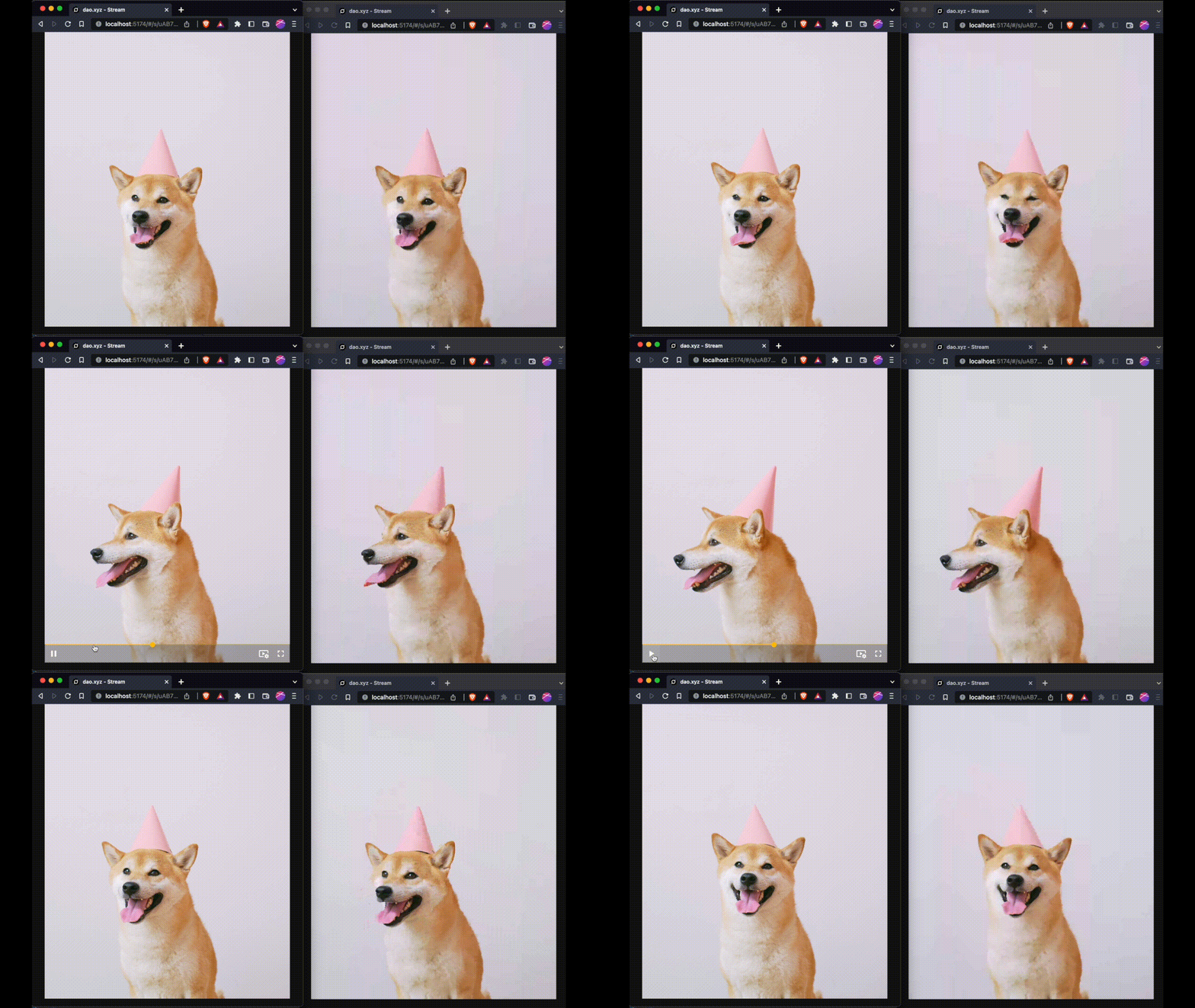
Peerbit is performant, so performant in fact you can use it for streaming video by having peers subscribing to database updates. In a low latency setting, you can achieve around 1000 replications a second and have a thoughput of 100 MB/s.
Other examples
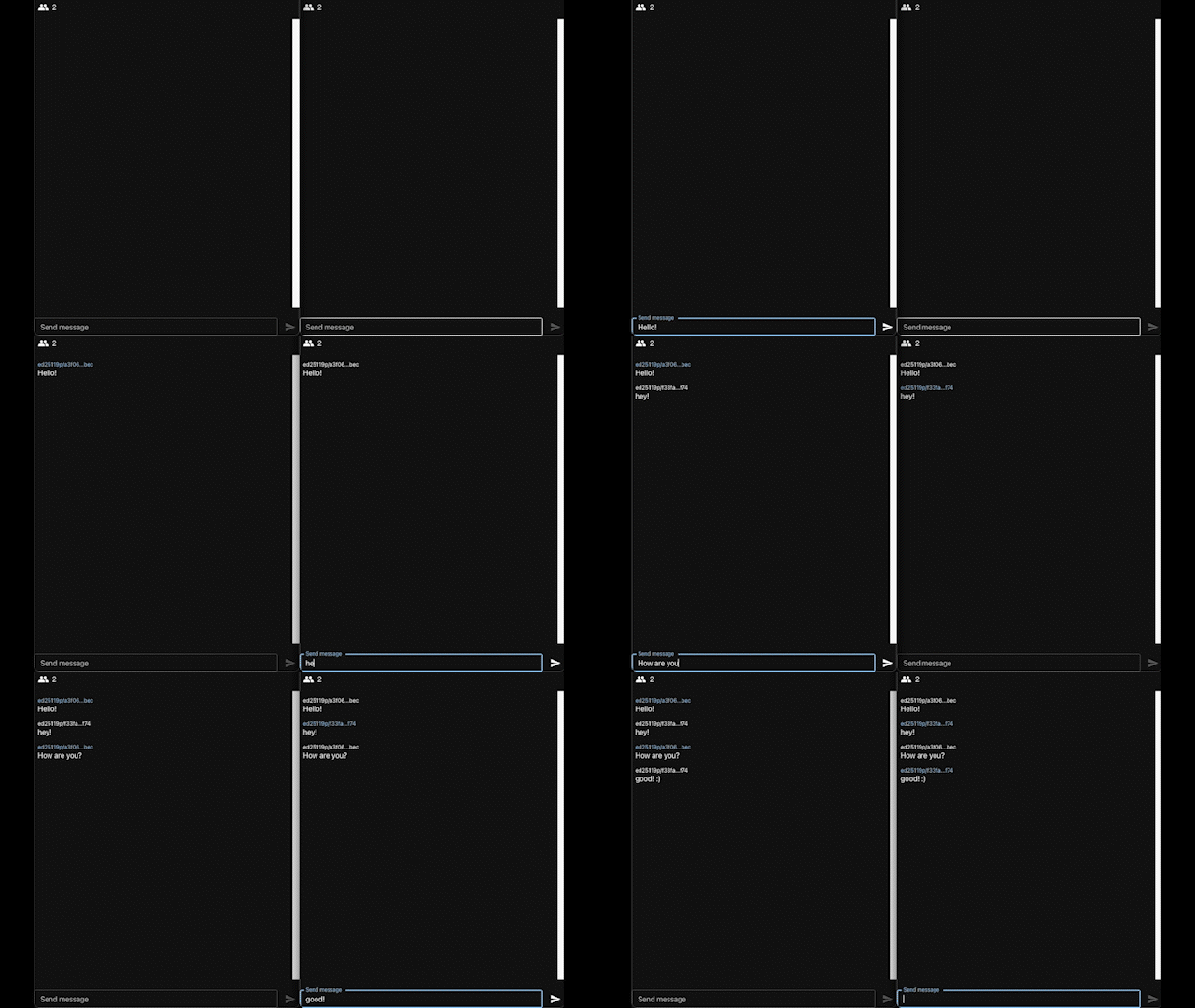
Chat room
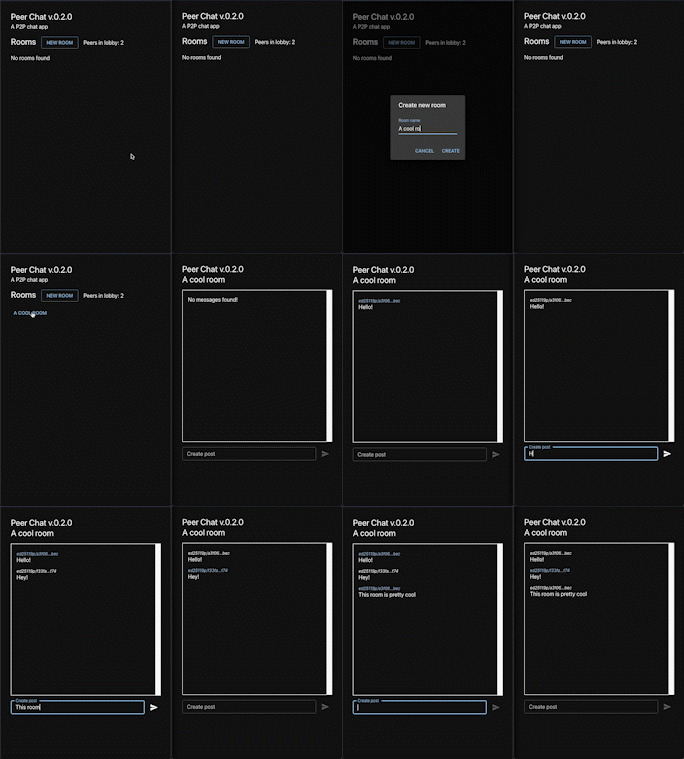
Lobby + chat rooms
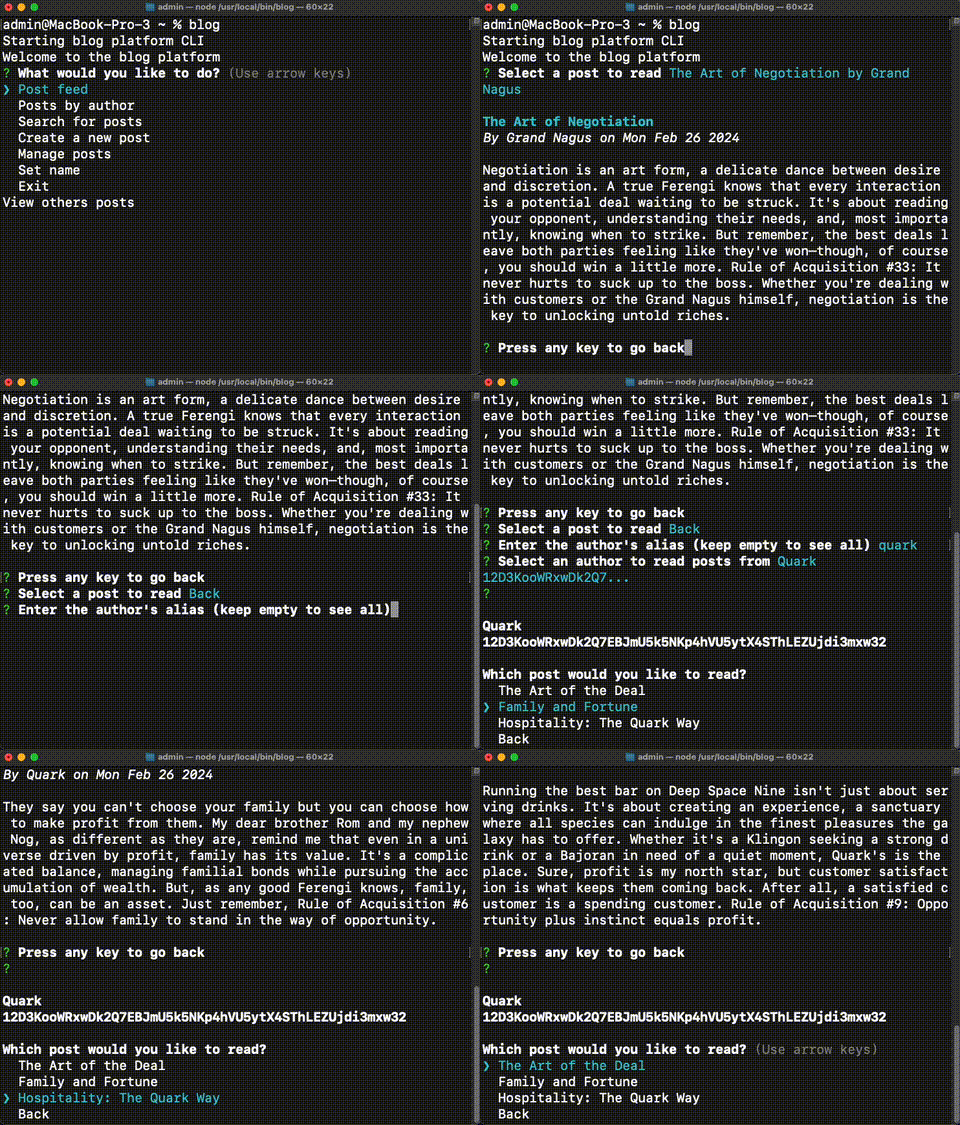
Blog platform
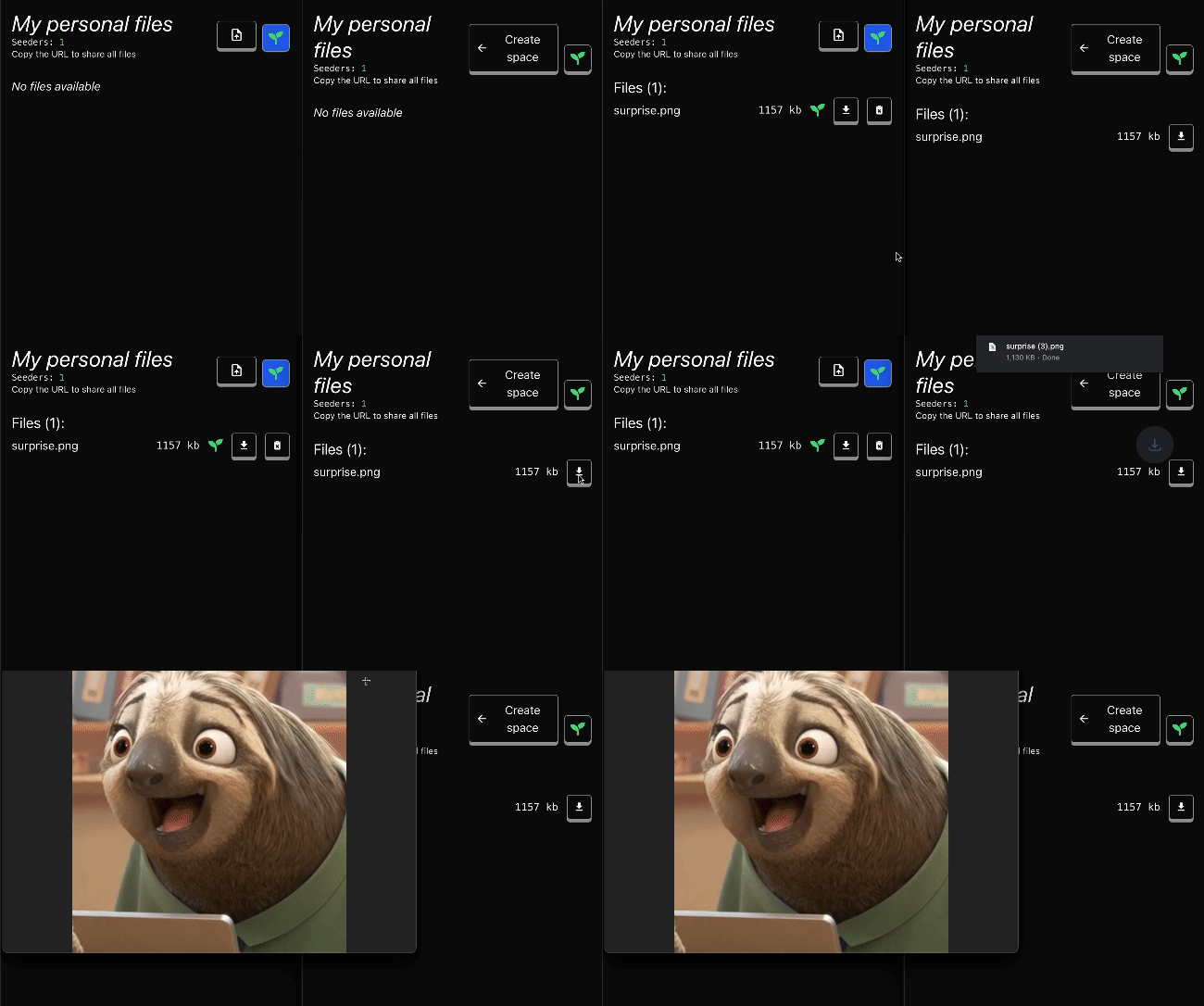
Sync files
React app
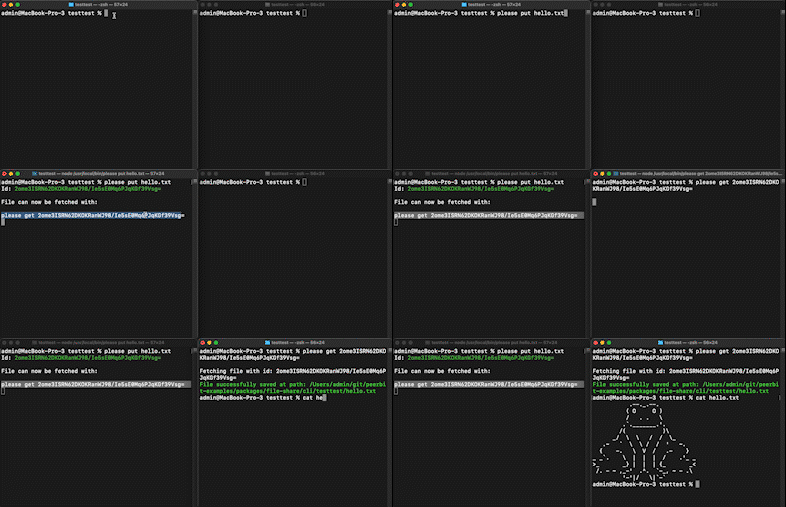
CLI
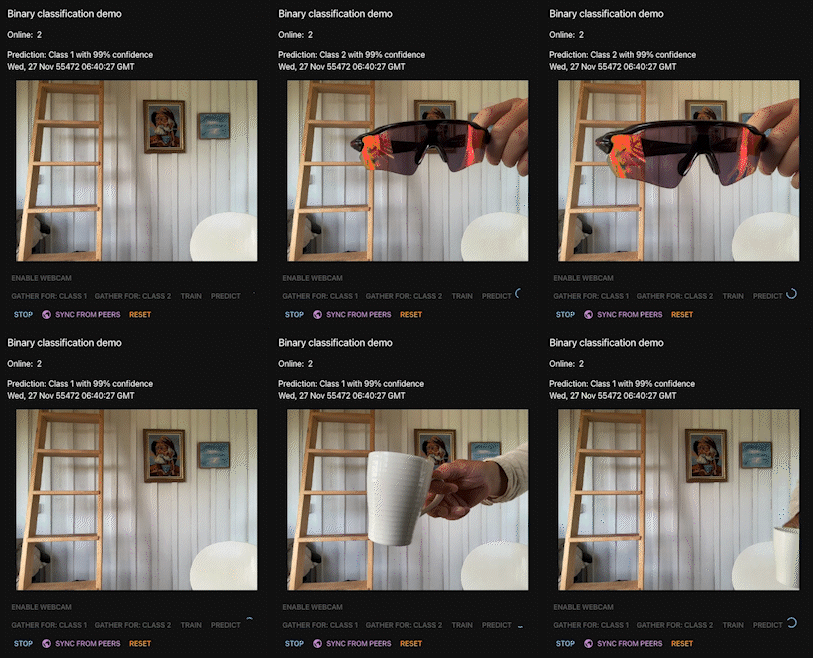
Collaborative machine learning
Get Started
Install Peerbit by following the simple setup instructions in our Installation Guide.
Dive into our comprehensive Documentation or checkout the Example repository to explore the powerful features and learn how to leverage Peerbit to its fullest potential.
Join us on Matrix to connect, share ideas, and collaborate with like-minded individuals.
Contribute
Peerbit is an open-source project, and we welcome contributions from developers like you! Feel free to contribute code, report issues, and submit feature requests. Together, let's shape the future of Peerbit.
IMPORTANT: Peerbit uses pnpm.
- Check pnpm version:
pnpm -vshould print something - Install:
pnpm install - Build:
pnpm run build - Run tests:
pnpm run testin root or in a specific subpackage
You might possibly need to CMD + Shift + P and then enter to restart the typescript server after the build step.
Local coverage report (Codecov-style)
To generate a local, navigable HTML report with the same remapped source paths used for Codecov uploads:
- (Optional) clear old coverage artifacts:
find . -type d -name .coverage -prune -exec rm -rf {} + && rm -rf .nyc_output coverage - Rebuild workspace packages (refreshes generated
disttype artifacts):pnpm run build - Run the CI coverage shards you want to include:
pnpm run test:ci:part-1 && pnpm run test:ci:part-2 && pnpm run test:ci:part-3 && pnpm run test:ci:part-4 && pnpm run test:ci:part-5 && pnpm run test:ci:part-6 - Generate the merged report:
pnpm run coverage:report - Open the report:
macOS:
open coverage/index.htmlLinux:xdg-open coverage/index.html
pnpm run coverage:report runs remapping first (coverage-remapped.json when available), then merges all workspace coverage files and creates HTML + text output via nyc.
To create a new package, follow the following steps:
- Clone the time folder within /packages/utils/time to the desired destination and rename it
- Update the package.json
name,description,versionfields - Possibly add other depencencies to the package.json
dependenciesfield (like@peerbit/crypto) - Delete contents in CHANGELOG.md
- Update the root package.json
workspacesfield - Update the root pnpm-workspace.yaml packages list
- Run
pnpm installonce in the root
We recommend running tests with the VS Code integration though: https://github.com/CoderLine/mocha-vscode
VScode specific
Add the following to your settings.json file:
{
      "vitest.experimentalStaticAstCollect": true, // might be helpful
      "search.followSymlinks": false, // prevents rg hogging CPU
}