@titan-suite/cli v0.2.4
Titan CLI
The complete Smart Contract development CLI





Usage
npm i -g @titan-suite/cli
module.exports = {
  defaultBlockchain: "aion",
  blockchains: {
    aion: {
      networks: {
        development: {
          host: "http://TITAN.DEV.NODE",
          defaultAccount: "",
          password: ""
        },
        mainnet: {
          host:
            "http://api.nodesmith.io/v1/aion/mainnet/jsonrpc?apiKey=API_KEY",
          defaultAccount: "",
          password: ""
        },
        testnet: {
          host:
            "https://api.nodesmith.io/v1/aion/testnet/jsonrpc?apiKey=API_KEY",
          defaultAccount: "",
          password: ""
        }
      }
    },
    ethereum: {
      networks: {
        development: {
          host: "http://127.0.0.1:8545",
          defaultAccount: "",
          password: ""
        }
      }
    }
  }
};
Commands
Help
titan --help
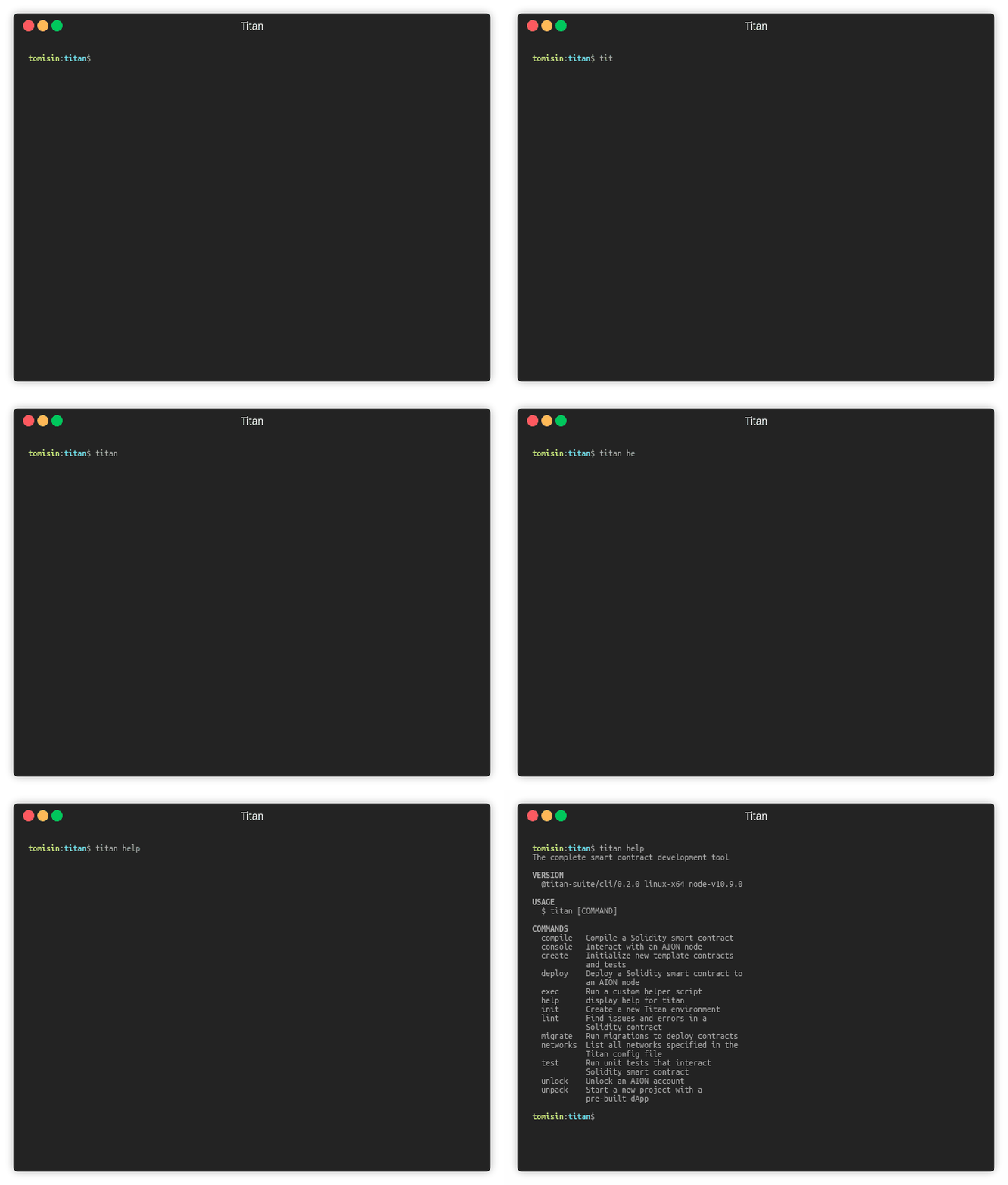
You can also run titan <command> --help for more details about the command
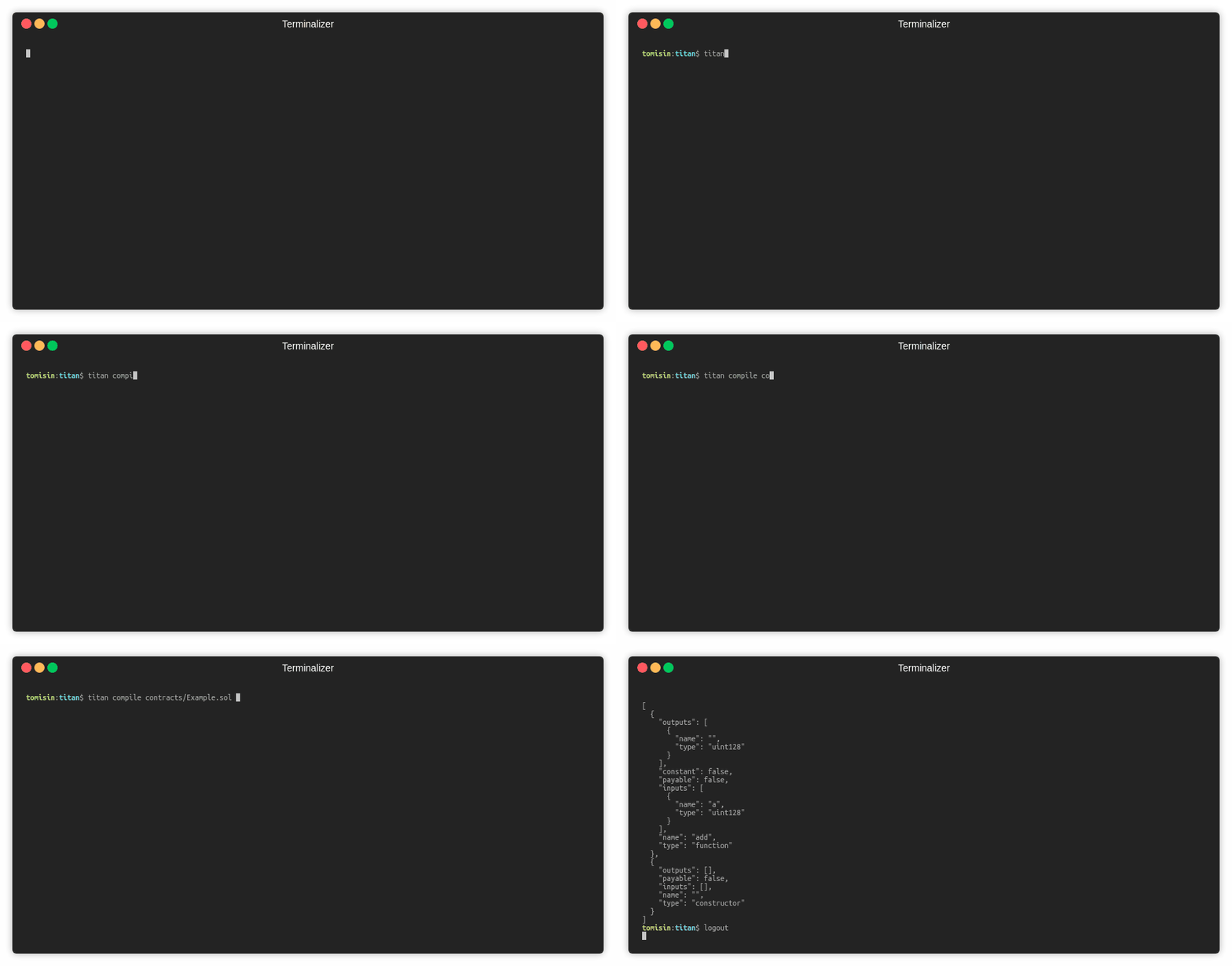
titan compile
Compile a Solidity smart contract
titan compile path/to/contracts/Example.sol- Compile a specific contract withing a file
titan compile -n SpecificContract path/to/contracts/ManyContracts.sol
- Output more details about the contract
titan compile -d path/to/contracts/Example.sol
- The details of the compiled contract will be stored as
./build/bots/<contractName>.json
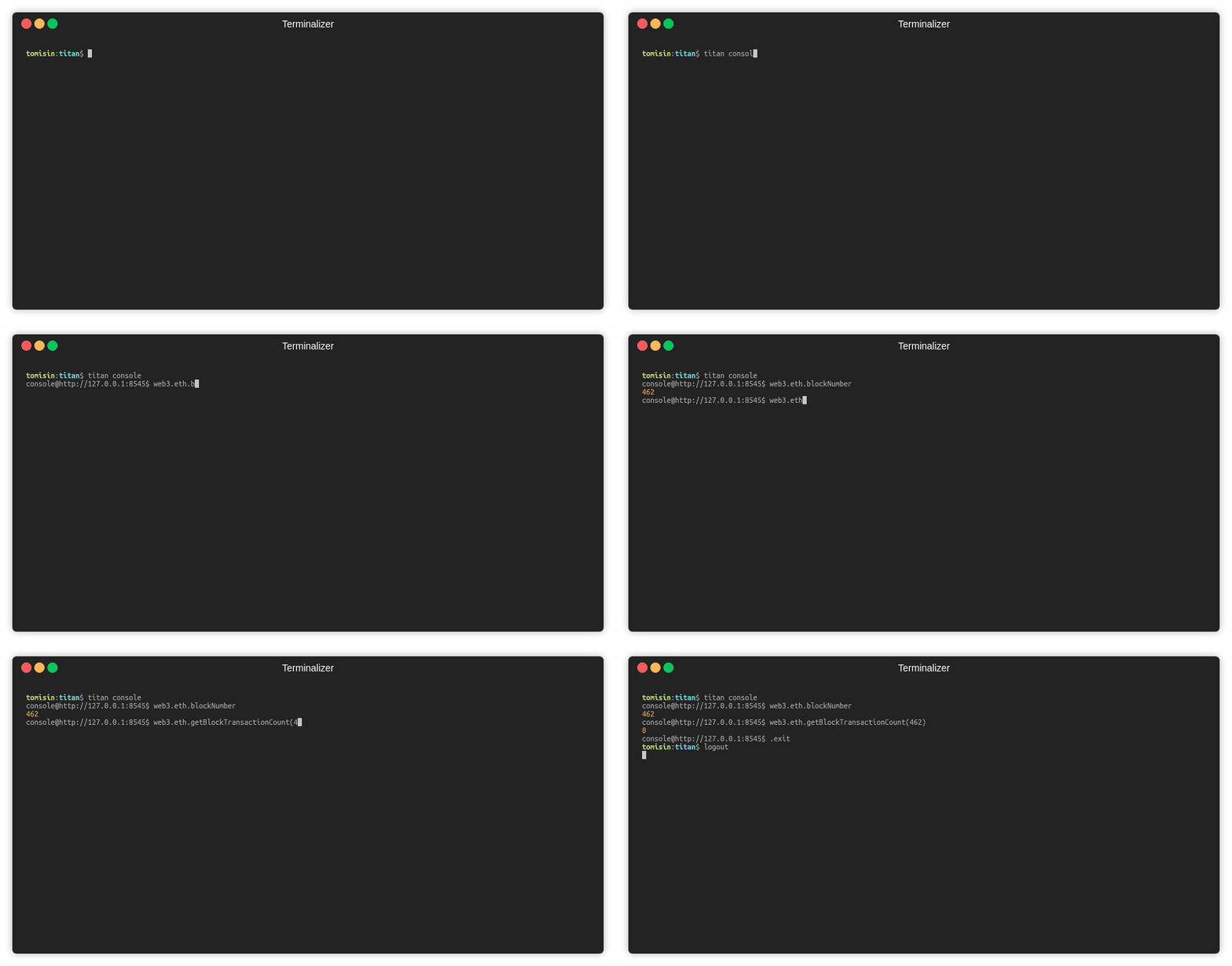
titan console
Interact with an AION node with an injected aion-web3 instance
titan console
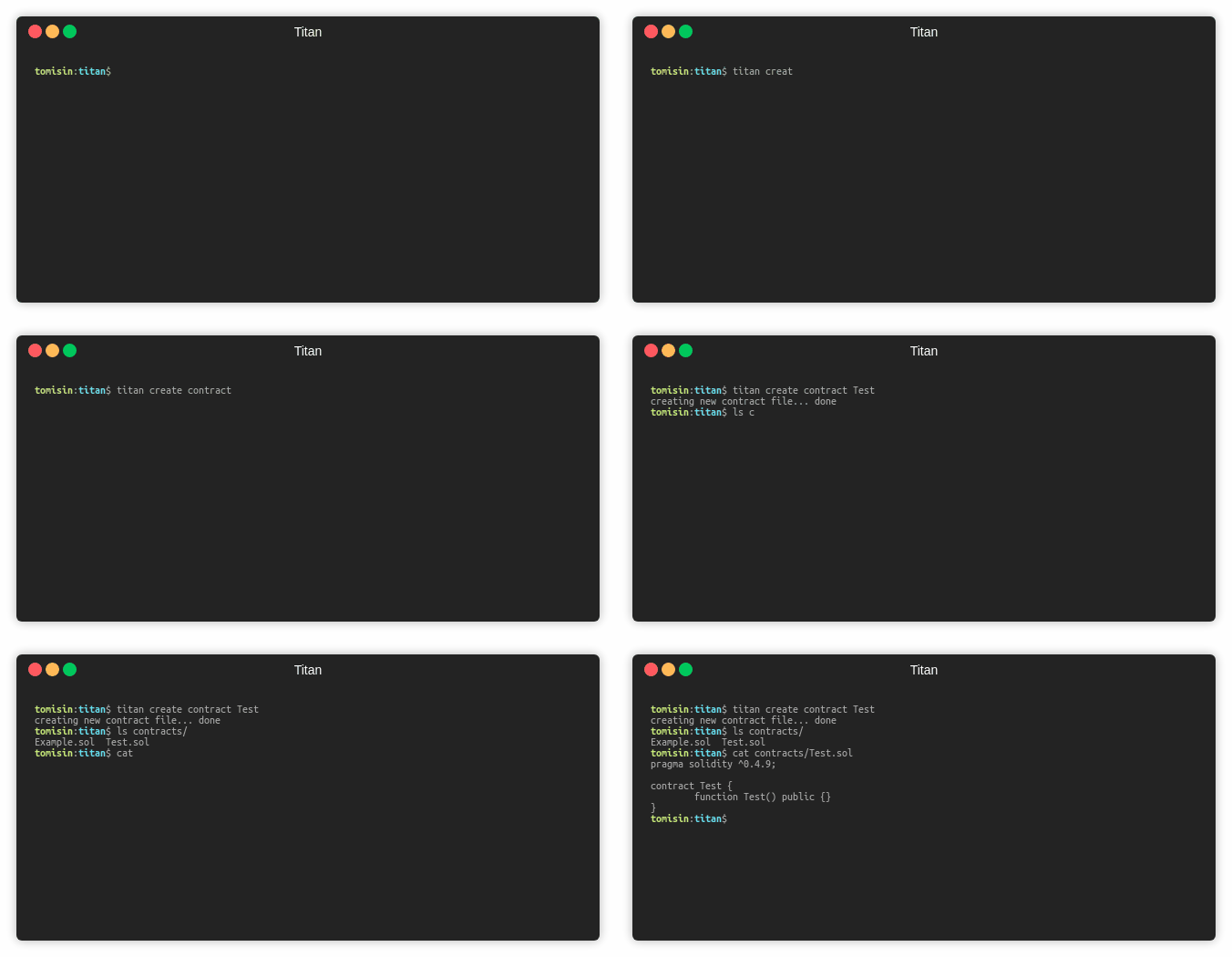
titan create
Create a new contract or test file
titan create contract Test
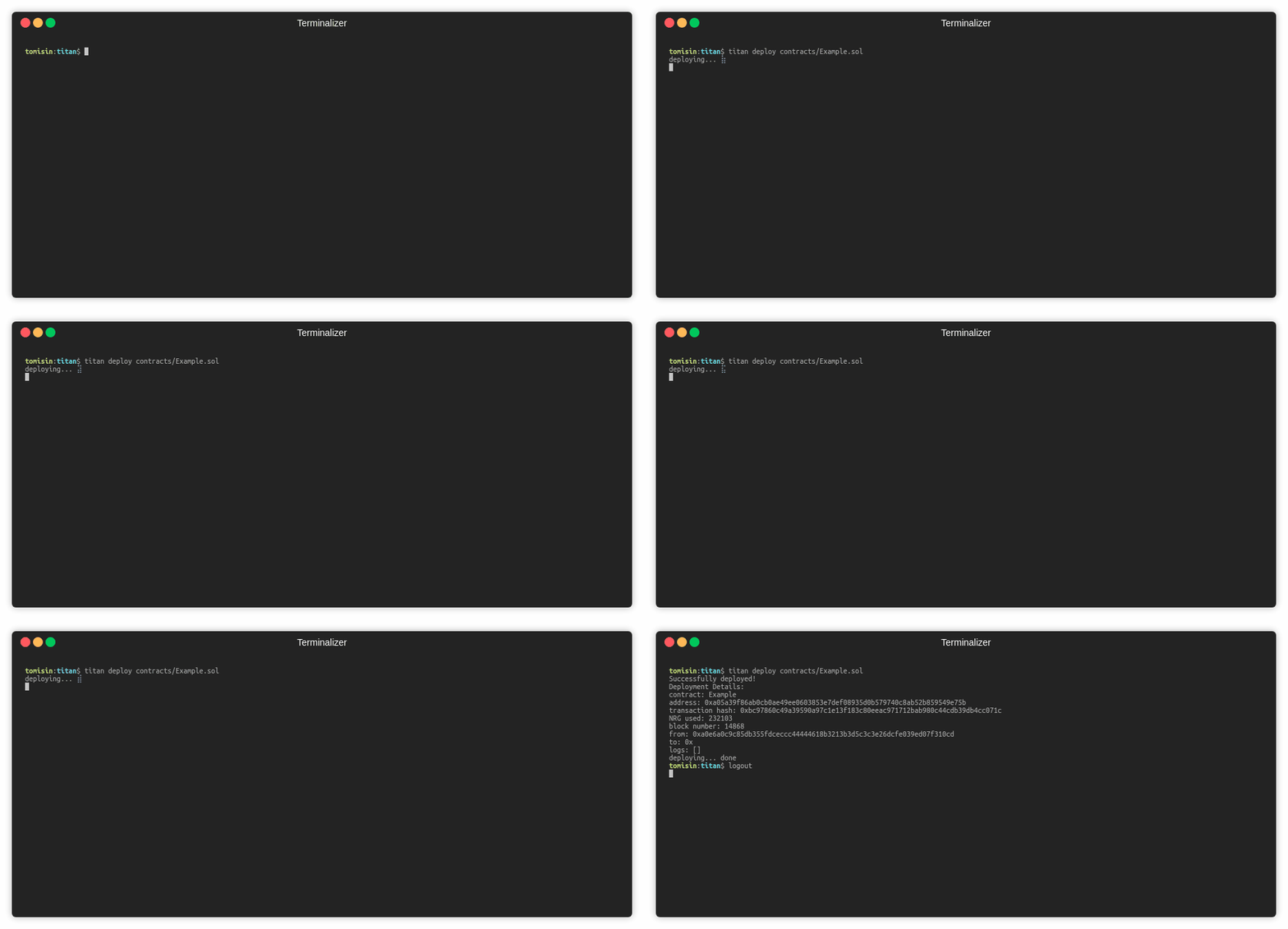
titan deploy
Deploy a smart contract to an AION node
titan deploy path/to/contracts/Example.sol- Deploy a specific contract within a contract file:
titan deploy -n Test path/to/contracts/Example.sol
- Pass parameters: -
titan deploy -p 5 path/to/contracts/Example.sol - The details of the deployed contract will be stored as
./build/bots/<contractName>.json
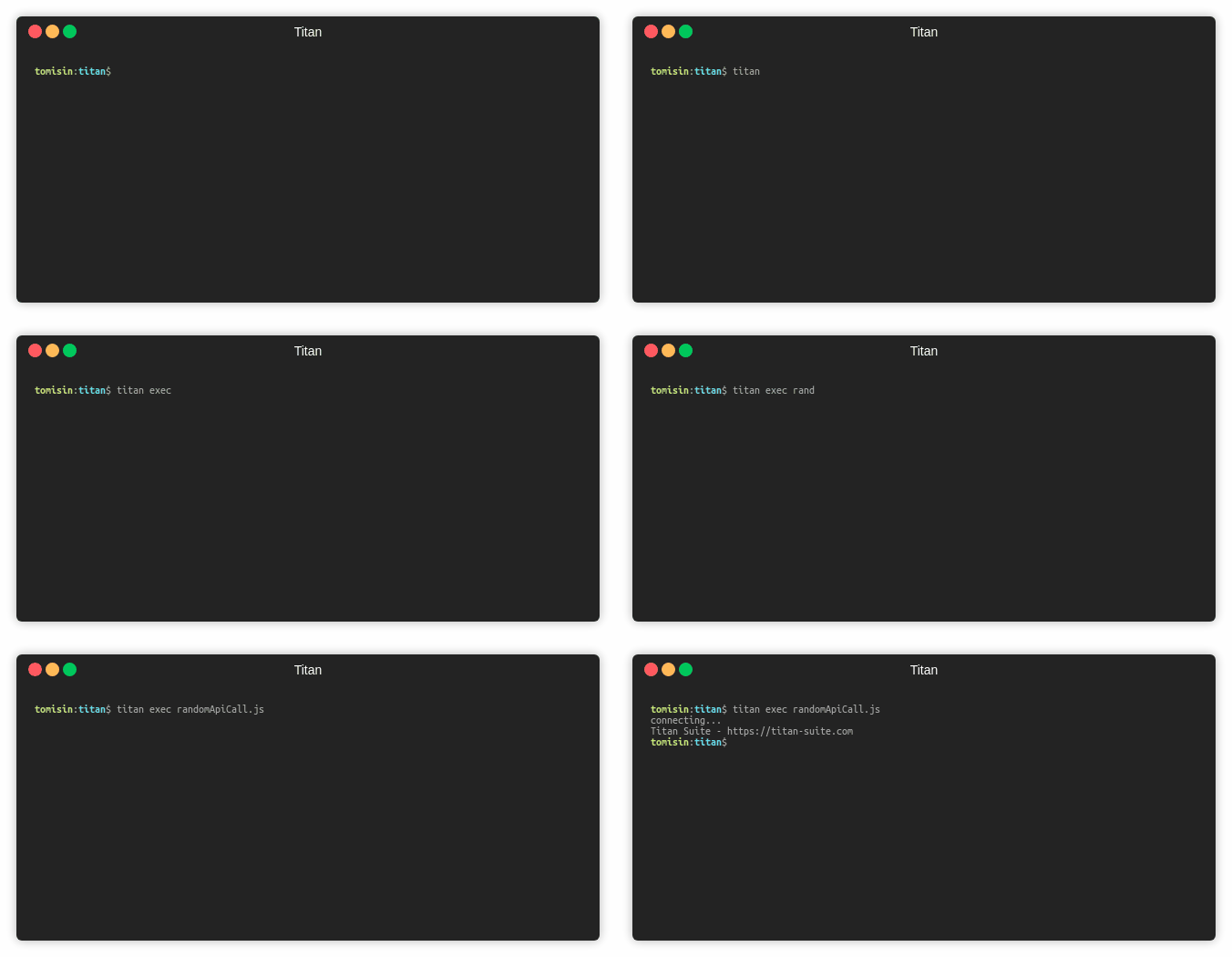
titan exec
Run Javascript files within your project
titan exec path/to/script
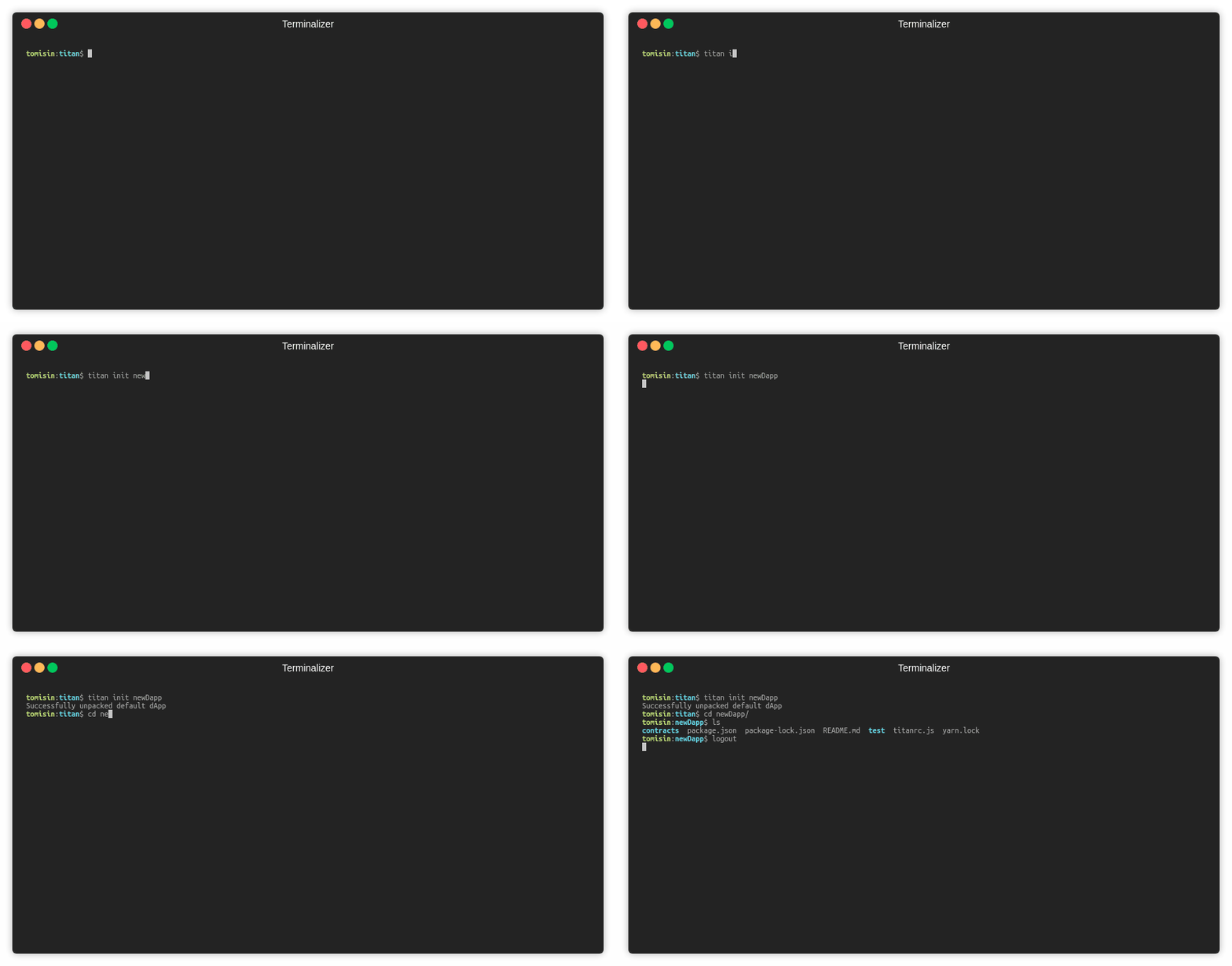
titan init
Generate an empty Titan project
- in the current directory:
titan init - in a new directory:
titan init <name>
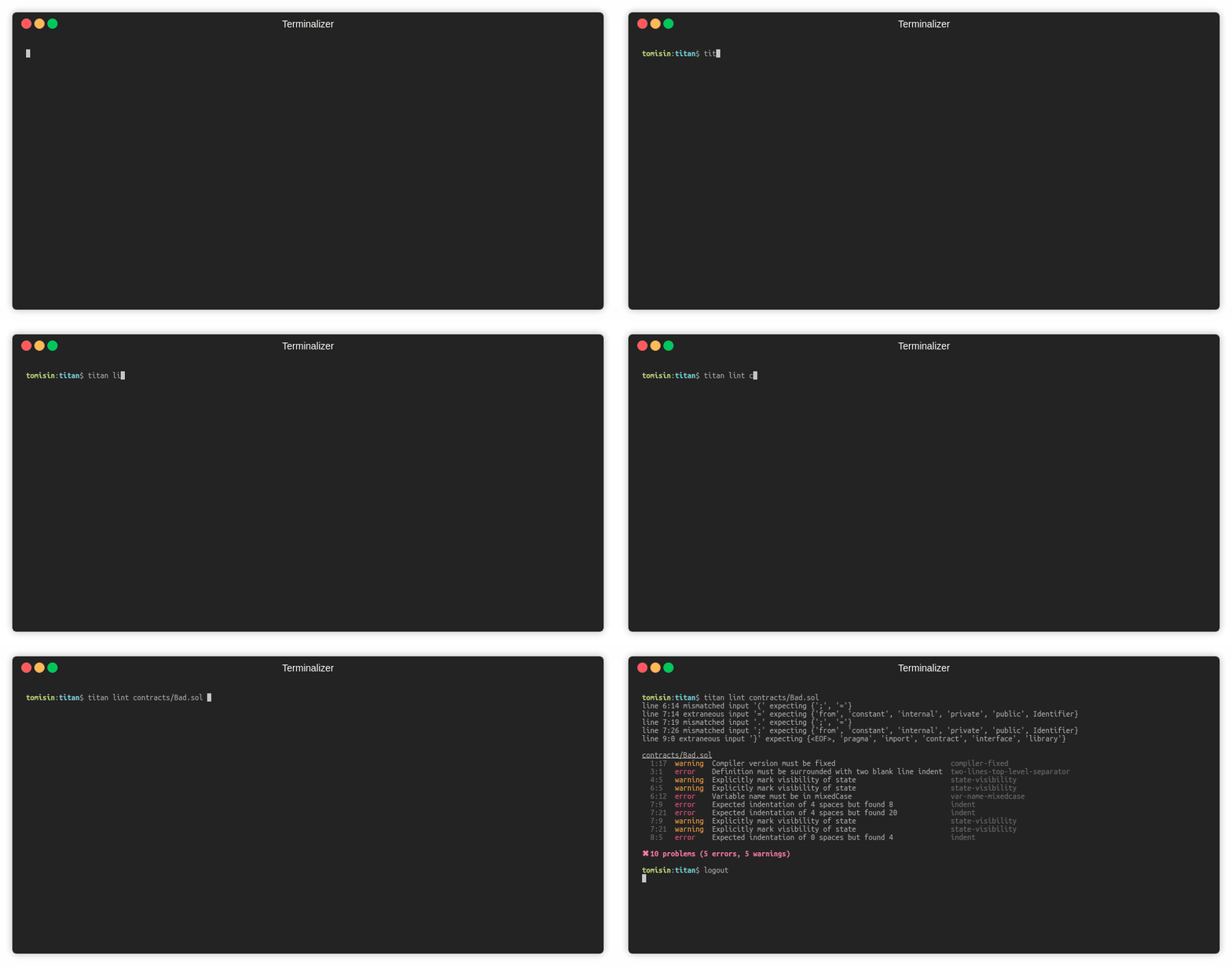
titan lint
Lint a smart contract
titan lint path/to/contracts/Example.sol- lint multiple files within a directory
titan lint path/to/contracts/**/*.sol
titan migrate
Create a migration file:
// migrations/simple_migration.js

const Simple = require("../build/bolts/Simple.json");
module.exports = async deployer => {
  deployer
    .deploy(Simple)
    .then(address => {
      console.log(address);
    })
    .catch(e => {
      console.error(e);
    });
};
titan migrate path/to/migration.js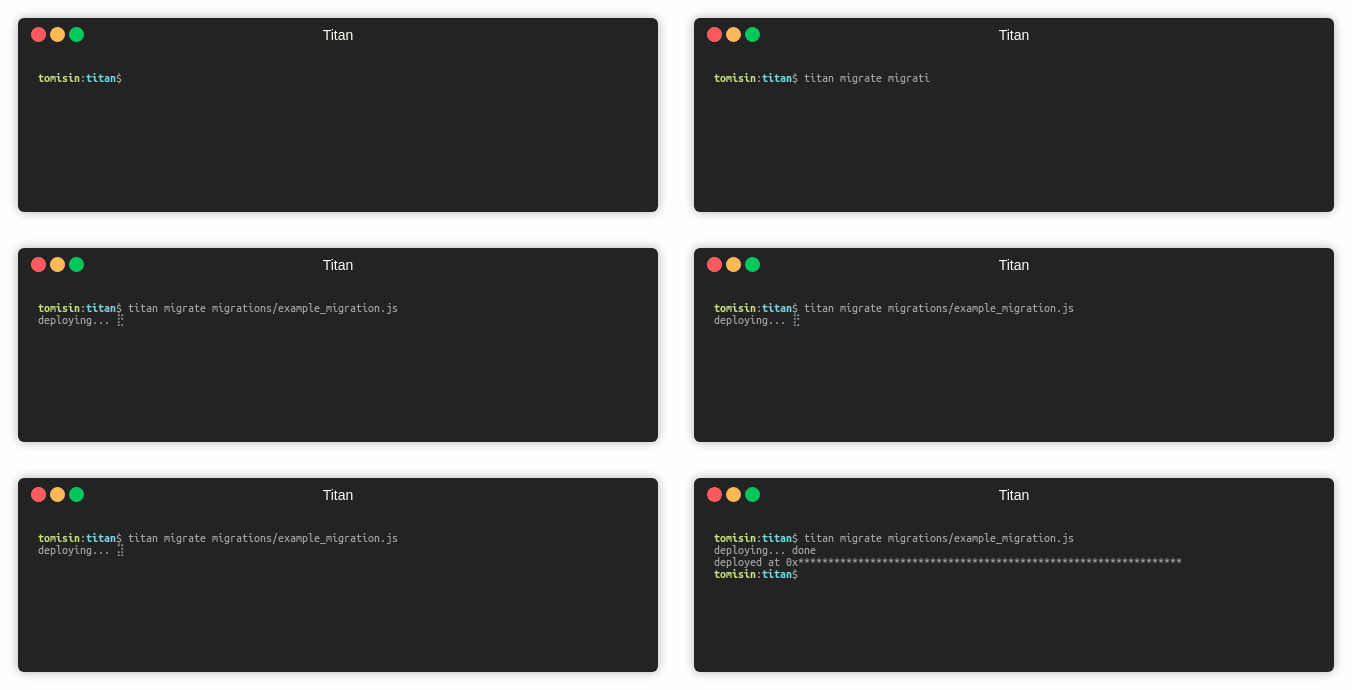
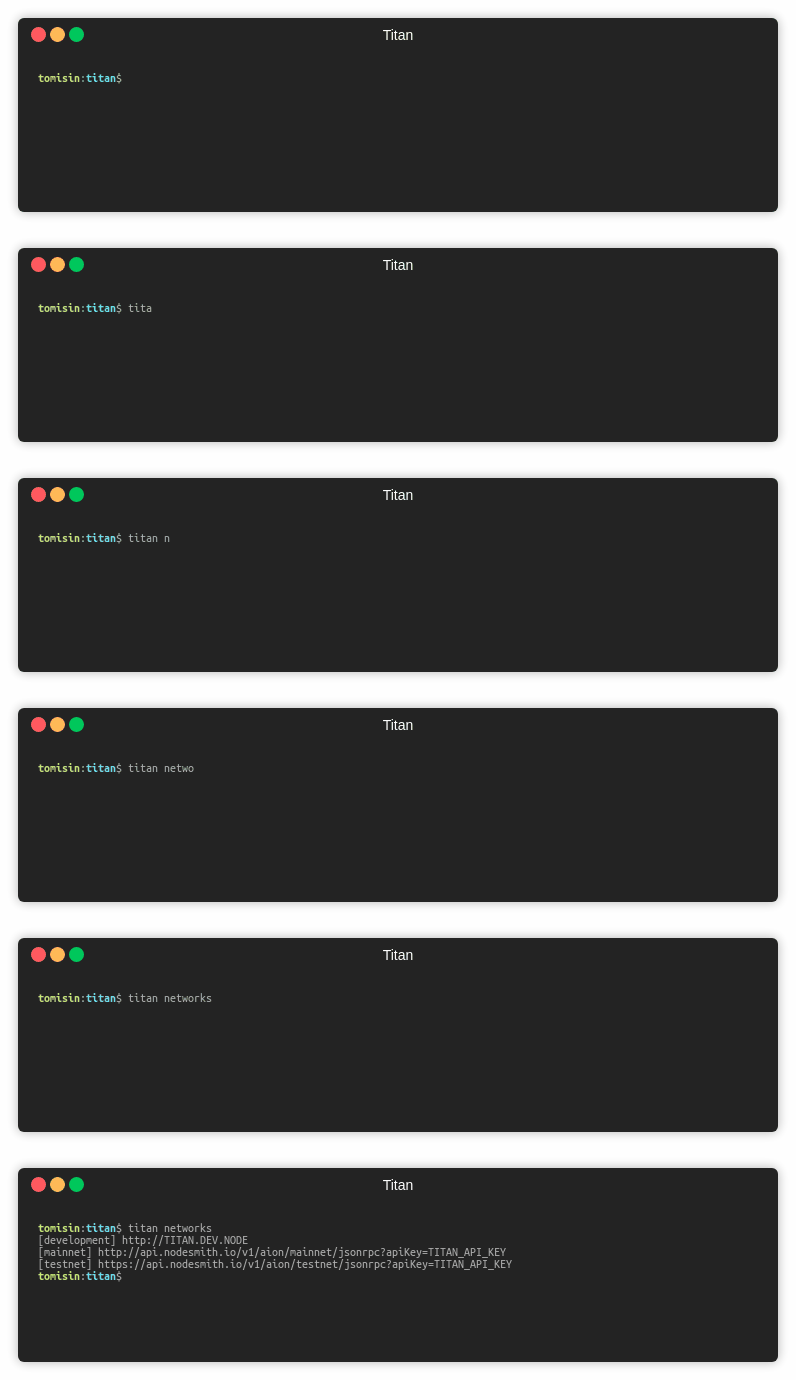
titan networks
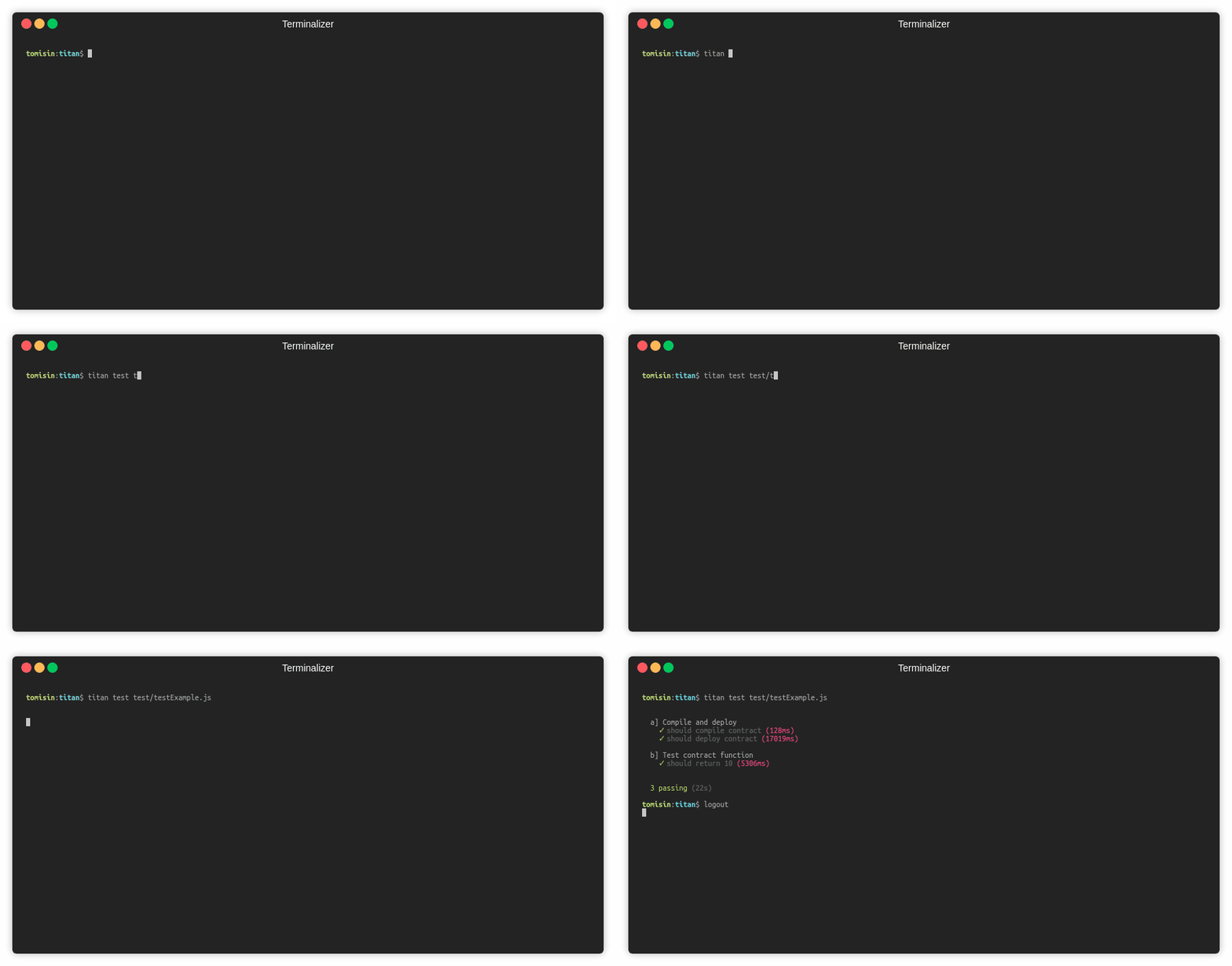
titan test
Run unit tests
titan test path/to/test/testExample.js
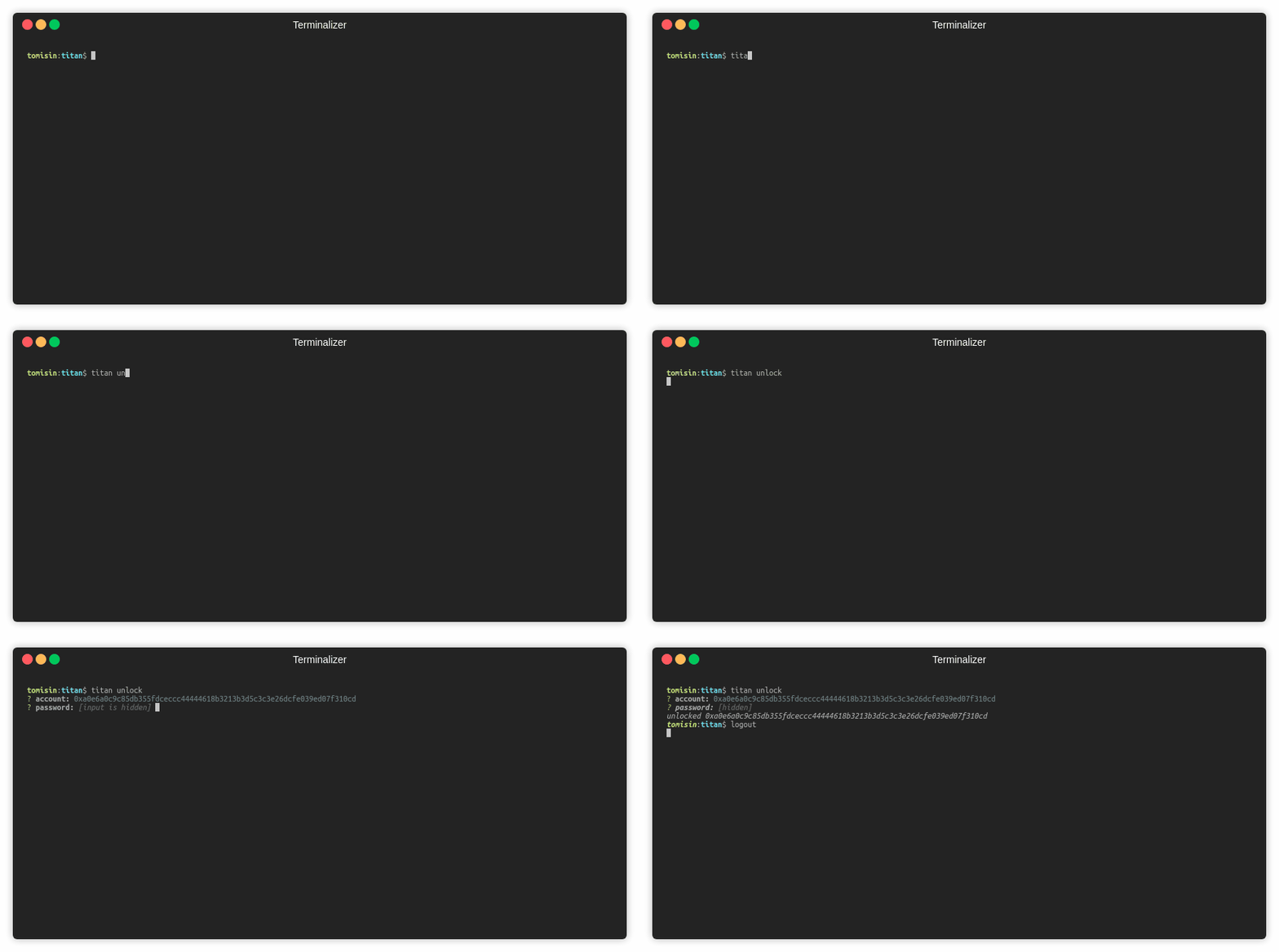
titan unlock
Unlock an account
You may be prompted to enter an AION address and/or password
titan unlock- with the account specified
titan unlock -a <0x..>
- with both the account and password specified
titan unlock -a <0x...> -p <pwd>
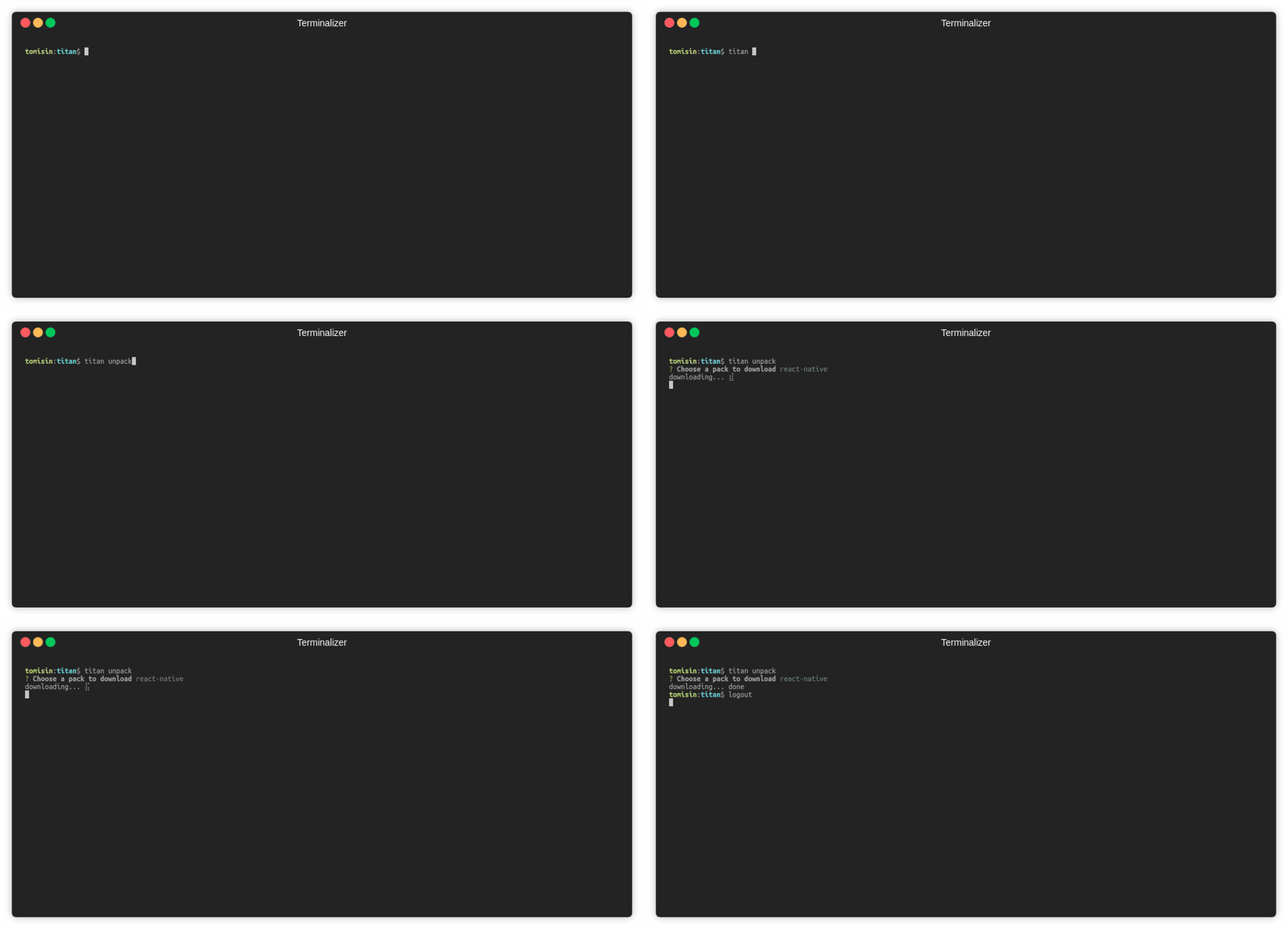
titan unpack
Start a new project with a pre-built dApp
titan unpack- choose a pack from the options
titan unpack <name>
Test
- Create a
titanrc.jsas specified above yarn test
Community
Join us on Gitter
8 years ago
8 years ago
8 years ago
8 years ago
8 years ago
8 years ago
8 years ago
8 years ago
8 years ago
8 years ago
8 years ago
8 years ago
8 years ago
8 years ago
8 years ago
8 years ago
8 years ago
8 years ago
8 years ago
8 years ago
8 years ago
8 years ago
8 years ago
8 years ago
8 years ago
8 years ago
8 years ago
8 years ago
8 years ago
8 years ago