
 @worker-manager/nestjs
NestJS module for Worker Manager.



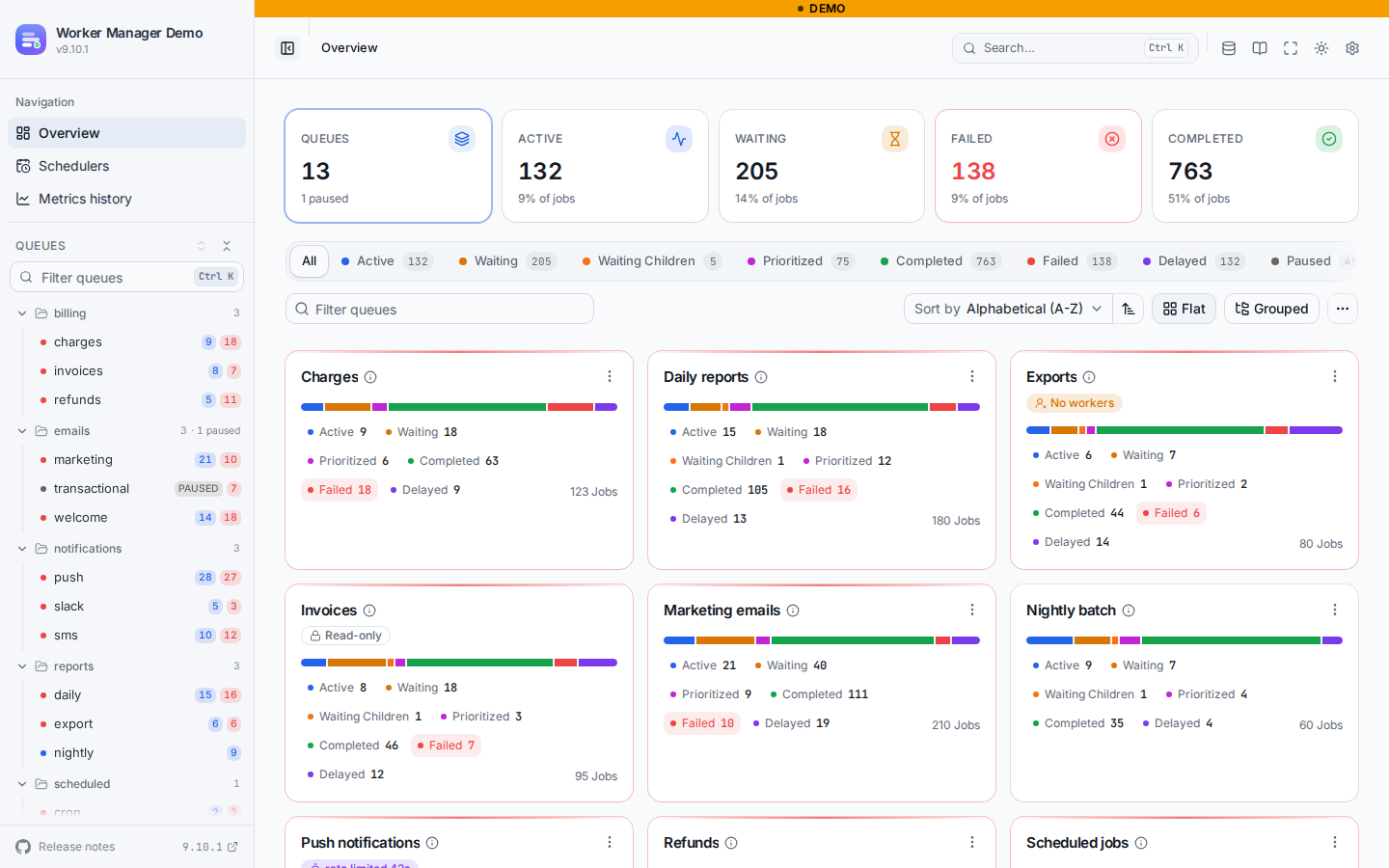
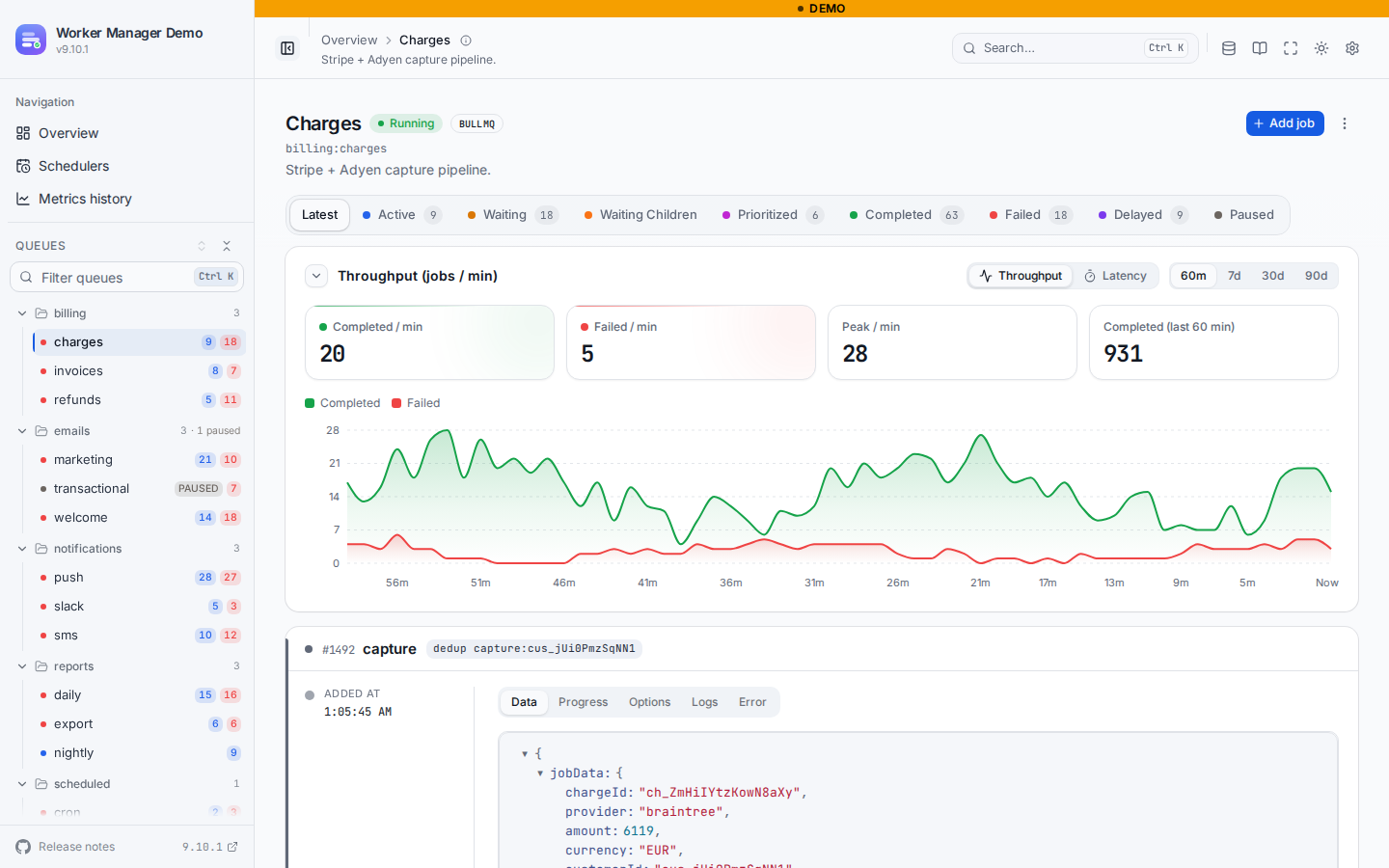
Installation
Install both @worker-manager/api and this module.
$ npm install --save @worker-manager/nestjs @worker-manager/apiInstall the Express or Fastify adapter depending on what you use in NestJS (default is Express)
$ npm install --save @worker-manager/express
//or
$ npm install --save @worker-manager/fastify
Register the root module
Once the installation is completed, we can import the WorkerManagerModule into your rootmodule e.g. AppModule.
import { Module } from '@nestjs/common';
import { WorkerManagerModule } from "@worker-manager/nestjs";

@Module({
  imports: [
    BullModule.forRoot({
      // your bull module config here.
    }),

    // Served at /queues, with the adapter matching your Nest platform (Express or Fastify).
    WorkerManagerModule.forRoot(),
  ],
})
export class AppModule {
}
The forRoot() method registers the Worker Manager instance and allows you to pass several options to both the instance and module.
The following options are available, all optional.
| Option | Default | |
|---|---|---|
route |
'/queues' |
Base route of the board, relative to the Nest global prefix. |
adapter |
auto-detected | ExpressAdapter (@worker-manager/express) or FastifyAdapter (@worker-manager/fastify). When omitted, the module reads the platform from HttpAdapterHost and loads the matching package. |
auth |
none | Built-in authentication, see Authentication. |
enabled |
true |
false registers nothing: no routes, no middleware, forFeature becomes a no-op and the injected instance is null. |
readOnly |
false |
Read-only mode for every queue registered through queues or forFeature, unless the queue sets options.readOnlyMode itself. |
queues |
[] |
Queues to register at the root, same shape as forFeature entries. |
uiConfig |
Merged into boardOptions.uiConfig. |
|
title / logo / theme |
Shortcuts for uiConfig.boardTitle, uiConfig.boardLogo, uiConfig.theme. |
|
boardOptions |
Options as provided by the Worker Manager package, such as uiBasePath and uiConfig. |
|
middleware |
Nest middleware applied to the board route, after auth on Express. |
WorkerManagerModule.forRoot({
  route: '/ops/queues',
  title: 'Ops queues',
  readOnly: process.env.NODE_ENV === 'production',
  enabled: process.env.QUEUE_BOARD !== 'off',
  queues: [{ name: 'emails', adapter: BullMQAdapter }],
}),
Async configuration
forRootAsync() accepts useFactory + inject, useClass or useExisting, with imports:
WorkerManagerModule.forRootAsync({
  imports: [ConfigModule],
  inject: [ConfigService],
  useFactory: (config: ConfigService) => ({
    route: '/queues',
    enabled: config.get('QUEUE_BOARD_ENABLED') !== 'false',
    auth: {
      strategy: 'keycloak',
      url: config.getOrThrow('KEYCLOAK_URL'),
      realm: config.getOrThrow('KEYCLOAK_REALM'),
      clientId: config.getOrThrow('KEYCLOAK_CLIENT_ID'),
      clientSecret: config.get('KEYCLOAK_CLIENT_SECRET'),
      requiredRoles: ['wm-admin'],
      cookie: { secret: config.getOrThrow('SESSION_SECRET') },
    },
  }),
}),@Injectable()
class BoardConfig implements WorkerManagerOptionsFactory {
constructor(private readonly config: ConfigService) {}
createWorkerManagerOptions(): WorkerManagerModuleOptions {
return { auth: { strategy: 'basic', users: [{ username: 'admin', password: this.config.getOrThrow('BOARD_PASSWORD') }] } };
}
}
WorkerManagerModule.forRootAsync({ imports: [ConfigModule], useClass: BoardConfig }),Authentication
The auth option protects every board route (page, API, assets) with
@worker-manager/auth, on Express and
Fastify alike, and honours the Nest global prefix.
Basic
WorkerManagerModule.forRoot({
  auth: {
    strategy: 'basic',
    users: [{ username: 'admin', password: process.env.BOARD_PASSWORD, roles: ['admin'] }],
  },
}),
Keycloak
WorkerManagerModule.forRoot({
  auth: {
    strategy: 'keycloak',
    url: 'https://sso.example.com',
    realm: 'ops',
    clientId: 'worker-manager',
    clientSecret: process.env.KEYCLOAK_CLIENT_SECRET,
    publicUrl: 'https://api.example.com/queues', // the board's external URL, base path included
    requiredRoles: ['wm-admin'],
    cookie: { secret: process.env.SESSION_SECRET },
  },
}),
Browsers are sent through the OIDC authorization code flow (PKCE), API clients may send an
Authorization: Bearer access token. Register https://api.example.com/queues/auth/callback as a
redirect URI on the Keycloak client. The board serves GET /queues/auth/me (the signed-in user)
and GET /queues/auth/logout.
Custom middleware
middleware still takes any Nest middleware, e.g. express-basic-auth. On Express it runs after
auth. On Fastify it is applied as Nest middleware to the exact route, before the board's own
hooks.
import basicAuth from "express-basic-auth";

WorkerManagerModule.forRoot({
  route: "/queues",
  middleware: basicAuth({
    challenge: true,
    users: { admin: "passwordhere" },
  }),
}),
Register your queues
To register a new queue, you need to register WorkerManagerModule.forFeature in the same module as where your queues are registered.
import { Module } from '@nestjs/common';
import { WorkerManagerModule } from "@worker-manager/nestjs";
import { BullMQAdapter } from "@worker-manager/api/bullMQAdapter";
import { BullModule } from "@nestjs/bullmq";

@Module({
  imports: [
    BullModule.registerQueue(
      {
        name: 'my_awesome_queue'
      }
    ),

    WorkerManagerModule.forFeature({
      name: 'my_awesome_queue',
      adapter: BullMQAdapter, //or use BullAdapter if you're using bull instead of bullMQ
    }),
  ],
})
export class FeatureModule {}
The forFeature method registers the given queues to the Worker Manager instance.
The following options are available.
namethe queue name to resolve from the Nest DI container.queuea queue instance to register directly, instead of resolving it byname.adaptereitherBullAdapterorBullMQAdapterdepending on which package you use.optionsqueue adapter options as found in the Worker Manager package, such asreadOnlyMode,descriptionetc.
Provide either name or queue.
PostgreSQL-backed queues (BullMQ v6)
A BullMQ v6 queue stored in PostgreSQL has no Redis connection and is usually not in the Nest container, so hand the instance over directly:
import { Queue, createPostgresBackend } from 'bullmq'; // bullmq@6, plus `pg`

const invoices = new Queue('invoices', { connection: process.env.POSTGRES_URL }, createPostgresBackend);

WorkerManagerModule.forRoot({
  queues: [{ queue: invoices, adapter: BullMQAdapter }],
}),
Redis and PostgreSQL queues can share one board.
Registering queue instances directly
@nestjs/bullmq generates the DI token for a queue from its name only, ignoring the
prefix. Two queues that share a name but use different prefixes therefore collapse onto a
single DI token, and a name-based lookup cannot tell them apart. Pass the queue instances
directly via queue to register them as distinct board entries:
@Module({
  imports: [
    WorkerManagerModule.forFeature(
      { queue: emailsTenantA, adapter: BullMQAdapter, options: { prefix: 'tenant-a:' } },
      { queue: emailsTenantB, adapter: BullMQAdapter, options: { prefix: 'tenant-b:' } },
    ),
  ],
})
export class FeatureModule {}
Using the Worker Manager instance in your controllers and/or services.
The created Worker Manager instance is available via the @InjectWorkerManager() decorator.
For example in a controller:
import { Controller, Get } from "@nestjs/common";
import { WorkerManagerBoard, InjectWorkerManager } from "@worker-manager/nestjs";

@Controller('my-feature')
export class FeatureController {

  constructor(
    @InjectWorkerManager() private readonly boardInstance: WorkerManagerBoard
  ) {
  }

  //controller methods
}
Usage examples
For more info visit the main README