
Brazilian State Flags


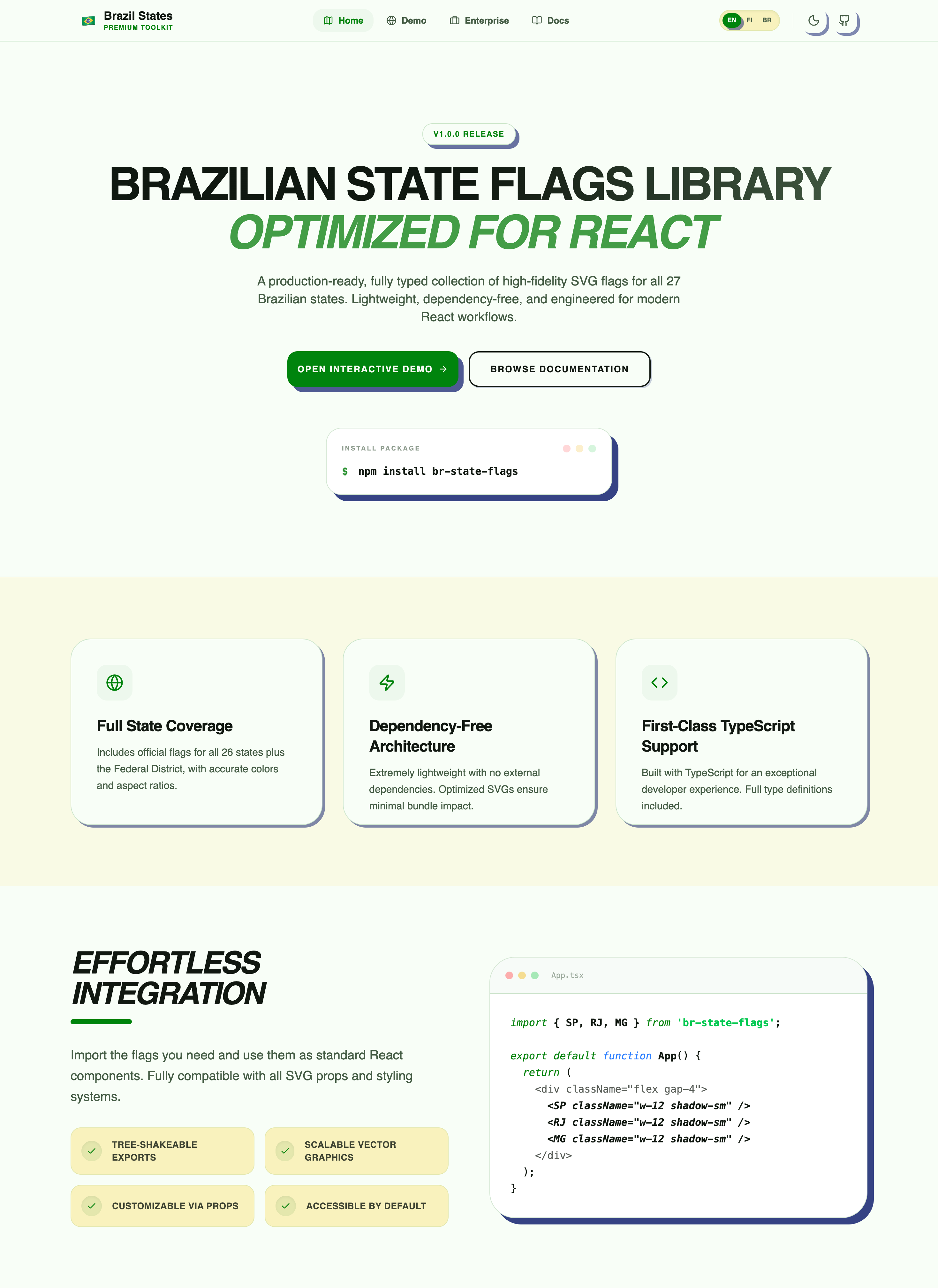
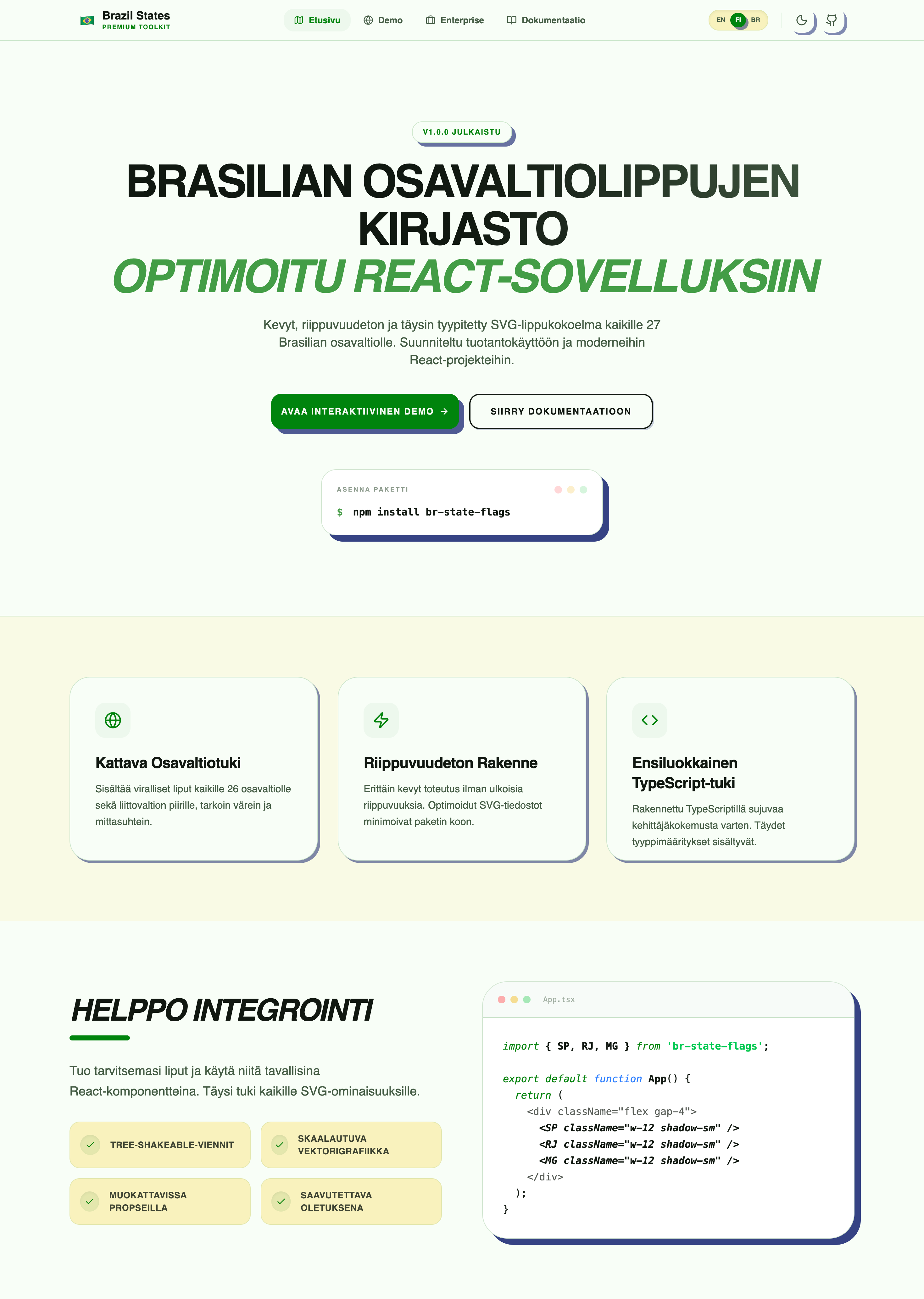
React SVG components for all 27 Brazilian state flags with multilingual labels and geographical data. Explore the live demo to see flags, props, and locales in action.
Try it Live
.png)
React SVG components for all 27 Brazilian state flags with geographical data and multilingual support.
Installation
npm install br-state-flagsUsage
Using Individual Components
import { SP, RJ, MG } from 'br-state-flags';

function App() {
  return (
    <div>
      <SP width={100} />
      <RJ width={100} />
      <MG width={100} />
    </div>
  );
}
Using the Dynamic Flag Component
The Flag component accepts a UF code as a prop, making it easier to render flags dynamically:
import { Flag } from 'br-state-flags';

function App() {
  const states = ['SP', 'RJ', 'MG'];

  return (
    <div>
      {states.map(uf => (
        <Flag key={uf} uf={uf} width={100} />
      ))}
    </div>
  );
}

// With locale for accessibility labels
<Flag uf="SP" width={100} locale="pt-BR" />
Next.js
Works with both App Router and Pages Router:
import { SP, RJ } from 'br-state-flags';
// or
import { Flag } from 'br-state-flags';

export default function Page() {
  return (
    <div>
      <SP width={100} />
      <RJ width={100} />
      {/* or */}
      <Flag uf="SP" width={100} />
    </div>
  );
}
Available Components
All 27 Brazilian state flags are available as components:
AC, AL, AP, AM, BA, CE, DF, ES, GO, MA, MT, MS, MG, PA, PB, PR, PE, PI, RJ, RN, RS, RO, RR, SC, SP, SE, TO
Props
Each component accepts standard SVG props:
<SP
  width={200}
  height={150}
  style={{ border: '1px solid black' }}
  className="flag"
/>
Internationalization
The package supports English, Portuguese (Brazil), and Finnish translations:
import { getStateName, getRegionName } from 'br-state-flags';

// English (default)
getStateName('SP'); // "São Paulo"
getStateName('DF'); // "Federal District"
getRegionName('Southeast'); // "Southeast"

// Portuguese
getStateName('SP', 'pt-BR'); // "São Paulo"
getStateName('DF', 'pt-BR'); // "Distrito Federal"
getRegionName('Southeast', 'pt-BR'); // "Sudeste"

// Finnish
getStateName('DF', 'fi'); // "Liittovaltioalue"
getRegionName('South', 'fi'); // "Etelä"
Geographical Data
The package includes data for each state including population, area, coordinates, and timezone:
import { statesData, getStateData } from 'br-state-flags';

const spData = statesData.SP;
console.log(spData);
// {
//   uf: 'SP',
//   name: 'São Paulo',
//   capital: 'São Paulo',
//   region: 'Southeast',
//   coordinates: { latitude: -23.5505, longitude: -46.6333 },
//   population: 46649132,
//   area: 248219.485,
//   timezone: 'America/Sao_Paulo',
//   utcOffset: -3,
//   iso: 'BR-SP'
// }

const localizedData = getStateData('SP', 'pt-BR');
Create Interactive Maps
Combine flags with coordinates:
import { Flag, statesData } from 'br-state-flags';

function BrazilMap() {
  const states = ['SP', 'RJ', 'MG'] as const;

  return (
    <div style={{ position: 'relative', width: '800px', height: '600px' }}>
      {states.map(uf => {
        const data = statesData[uf];

        return (
          <div
            key={uf}
            style={{
              position: 'absolute',
              left: `${(data.coordinates.longitude + 75) * 10}px`,
              top: `${(-data.coordinates.latitude + 5) * 10}px`,
            }}
            title={`${data.name} - ${data.capital}`}
          >
            <Flag uf={uf} width={40} />
          </div>
        );
      })}
    </div>
  );
}
Filter by Region
import { getStatesByRegion } from 'br-state-flags';

const southStates = getStatesByRegion('South');
const northeastStates = getStatesByRegion('Northeast');
Validate State Codes
import { isValidStateUF, validateStateUF, normalizeStateUF } from 'br-state-flags';

// Type guard
if (isValidStateUF(userInput)) {
  // TypeScript knows userInput is BRStateUF here
  console.log(`Valid state: ${userInput}`);
}

// Validate with error handling
try {
  const validUF = validateStateUF(userInput);
  // Use validUF safely
} catch (error) {
  console.error('Invalid state code:', error.message);
}

// Normalize input
const normalized = normalizeStateUF('  sp  '); // "SP"
Use Cases
For International Users
Useful for companies and developers working with Brazil:
- Import/Export Dashboards: Track suppliers by Brazilian state
- Market Analysis Tools: Visualize regional data
- Logistics Platforms: Display delivery coverage by region
- E-commerce: Show business locations with flags
Example: Shipping Timezone Calculator
import { statesData } from 'br-state-flags';

function getDeliveryTime(stateUF: string) {
  const state = statesData[stateUF];
  return {
    state: state.name,
    timezone: state.timezone,
    offset: state.utcOffset
  };
}
API Reference
Components
- Individual flag components:
AC,AL,AP,AM,BA,CE,DF,ES,GO,MA,MT,MS,MG,PA,PB,PR,PE,PI,RJ,RN,RS,RO,RR,SC,SP,SE,TO Flagcomponent: Dynamic component that accepts aufprop (e.g.,<Flag uf="SP" width={100} />)
Data Functions
statesData- Data object for all statesgetStateData(uf, locale?)- Get data for a specific stategetStatesByRegion(region)- Get all states in a regiongetAllStateUFs()- Get array of all state codes
i18n Functions
getStateName(uf, locale)- Get state name in specified languagegetRegionName(region, locale)- Get region name in specified languagegetAvailableLocales()- Get list of supported locales
Validation Utilities
isValidStateUF(value)- Type guard to check if a string is a valid UF codevalidateStateUF(value)- Validates and returns a BRStateUF, throws error if invalidnormalizeStateUF(value)- Normalizes UF code (uppercase, trim)
TypeScript Types
import type {
  BRStateUF,
  BRStateData,
  BRStateCoordinates,
  BRRegion,
  Locale
} from 'br-state-flags';
Features
- 27 Brazilian state flags as React components
- Dynamic
Flagcomponent for easy dynamic rendering - Geographical data for all states
- Multilingual support (English, Portuguese, Finnish)
- Input validation utilities
- Accessibility support (ARIA labels, roles)
- TypeScript support
- Tree-shakeable
- Optimized SVGs
- Works with React, Next.js, Vite
- SSR compatible
- No runtime dependencies
Package Info
- Size: ~577 KB
- Format: ESM + CJS
- React: >=17
License
MIT