
Claude Station
A local web dashboard to browse, search, edit and resume your Claude Code sessions — zero npm dependencies, zero build step.




claude-station reads everything from your local ~/.claude/ directory and renders it as a navigable web UI. No data leaves your machine. No build tools, no framework, no database — just Node.js standard library.
Why
If you use Claude Code in many directories, your sessions, costs and configuration end up scattered across ~/.claude/. There is currently:
- no UI to browse past chats across all projects
- no search over historical conversations
- no easy way to resume an old session without remembering its UUID
- no visualization of cost / token usage / activity over time
- no central place to inspect commands, skills, MCP servers and hooks
Claude Station fixes all of that in one local web app.
Features
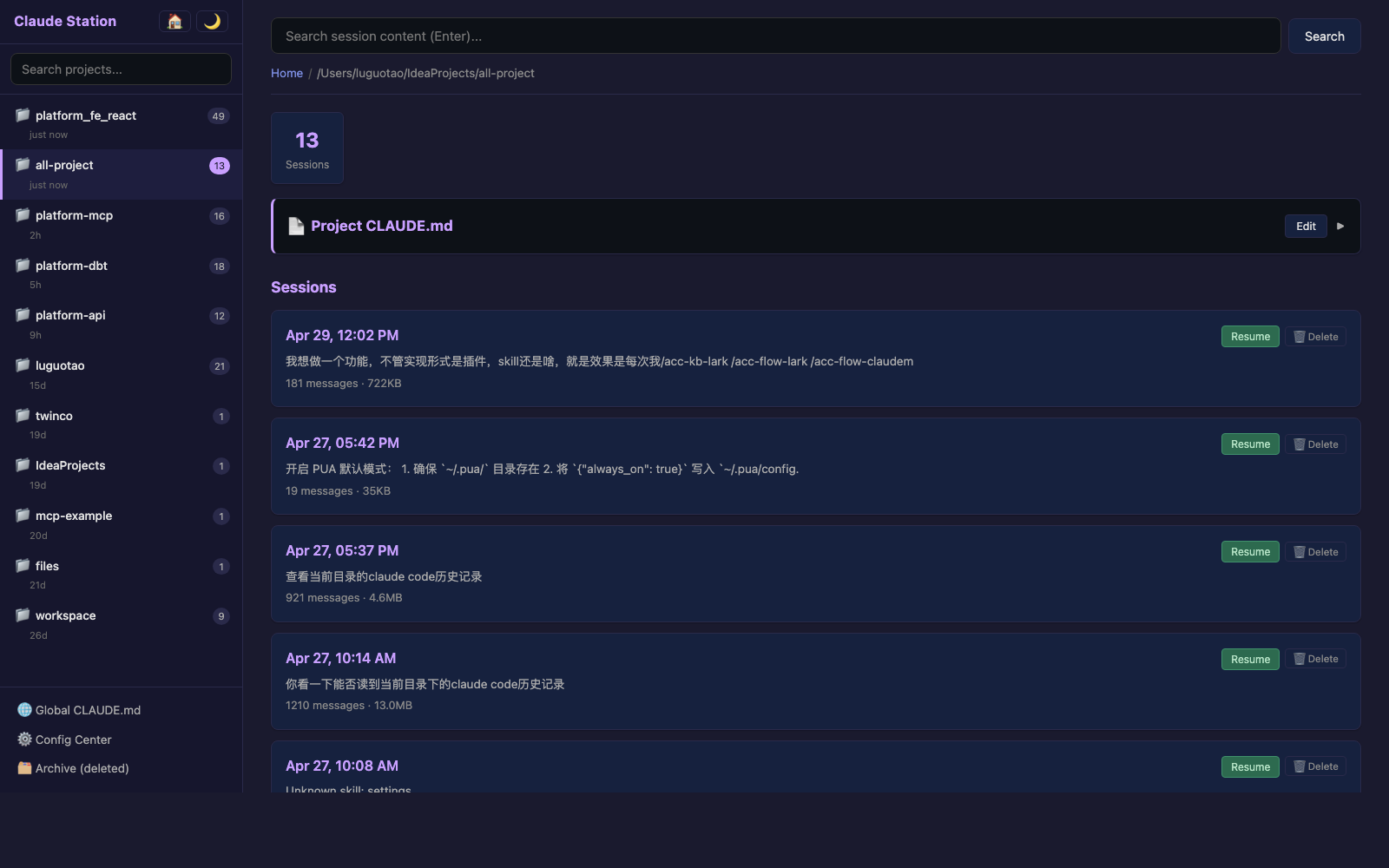
- Project sidebar — every directory you've used Claude Code in, sorted by last active, with project search
- Full-text search across the user/assistant messages of every session
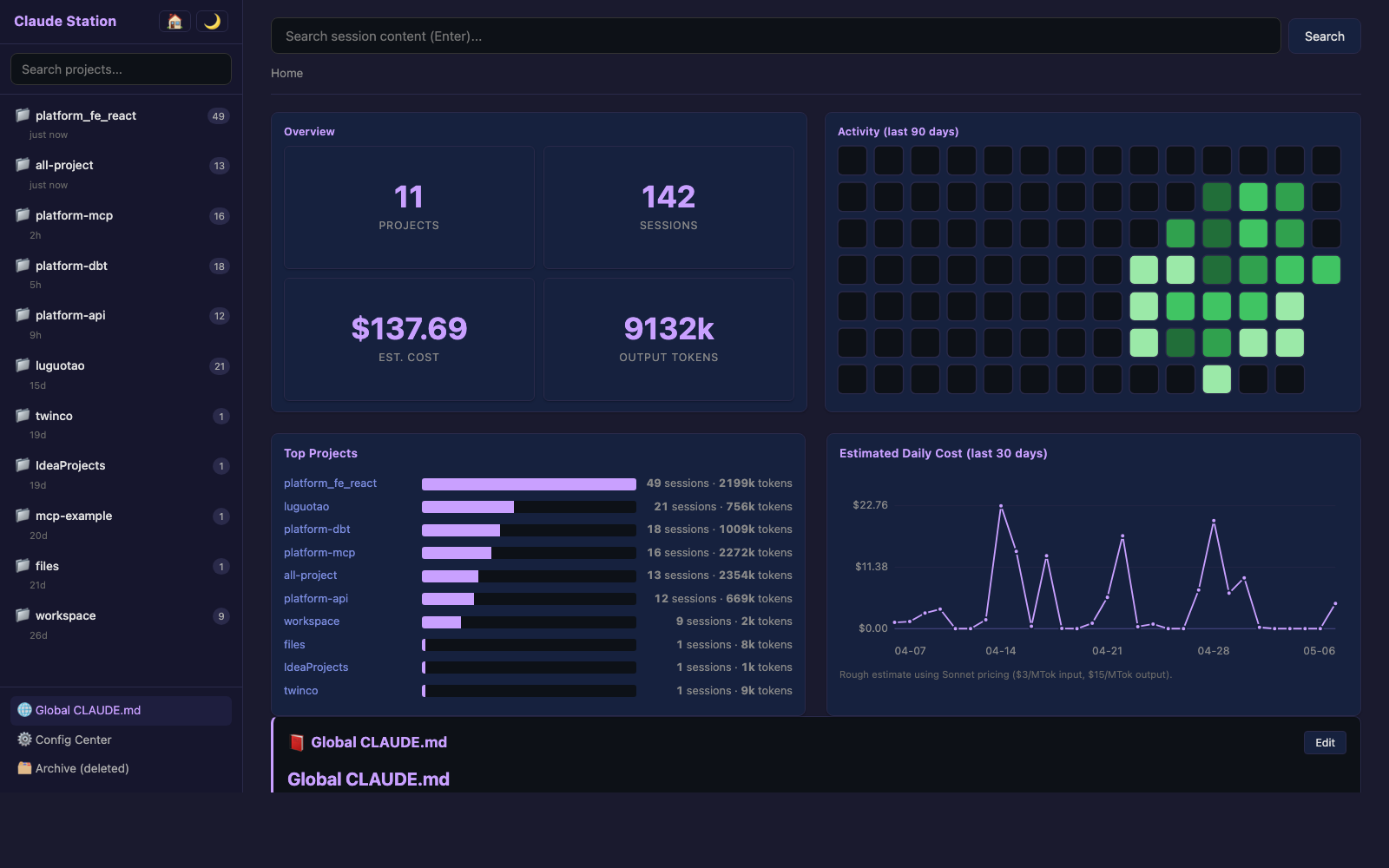
- Dashboard — 90-day GitHub-style activity heatmap, top-projects bar chart, daily-cost line chart with hover tooltips
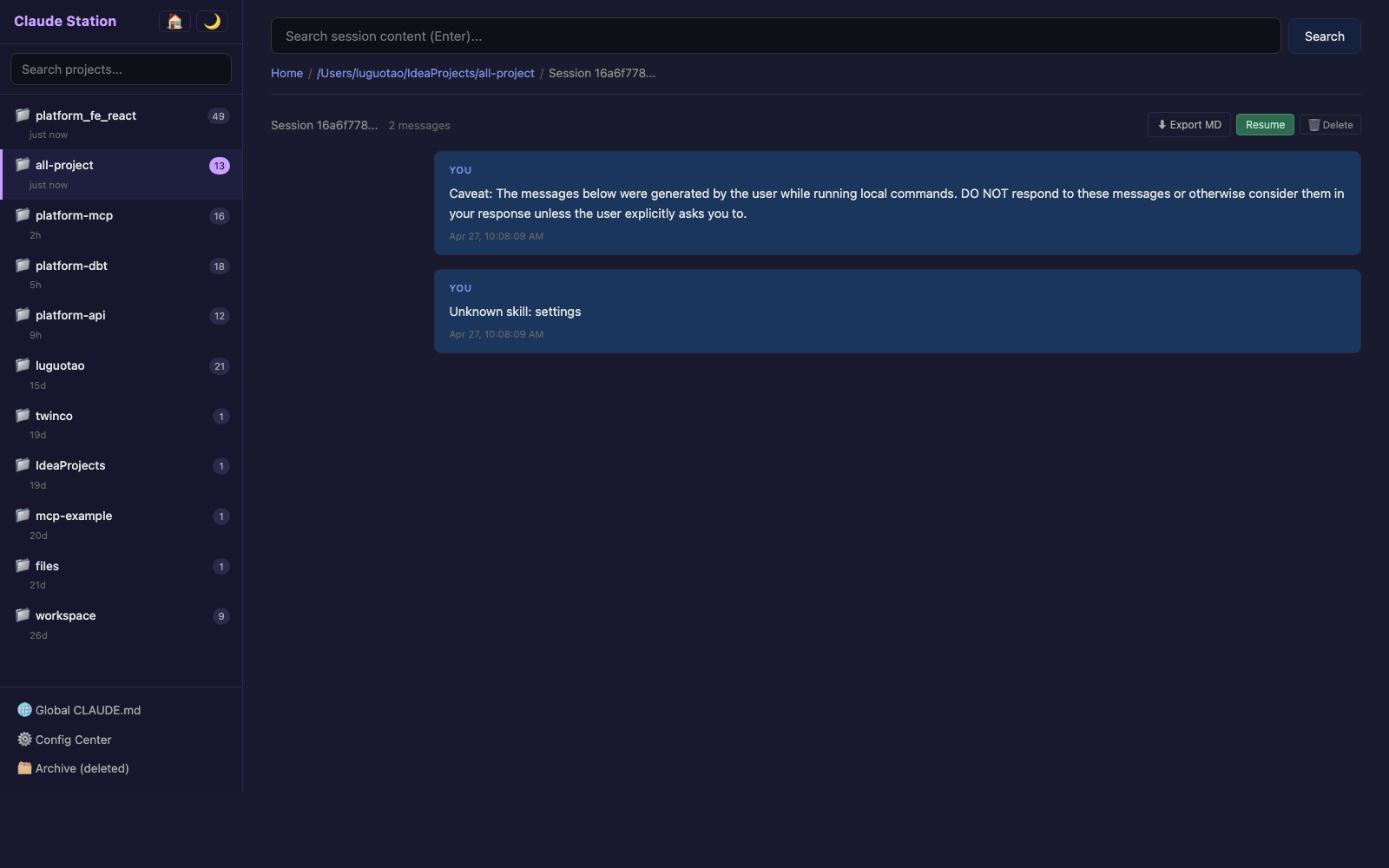
- Session viewer — full conversation rendered as Markdown
- One-click resume — copies
cd <dir> && claude --resume <id>to your clipboard - CLAUDE.md editor — edit global and project CLAUDE.md from the browser, with timestamped
.bakbackups - Delete + restore — deleted sessions go to
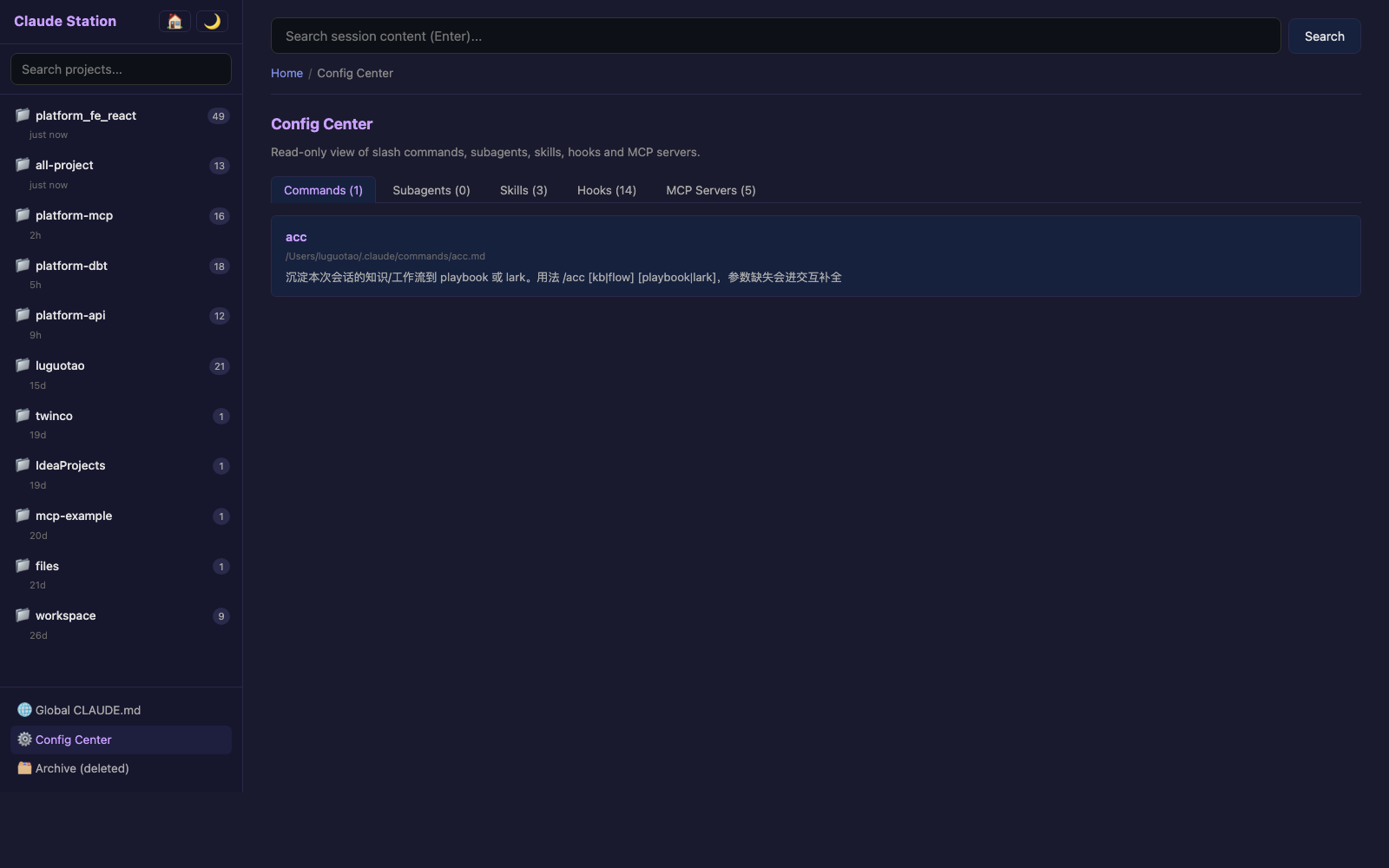
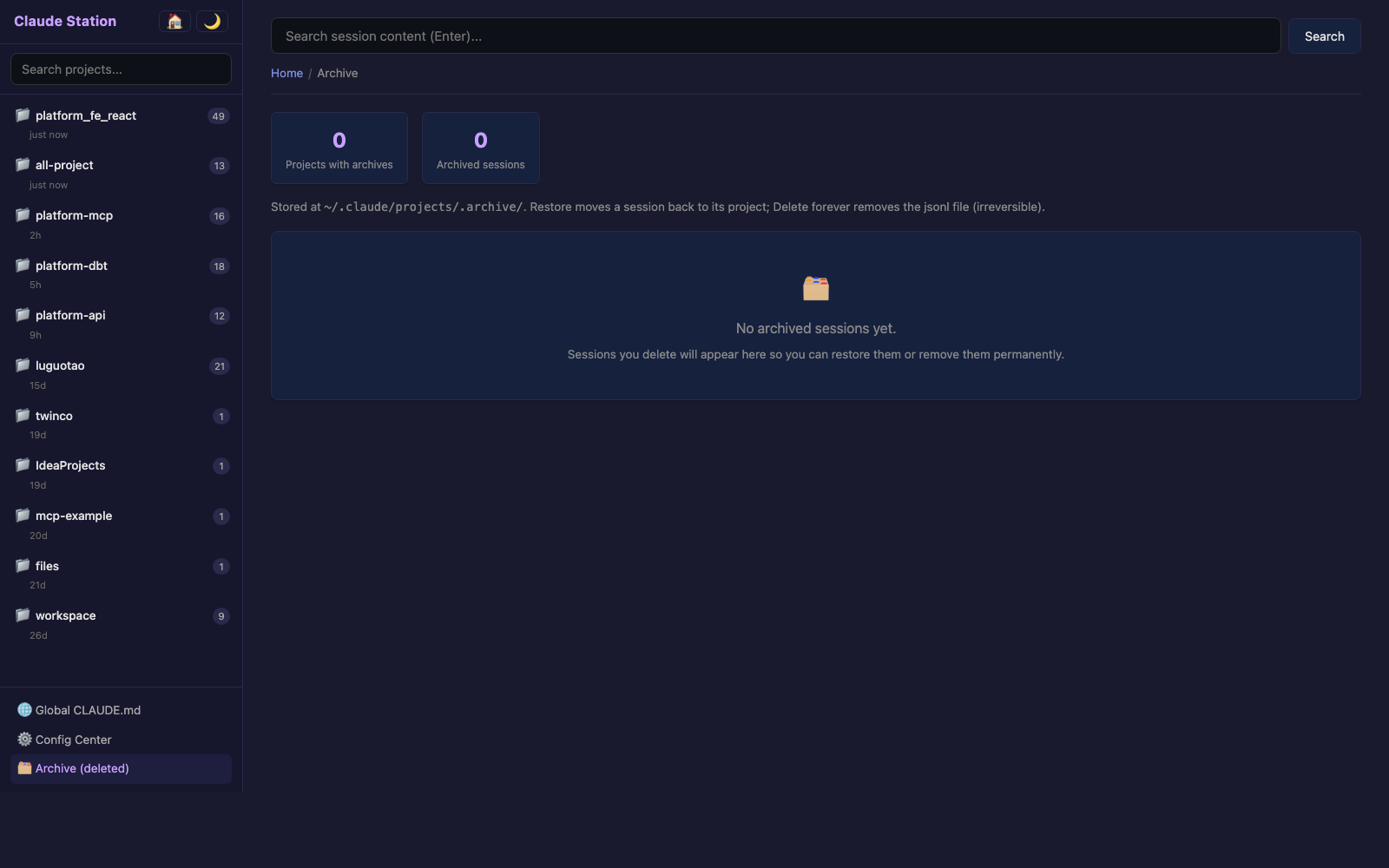
~/.claude/projects/.archive/; the Archive page lets you restore or permanently delete - Config Center — read-only view of your commands, subagents, skills, hooks, and MCP servers
- Dark / light theme with persistent preference
- Auto port fallback — if 3456 is busy, it walks to 3457, 3458, …
Screenshots
| Home dashboard | Project sessions |
|
 |
| Session detail | Config Center |
 |
 |
Archive page (delete & restore):
Install
# Run without installing (recommended)
npx claude-station

# Or install globally
npm install -g claude-station
claude-station
A browser tab opens at http://localhost:3456 automatically.
Set
PORT=8080to start on a different port. If the port is busy, the server walks forward up to 20 times.
How it works
| Source | Use |
|---|---|
~/.claude/projects/<escaped>/<uuid>.jsonl |
Sessions: messages, timestamps, token usage |
~/.claude/CLAUDE.md |
Global memory |
<project>/CLAUDE.md |
Per-project memory (path comes from the cwd field of jsonl) |
~/.claude/commands/, agents/, skills/ |
Config Center listings |
~/.claude/settings.json |
Hooks, permissions |
~/.claude.json |
MCP servers |
The cost line chart is a rough estimate using Sonnet pricing ($3/MTok input, $15/MTok output). Treat it as a trend, not a bill.
Privacy
- Data stays on your machine. Nothing is sent over the network.
- The server only listens on
localhost. - Editing CLAUDE.md writes a timestamped
.bak.<ISO>next to the original before overwriting. - Deleting a session moves the file to
~/.claude/projects/.archive/. Permanent delete trulyunlink()s — irreversible. - Path traversal is rejected: every file write/move is validated to stay under
~/.claude/.
Tech stack
- Backend: Node.js standard library (
http,fs,readline,child_process) - Frontend: vanilla HTML + CSS + JS,
marked.jsinlined for Markdown rendering - Tests:
node:test(built-in) - Dependencies: 0 npm packages
The whole app is ~1500 LOC across 6 view files, 1 scanner, 1 server. Easy to read, easy to fork, easy to extend.
Development
git clone https://github.com/DreamFlyCoder/claude-station.git
cd claude-station

# Run
node bin/cli.mjs

# Test (uses node:test, no extra deps)
node --test test/
Project structure:
claude-station/
├── bin/cli.mjs           # entrypoint
├── src/
│   ├── scanner.mjs       # reads ~/.claude/
│   ├── server.mjs        # http routes
│   └── views/
│       ├── layout.mjs    # shared shell + CSS + JS
│       ├── home.mjs      # dashboard
│       ├── project.mjs   # session list
│       ├── session.mjs   # conversation view
│       ├── search.mjs    # full-text search
│       ├── config.mjs    # config center
│       └── archive.mjs   # deleted sessions
└── test/scanner.test.mjs
License
MIT