0.0.19 • Published 5 years ago
dnd-multi-view v0.0.19
Strongly customization and Beautiful drag and drop context auto-generated into KANBAN or List view
Guides
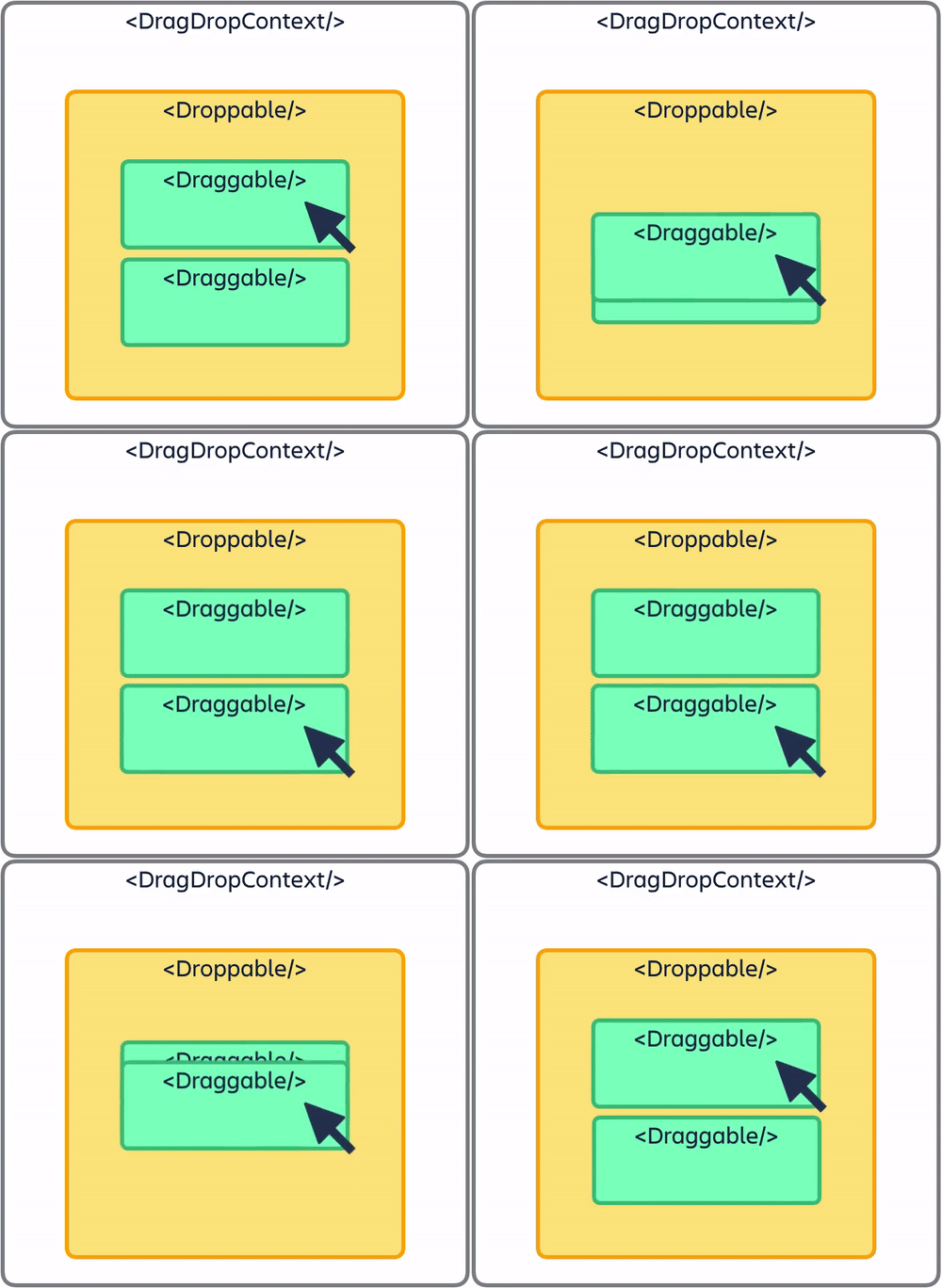
Basic Drag-and-Drop Context
Usage
This is the minimal/default configuration, with the only-required prop is list data. Checkout out the API below for more configuration.
import { DndMultiView } from '...dnd-multi-view';

const App = () => {
    return (
        <DndMultiView
            list={data}
            kanbanBoardProps={}
            listViewProps={}
            defaultView="kanban"
            grid={8}
        />
    );
}
API
<DndMultiView>
Interface: DndMultiViewProps
list(required): (Array) data is: array of list data, each list have props (requiredid,title) and list of items as propitems(also requiredid). Here is an example:
const data = [
    {
        id: 'column-1',
        title: 'To do',
        items: [
            {
                id: 'task-1',
                content: 'Take out the gabrgabe',
                ...
            },
            ...
        ],
        ...
    },
    ...
]grid(optional): (Number) basic spacing unit inpaddingormarginbetween lists and itemsdefaultView(optional): ('kanban' | 'list') default view type in first renderToolbar(optional): (Function) custom Toolbar, props containsetViewType(type)kanbanBoarProps(optional):- Customize style of
column,title,title-container,item-container,dragging/draggingOverstates draggableColumn: enable/disable draggable columnsCustomToggleButton: custom toggle button with props: listindex,collapse- current collapse state,toggleCollapse(listIndex)CustomItem: custom item component with props:itemdata, itemindex,snapshotstateCustomAddItem: custom add-item component with props:itemdata, itemindex,snapshotstate
- Customize style of
listViewProps(optional):- Customize style of
list,title,title-container,item-container,dragging/draggingOverstates, we don't allow custom item style because item is complex, depend on user requirement, so you should use aCustomRowItemcomponent along with your styling disableToggle: disable toggle item list view functionCustomToggleButton: custom toggle button with props: listindex,collapse- current collapse state,toggleCollapse(listIndex)CustomRowItem: custom item component with props:lane- whole list data,laneIndex,itemdata, itemindex,snapshotstate,dragHandleProps- pass all props to make an element can handle drag eventCustomHeadingRowItem: custom heading-item component with props:lane- list data andlaneIndex
- Customize style of