
Gloom
Open-source finance terminal. Fast, keyboard-driven, and extensible.
Install · Desktop app · Try it in the browser · Discord · 简体中文 · 日本語
Backed by  Adjacent
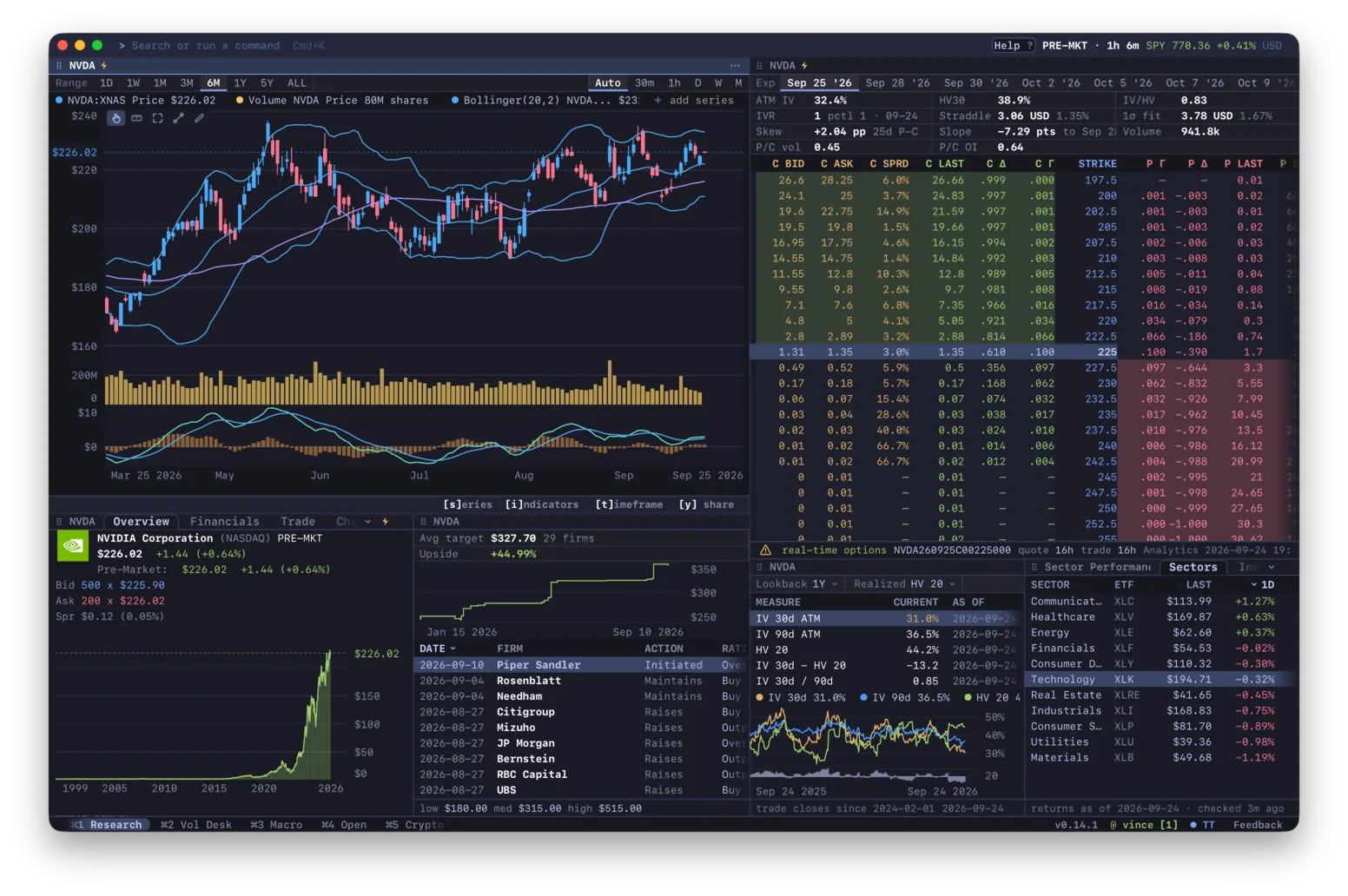
Quotes, charts, financials, filings, options, news and your portfolio in one workspace you drive from the keyboard. Type DES AAPL for company details or GP NVDA for a chart. It runs in your terminal (macOS, Linux, Windows), as a desktop app (macOS, Windows), and in the browser.
Install
macOS or Linux:
curl -fsSL gloom.sh/install | bashWindows, in PowerShell:
irm https://gloom.sh/install.ps1 | iexOr with Bun, on any of them:
bun install -g @gloom-sh/terminalnpm install -g @gloom-sh/terminal works too, but the command runs on Bun, so install Bun first.
Then run gloom (gloomberb, its old name, still works). On Apple Silicon the script also installs the desktop app, Gloom.app. Homebrew, the Windows desktop installer and manual downloads are in the installation guide.
Charts draw as images in Kitty-compatible terminals such as Ghostty, Kitty and WezTerm, and as text elsewhere.
Start
Press Ctrl+P for the command bar, or ` to search for a ticker. HELP lists every command and shortcut, and the function catalog shows them all.
From your shell, gloom quote AAPL prints a quote; add --json for scripts. The user guide covers charts, shortcuts, the CLI and connecting your brokerages with SnapTrade.
Data and privacy
Free market data is delayed: quotes by 15 minutes, news by 12 hours. Pro adds real-time data. Market data and Ask Gloom come from Gloom Cloud, a hosted service that is not open source; the app itself is MIT licensed. See what is open and what is not.
Crash reports and usage counts can be turned off: what is sent.
Plugins and contributing
Plugins add panes, data sources, brokers and commands. Install one from GitHub with gloom install gloom-sh/gloom-tv, or build your own with the plugin guide. To work on Gloom itself, clone it with git clone --filter=blob:none https://github.com/gloom-sh/gloomberb.git and read CONTRIBUTING.md.
MIT licensed. Built with OpenTUI. Sponsor Gloom.