
Grapesjs Echarts
Adds chart components to GrapesJS using the ECharts library — 12 chart types, live-editable from the canvas.
As of v1.0.0 this is a stable release: rebuilt on the current GrapesJS and ECharts APIs (see Requirements below), with a modern build pipeline and a much larger set of chart types than earlier 0.0.x releases.
The old Code Pen / basic result demos were built against a
0.0.xrelease and are out of date — follow Usage below for the current setup instead.
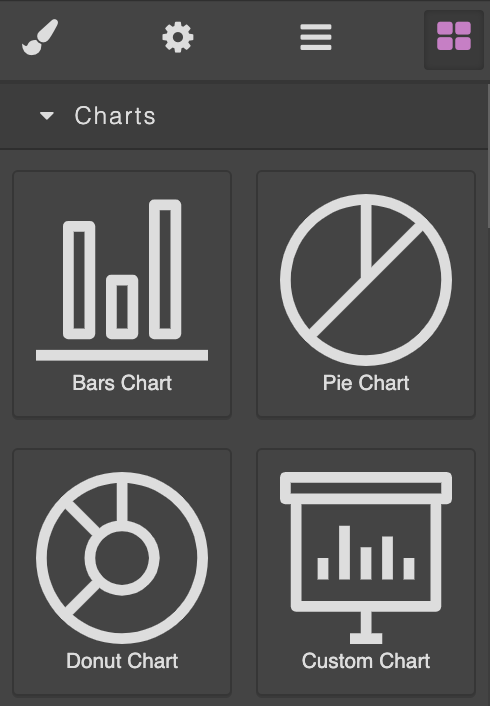
Available Components
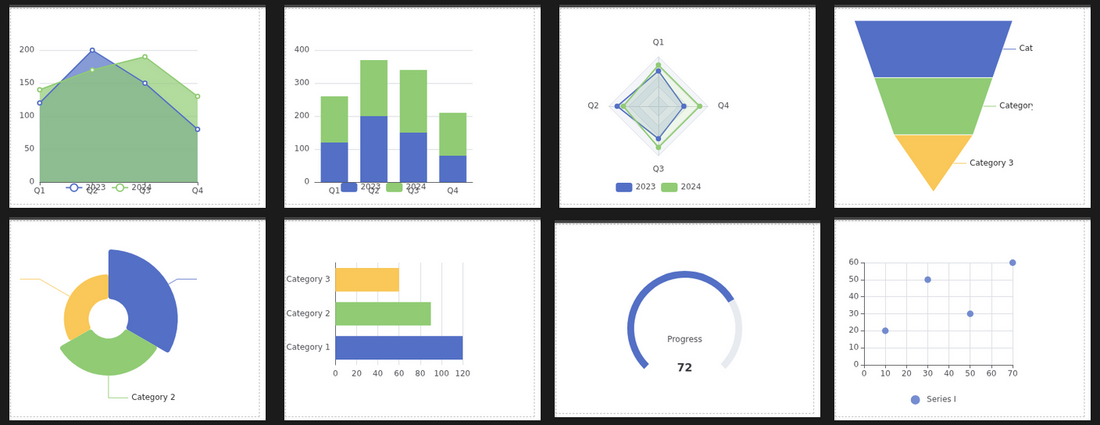
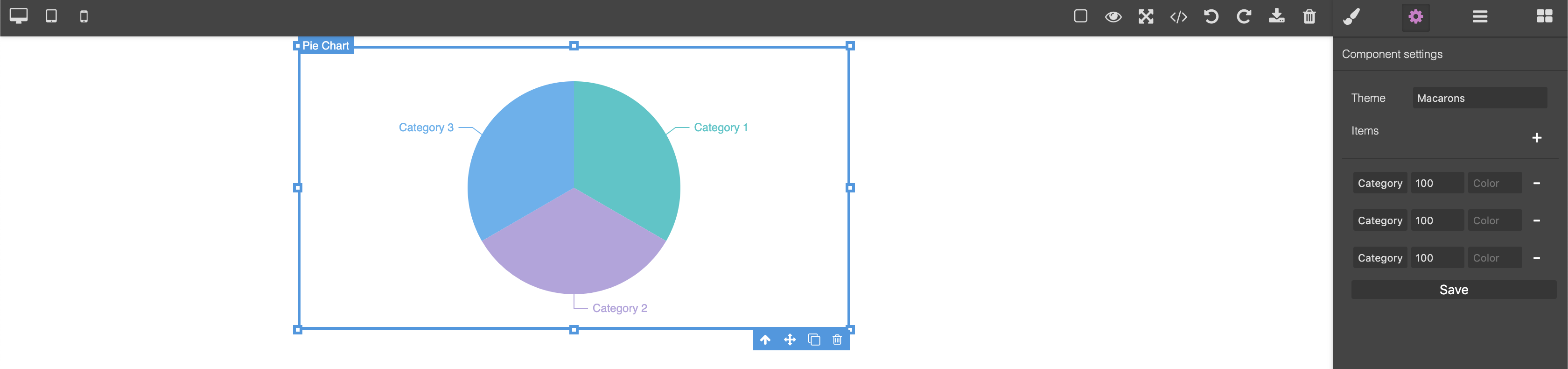
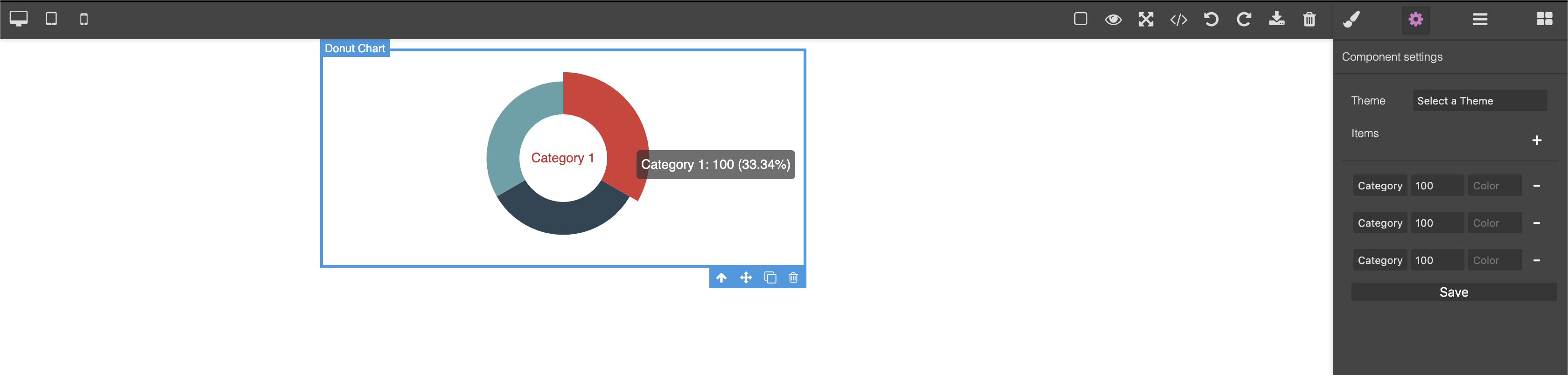
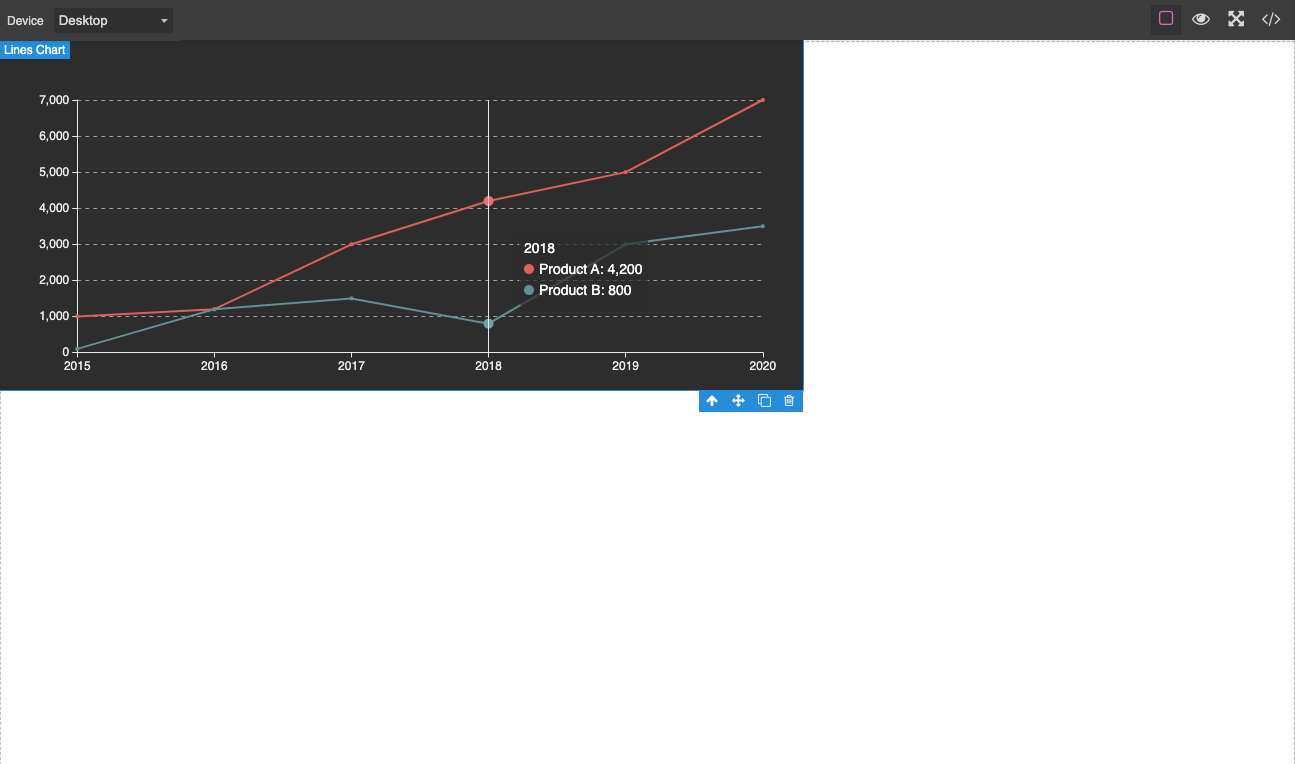
Bars ChartHorizontal Bar ChartStacked Bar ChartLines ChartArea ChartPie ChartDonut ChartRose ChartRadar ChartFunnel ChartGauge ChartScatter Chart
And a special one, the Custom Chart which will allow you to create any type of chart by adding echarts.options in JSON string format.
Available Settings
- Theme — the full set of ECharts built-in themes, loaded on demand
- Items — automatically applied as you edit, no explicit save step
- Name
- Value (or, for Scatter, X/Y points)
- Color — native color picker, defaults to an auto-assigned palette
- Min / Max —
Gauge Chartonly
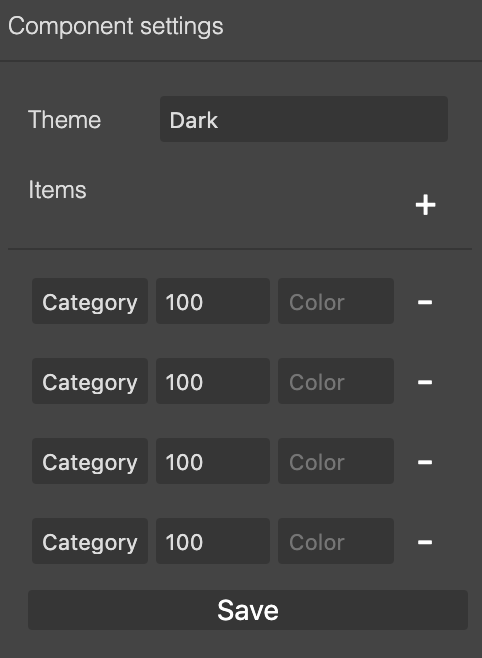
These settings are available for all components but Custom Chart.
I18n Support
If you want to customize some strings used in this app you can use pluginOpts to pass a set of translations or if you just want to change the language you can pass your prefered local (Between english and spanish for now ), I'm open to PRs for other languages, still small plugin so not that much to translate.
...
pluginsOpts: {
          "grapesjs-echarts": {
            intl: {
              locale: "en", // "es" also available
              messages: {
                en: {
                  components: {
                    bars: { name: "My new bars name" },
                  },
                },
              },
            },
          },
        },
...
Reference locale folder to get the idea of the structure for labels.
Requirements
This plugin does not bundle grapesjs or echarts — both are peer
dependencies, so your app supplies a single shared copy of each (this also
avoids the "two different echarts instances" errors some bundlers, like
Vite, would otherwise throw). Supported versions:
grapesjs>= 0.19echarts^5 or ^6
Usage
Directly in the browser
<link
  href="https://unpkg.com/grapesjs/dist/css/grapes.min.css"
  rel="stylesheet"
/>
<script src="https://unpkg.com/grapesjs"></script>
<script src="https://unpkg.com/echarts@6"></script>
<script src="https://unpkg.com/grapesjs-echarts.min.js"></script>

<div id="gjs"></div>

<script type="text/javascript">
  var editor = grapesjs.init({
    container: "#gjs",
    // ...
    plugins: ["grapesjs-echarts"],
    pluginsOpts: {
      "grapesjs-echarts": {
        /* options */
      },
    },
  });
</script>
Modern javascript
import grapesjs from 'grapesjs';
import plugin from 'grapesjs-echarts';
import 'grapesjs/dist/css/grapes.min.css';
// echarts must be installed (it's a peer dependency), no import needed here

const editor = grapesjs.init({
  container : '#gjs',
  // ...
  plugins: [plugin],
  pluginsOpts: {
    [plugin]: { /* options */ }
  }
  // or
  plugins: [
    editor => plugin(editor, { /* options */ }),
  ],
});
Development
Clone the repository
$ git clone https://github.com/jvas28/grapesjs-echarts.git
$ cd grapesjs-echarts
Install dependencies
$ npm iStart the dev server
$ npm startBuild the source
$ npm run buildCredits
Icons
The original Bars, Pie, Donut and Custom chart icons were designed by Smartline from www.flaticon.com. The icons for the newer chart types are simple hand-drawn SVGs.
Roadmap
v1.0.0:
- Basic Bars, Pie, Donut and Lines charts
- Area, Stacked Bar, Horizontal Bar, Rose, Radar, Funnel, Gauge and Scatter charts
- Live preview while editing (no more explicit Save step)
- Color picker for items
- Rebuilt on current GrapesJS / ECharts APIs
Next:
- Tooltip trait
- Toolbox trait
- Legend trait
- Grid trait
Screenshots
New in this version
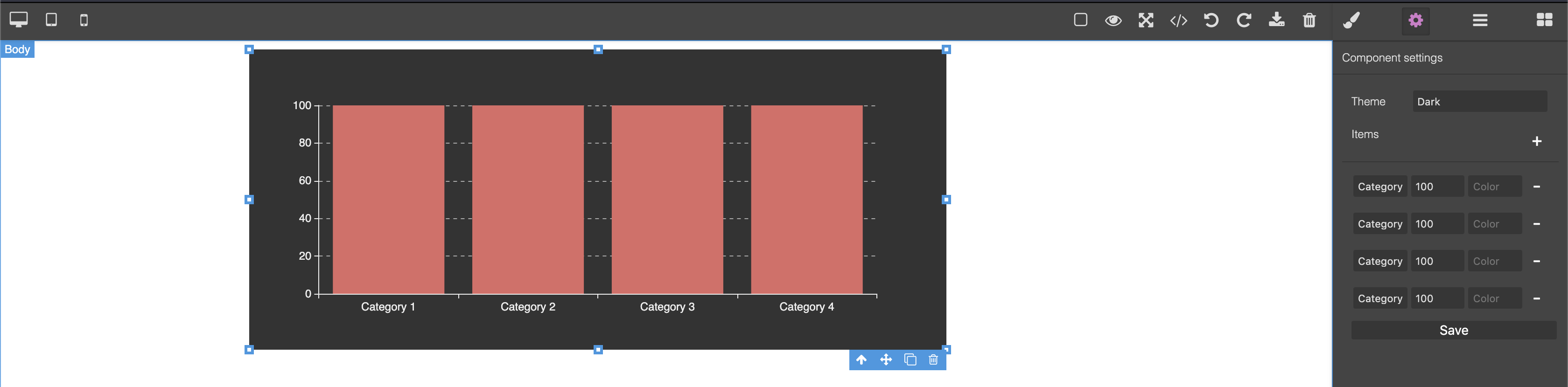
Original charts
License
MIT