Licence
ISC
Version
1.0.8
Deps
9
Size
42.0 MB
Vulns
0
Weekly
0
Jotree
如何在npm里面使用
安装依赖
npm i jotree potree-and-type在node_modules里面找到
jotree,把potreePublic里面的libs和resources、workers文件夹复制到项目的public目录(vue项目中)
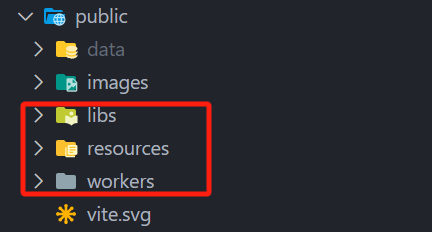
- 在main.ts中加入如下代码(vue项目中)
import * as Potree from "potree-and-type" window.Potree = Potree; window.Potree.scriptPath = `${window.Potree.scriptPath}${import.meta.env.BASE_URL}`; window.Potree.resourcePath = `${window.Potree.scriptPath}/resources`; - 在index.html中加入如下代码:
<!doctype html> <html lang="en"> <head> <meta charset="UTF-8" /> <link rel="icon" type="image/svg+xml" href="/vite.svg" /> <meta name="viewport" content="width=device-width, initial-scale=1.0" /> <!-- 添加需要的依赖项 --> <script src="./public/libs/jquery/jquery-3.1.1.min.js"></script> <script src="./public/libs/spectrum/spectrum.js"></script> <script src="./public/libs/jquery-ui/jquery-ui.min.js"></script> <script src="./public/libs/other/BinaryHeap.js"></script> <script src="./public/libs/tween/tween.min.js"></script> <script src="./public/libs/d3/d3.js"></script> <script src="./public/libs/proj4/proj4.js"></script> <script src="./public/libs/openlayers3/ol.js"></script> <script src="./public/libs/i18next/i18next.js"></script> <script src="./public/libs/jstree/jstree.js"></script> <script src="./public/libs/plasio/js/laslaz.js"></script> <!-- --> <title>Vite + Vue + TS</title> </head> <body> <div id="app"></div> <script type="module" src="/src/main.ts"></script> </body> </html> - 写一个hello world场景(vue项目中)
// App.vue
<template>
    <div class="three-container" ref="threeContainer"></div>
</template>
<script lang="ts" setup>
import { Jotree } from "jotree"
import { onMounted, ref } from "vue";

const threeContainer = ref()
onMounted(() => {
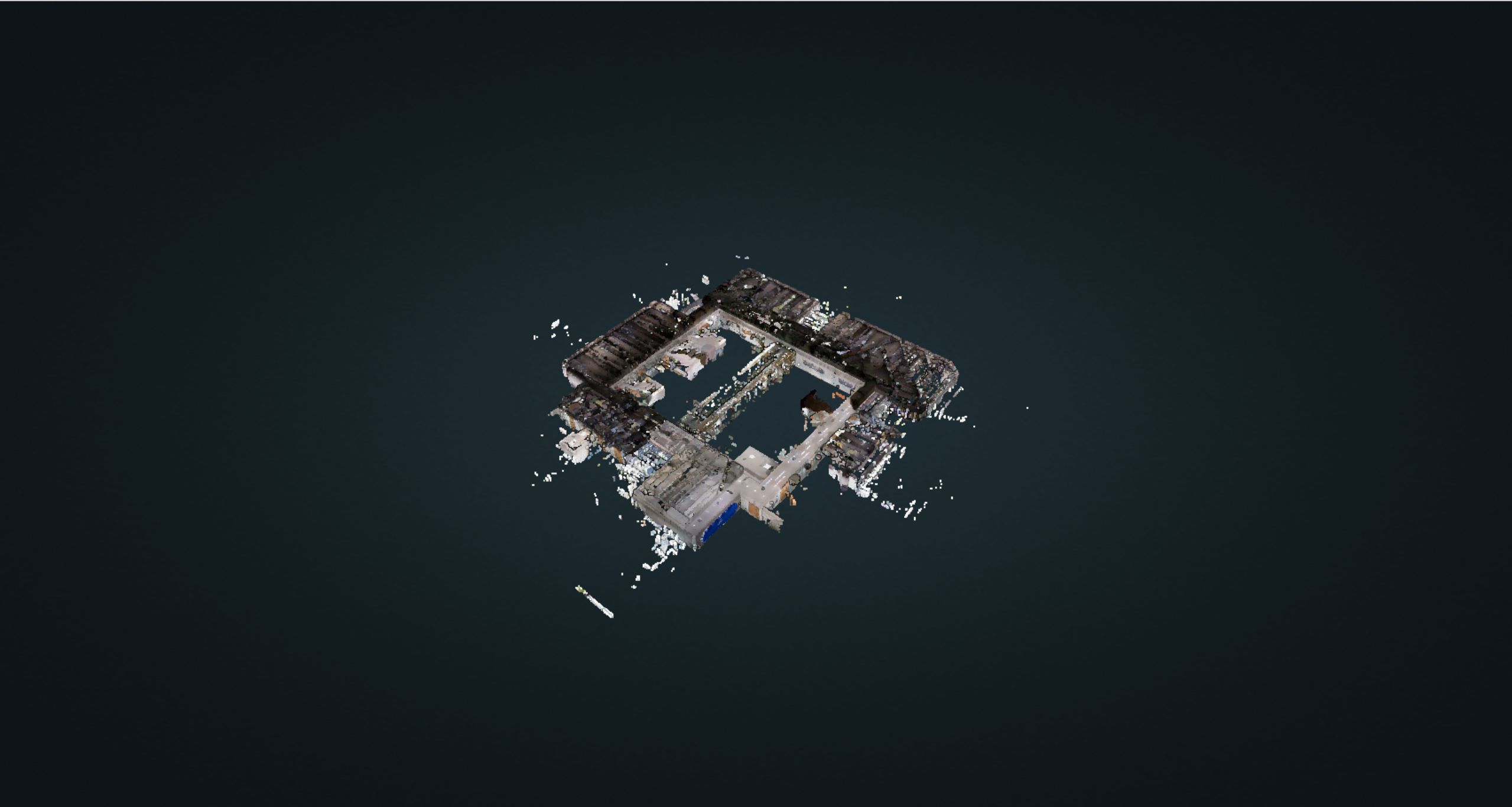
    const jotree = new Jotree(threeContainer.value);
    jotree.loadPointCloud("data/pointclouds/room/metadata.json", "room", () => {

    })
})
</script>

<style lang="scss" scoped>
.three-container {
    width: 100%;
    height: 100%;
}
</style>