
JsBox JS online running environment
中文 | Experience now | Configuration experience address
This is a project for running and debugging js online, and it also supports multiple programming highlights
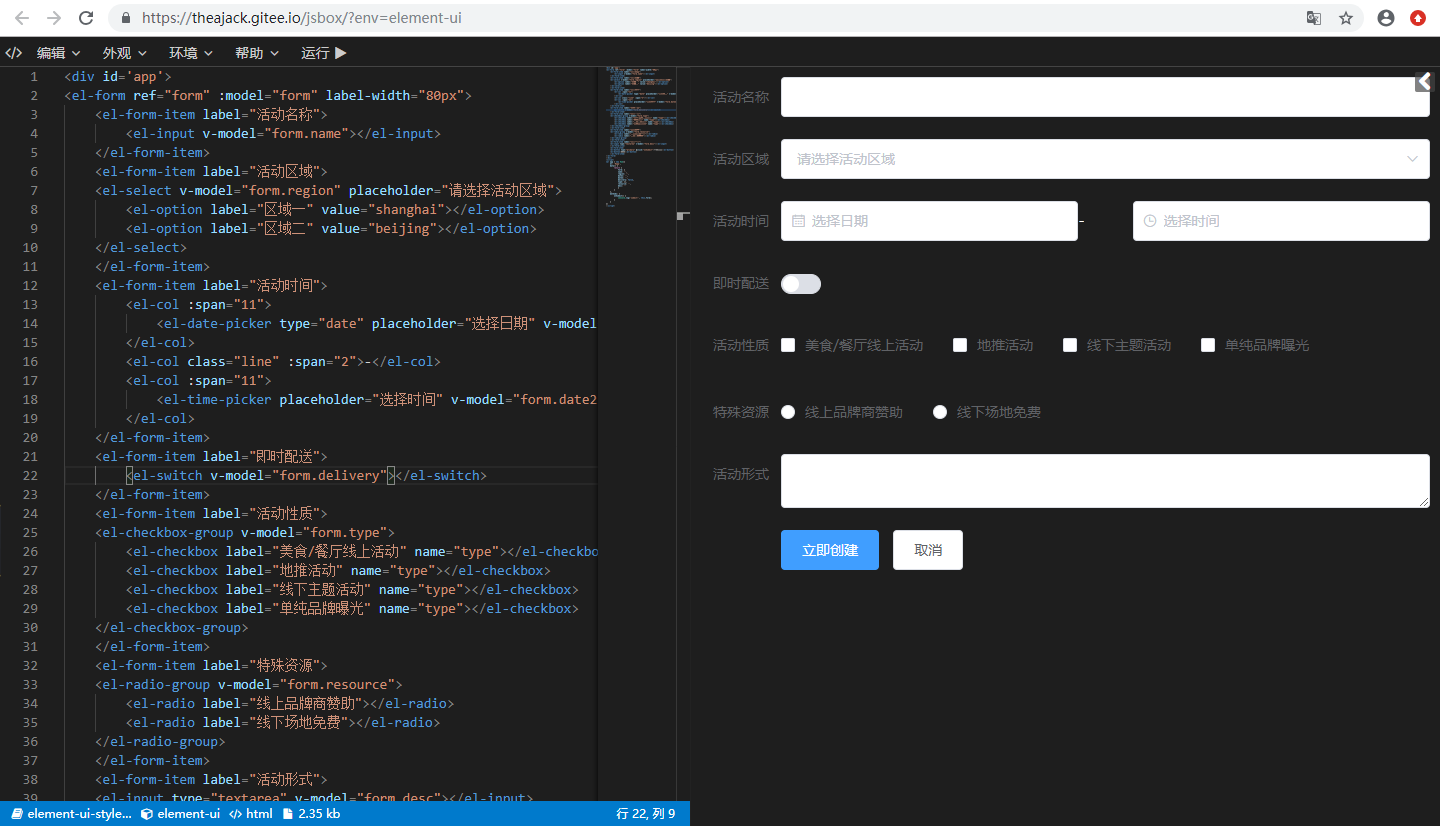
View more sample images
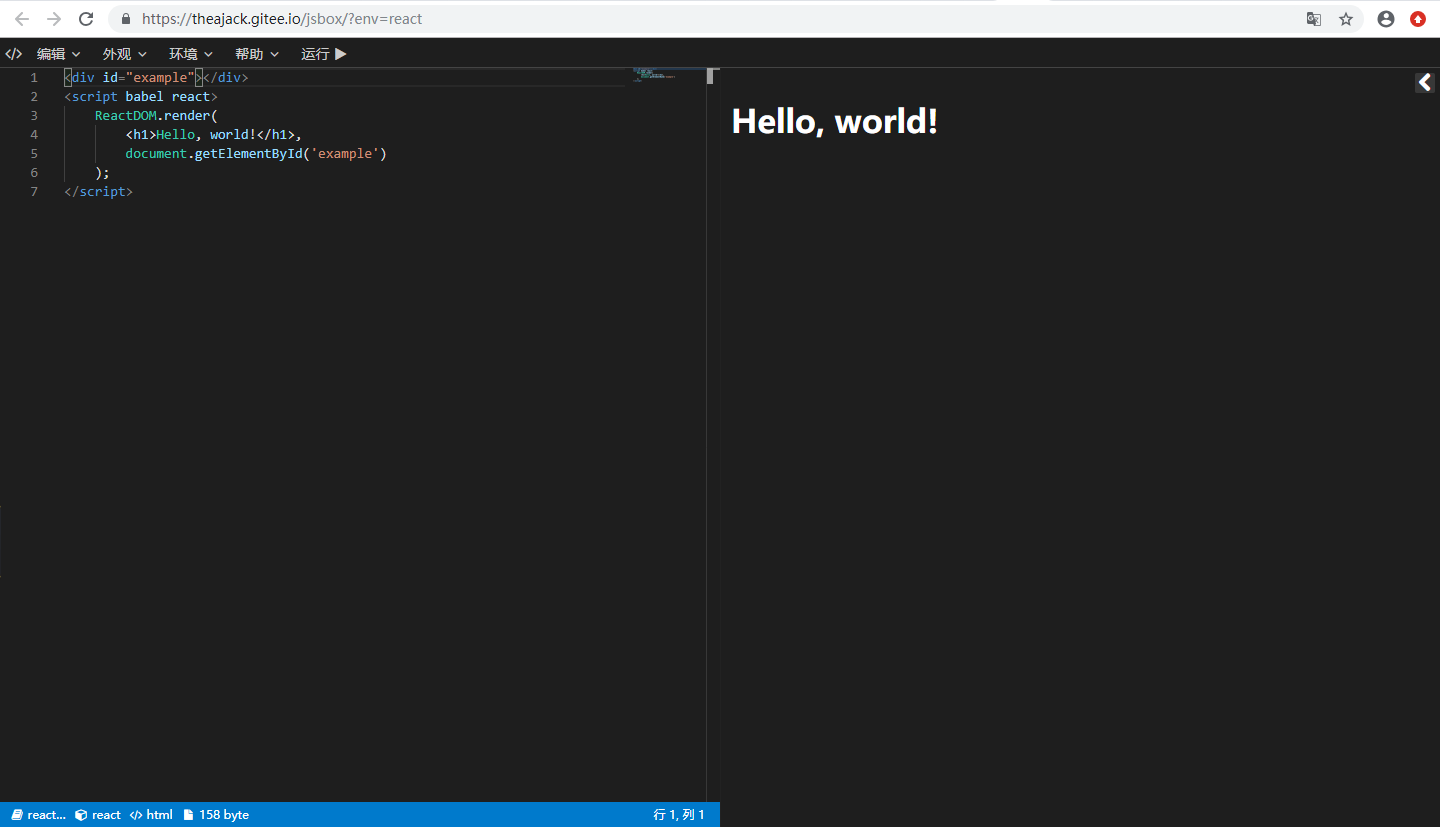
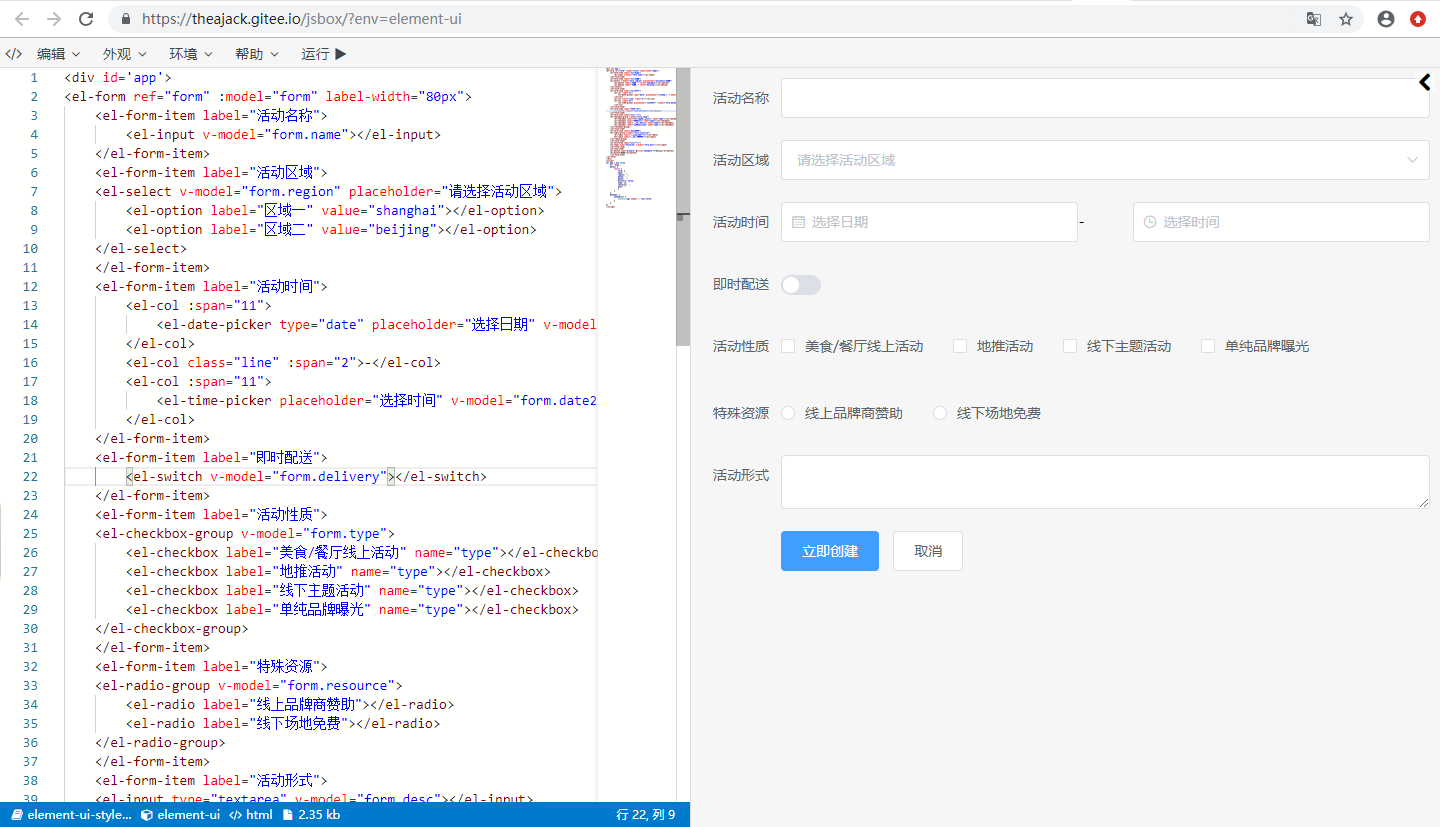
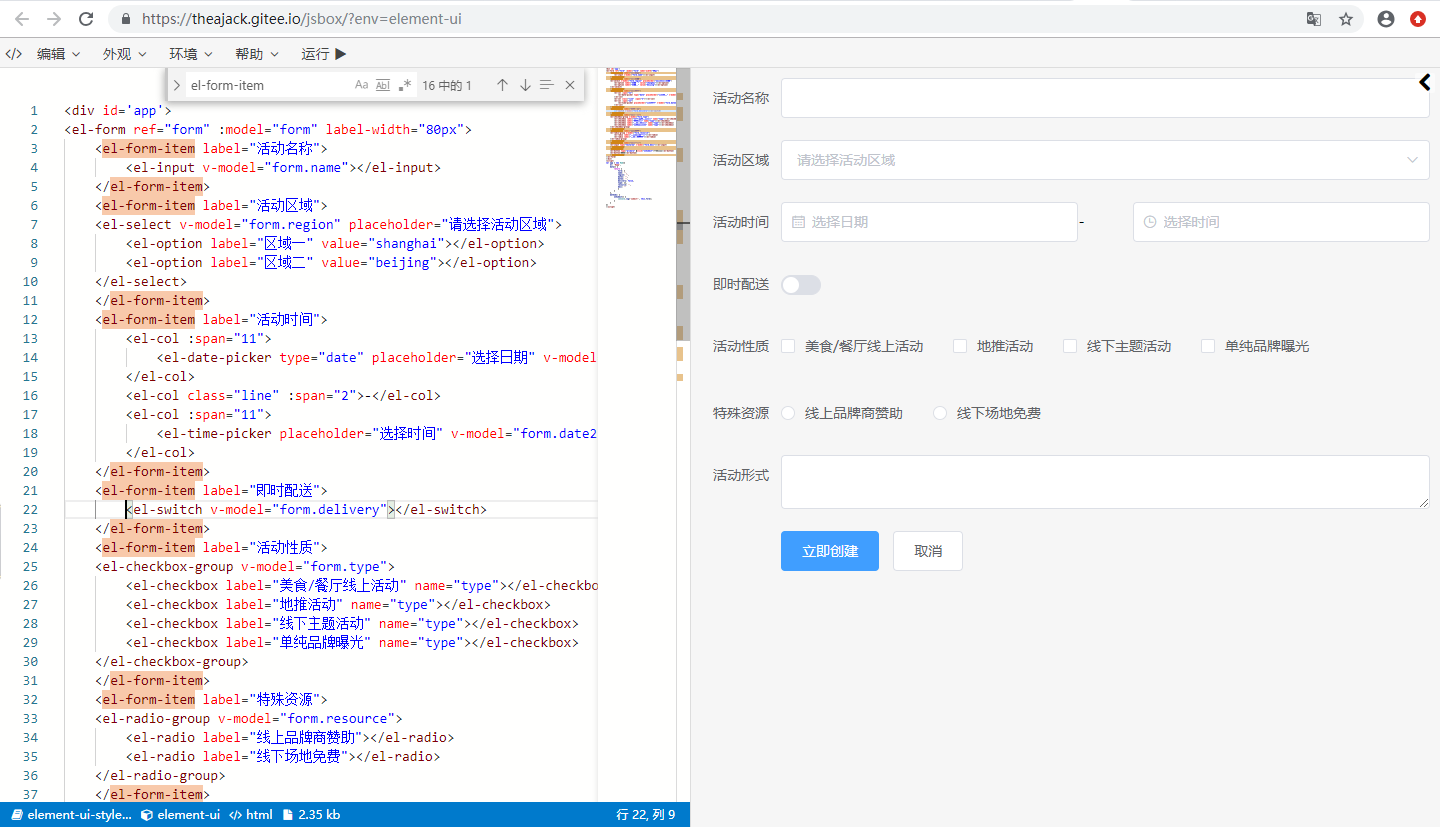
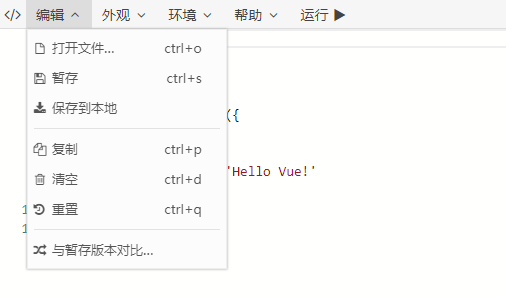
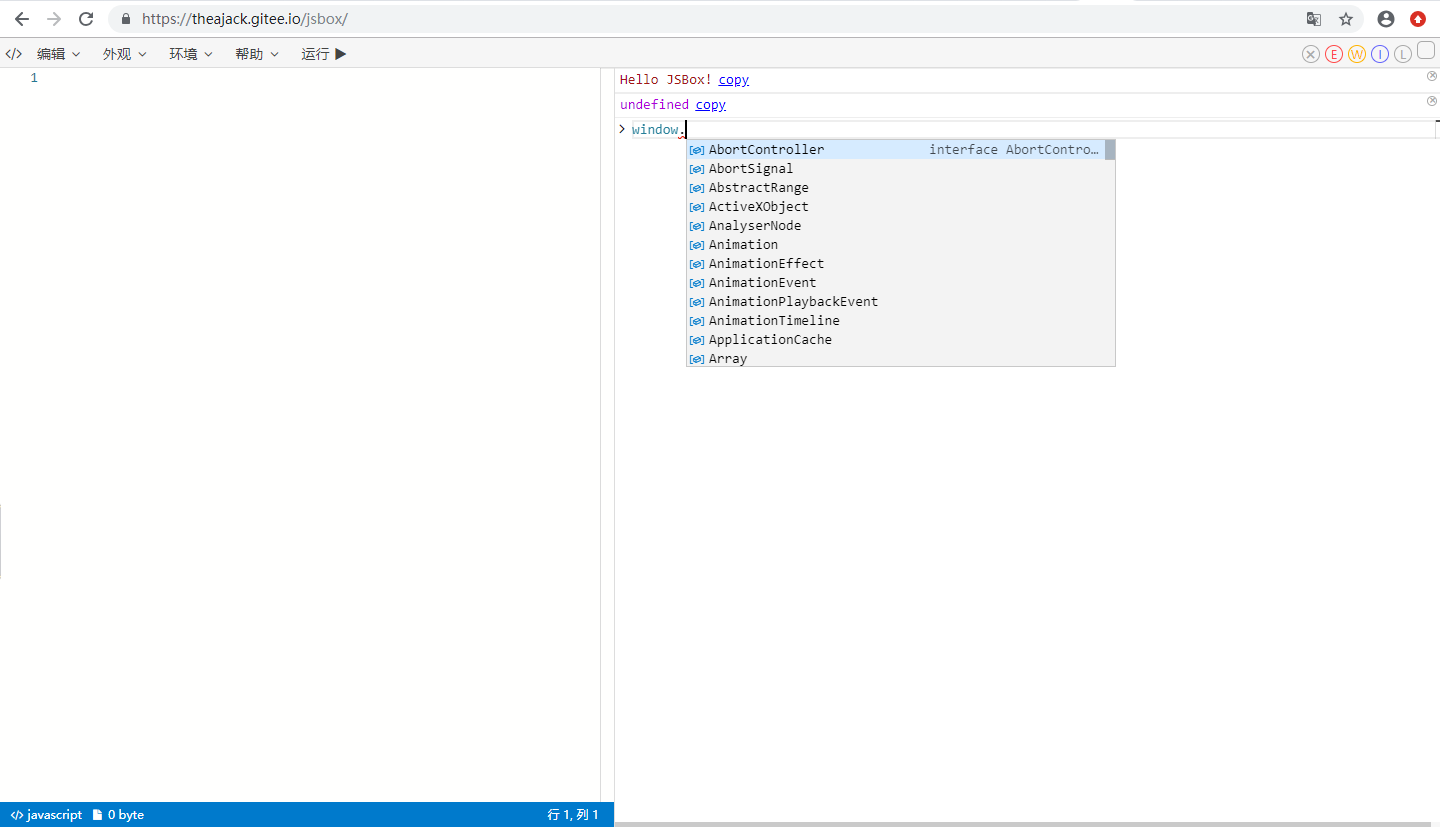
0. Quickly insert your online demo
0.1 Configuration file
jsbox supports configuring a cdn file as the demo content through parameters, where the file content format is as follows
window.jsboxConfig = {
libs: {
// The cdn file of the third-party library to be introduced. A single library uses a string, and multiple libraries use an array
},
iifeMap: {}, // Mapping of global variables when using cdn
codes: {
// Your demo code
},
// Other configurations
theme: 'dark', // The default is dark, and the optional values are dark, light
}You can also use the string form, and all other parameters use the default values
window.jsboxConfig = ``; // Put your code here. The default language is javascriptHere is a simple sample file
In addition to using the cdn address, libs can also use the jsbox built-in library, The built-in library can be named. The JsBox built-in library list is as follows (older version, self-configuration is recommended)
['jquery', 'vue', 'react', 'react-dom', 'angularjs', 'vuex', 'redux', 'loadsh', 'virtual-dom', 'node-html-parser', 'jest', 'mocha', 'moment', 'dayjs', 'underscore', 'axios', 'qrcode', 'backbone', 'js-xlsx', 'recast', 'cnchar', 'cnchar-poly', 'cnchar-order', 'cnchar-trad', 'cnchar-draw', 'cnchar-idiom', 'cnchar-xhy', 'cnchar-radical', 'cnchar-all', 'easy-icon', 'element-ui', 'element-ui-style']libs details
libs is the CDN address for configuring third-party libraries. The following indicates that a third-party library named tc-store is defined, and the download address is https://cdn.jsdelivr.net/npm/tc-store
"libs": {
    "tc-store": "https://cdn.jsdelivr.net/npm/tc-store"
},
iifeMap details
The libraries loaded through CDN are all in iife format. The object name mounted on windows needs to be specified through iifeMap. The import statements in the subsequent code will be read from this specified rule
The following configuration indicates that the introduction of tc-store will be used through window.TCStore at the bottom layer
"iifeMap": {
    "tc-store": "TCStore"
},
import {createStore} from "tc-store";
// will be converted to
const {createStore} = require("tc-srore"); // require ultimately references window.TCStorecodes configuration details
codes is a Json type, multiple demos can be configured, when there are multiple key-values, the list will be displayed on the left side of the jsbox, when there is only one, the list will be hidden.
"codes": {
    "Demo1": {
        code: string,
        dep?: string[], // current demo's dependency, value is the key configured in libs
        lang?: 'html'|'js', // default is js
        desc?: string, // current demo's description
        hideLog?: boolean, // whether to hide the debugging tool, default is false
        needUI?: boolean, // whether to display the UI, default is true when lang=html, otherwise default is false
        title?: string, // Start new chapter and set a title
        doc?: string, // Current demo document
    },
    // other demos
}
Automatically generate configuration files
Writing configuration files manually is a bit troublesome, you can use the jsbox-cmd tool to automatically generate, please refer to jsbox-cmd
0.1.1 Use with github repository (recommended)
Put your single file in your github repository, the demo url address is https://theajack.github.io/jsbox?github=user.rep.file
The user parameter is your github account
The rep parameter is your project name, which can be followed by @xxx to execute release, branch or commit. The latest release number is used by default. If there is no release number, the master branch is used.
The file parameter is optional, indicating the relative address of the configuration file in the project. The default is jsbox.config.js
Here are some possible delay addresses
- https://theajack.github.io/jsbox?config=theajack.pure-v
- https://theajack.github.io/jsbox?config=theajack.pure-v@master
- https://theajack.github.io/jsbox?config=theajack.pure-v.helper/custom.code.js
0.1.2 Use CDN address
Put your js code configuration file on a server and get its http address, such as http://xxx.com/config.js
The following is the online demo address you can use
https://theajack.github.io/jsbox?config=${decodeURIComponent('http://xxx.com/config.js')}
0.2 Use a hard-coded single link
0.2.1. Open jsbox
Enter jsbox workbench
0.2.2. Select the environment and enter the demo code
0.2.2.1. Pure js demo code example
Enter the demo code
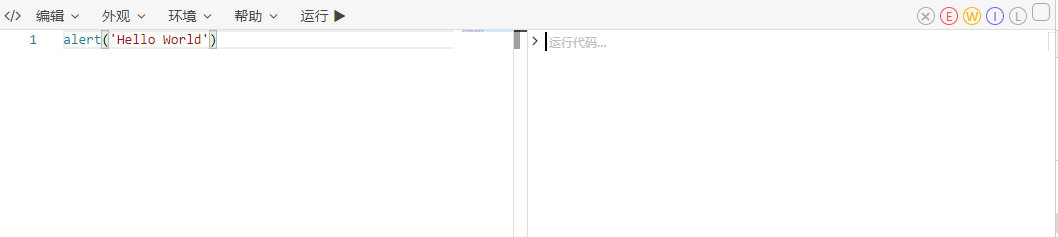
0.2.2.2. Dependence on third-party libraries and DOM interaction
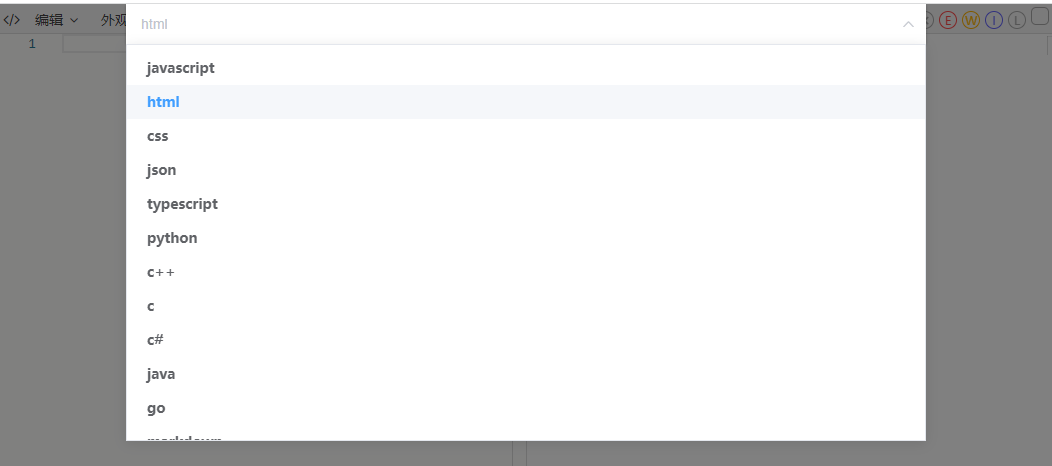
Select HTML language
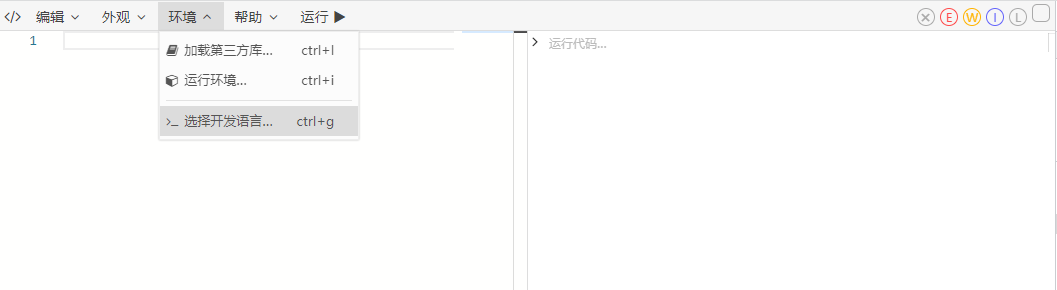
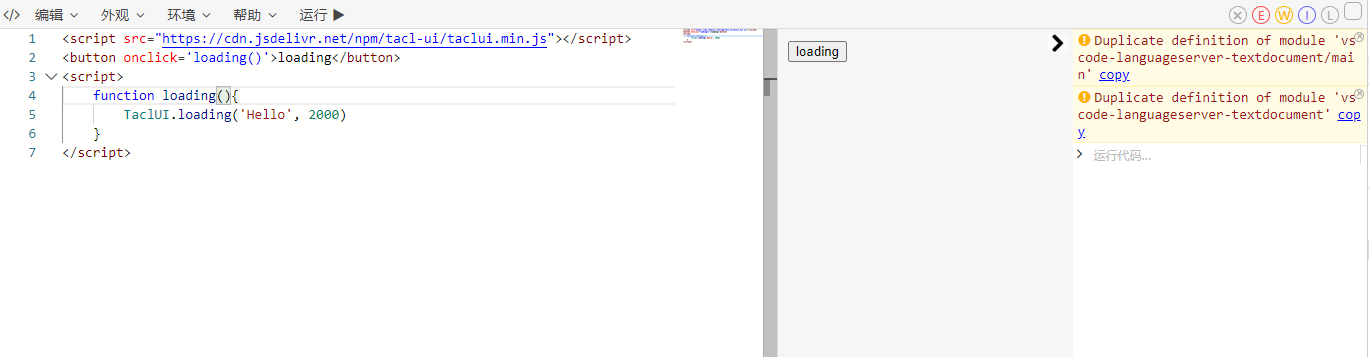
Enter the demo code
0.2.3. Generate a demo link
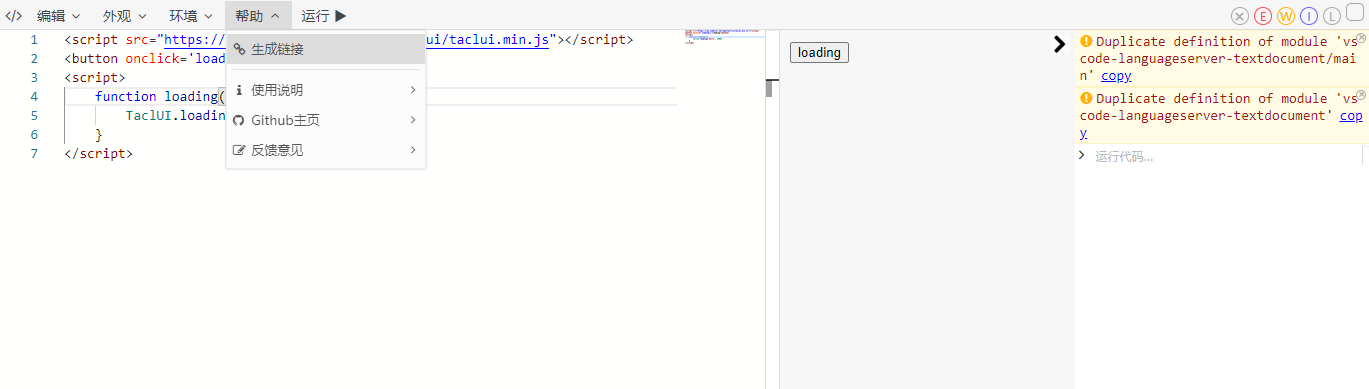
At this point, a link containing the demo code is copied to the clipboard, and you can reference it elsewhere.
In addition, you can also configure the theme color, third-party packages, font size and other settings through the menu bar, and these settings will also be saved to the connection when the link is generated
1. Operation manual
1.1. Function
- Run and edit js, html, css code
- Load the cdn file of the third-party library
- Export the link, and others can directly use the code you edited by using the link
- Export html file
- Color theme, style aligned with vscode
- Custom log type, custom font size
1.2. Shortcut keys and button description:
- ctrl + : Enlarge the font
- ctrl - : Reduce the font
- ctrl m : Switch the theme
- ctrl d : Clear the code
- ctrl s : Temporarily save the code: After temporarily saving, the code will be saved, and refreshing the page or resetting the code will restore it to the saved state
- ctrl e : Reset code: return to the initial state or temporary state
- ctrl q: copy code
- ctrl n: open the running environment selection
- ctrl l: generate link: this link can restore the code currently being edited
- ctrl e: clear log
- ctrl enter: run code
- ctrl h: switch whether the code wraps
1.3. search parameters:
theme=dark: turn on dark code editing mode, default is normal
code=xxx: set editor code, need to pass encodeURIComponent
lib=Array<link|name>: load third-party library, can be a url or jsbox predefined library, need to pass encodeURIComponent
If it is not a url and is not in the jsbox predefined library, jsbox will try to get it from the unpkg official website, but it is not guaranteed to be available
config=link: use a custom configuration file url
id=string: use the specified id to load the code block, need to be used with the config parameter
env: use jsbox predefined runtime environment
config > env > lib
1.4. config parameters
For details, see 0.3
1.5. hash parameter
#saved Fill the editor with saved code
#hello Enter the welcome page
1.6. Predefined methods
In jsbox, you can use the following methods
log(arg1,arg2,...): Print content
copy(string): Copy content to the clipboard
$run(): Rerun the code
$dom: link-dom API
$: shortcut for document.querySelector
$app: UI rendering container dom element
1.7 Notes
When using the config parameter, you can use config=user.repo@xxx, xxx can represent the branch or release version number, note that the default is to use the latest release version
After modifying jsbox, jsdelivr will have a cache and you need to access https://purge.jsdelivr.net/gh/{user}/{repo}/jsbox.code.js Refresh the cache
2. API access
2.1. How to use
JSBox is a universal online js runtime environment. You can customize your own js runtime environment by writing configuration files
2.2. npm installation
npm install jsbox-utilimport JSBox from 'jsbox-util';2.3. cdn introduction
<script src="https://cdn.jsdelivr.net/npm/jsbox-util/jsbox.min.js"></script>2.4. Use
2.4.1 Jump to a new page to open JSBox
// Public configuration, Not required
JSBox.config({
    theme?: string;
    code?: string;
    lib?: Array<string>;
    id?: string;
    env?: string;
    lang?: string;
    run?: boolean;
    mes?: boolean;
    remind?: boolean;
    config?: string; // configuration file cdn address
})

JSBox.open(); // open jsbox using public or default configuration

JSBox.open({
... // open JSBox using temporary configuration
});
For available values of theme, lib, env, lang, please refer to 3.3 Parameter Description
2.4.2 Embed JSBox
Function under development......
2.4.3 Parameter Description
theme: Enable dark code editing mode, default is light, optional dark
code: Set editor code, need to pass encodeURIComponent
lib: Load third-party libraries, which can be a url or jsbox predefined library, need to go through encodeURIComponent If it is not a url and is not in the jsbox predefined library, jsbox will try to get it from the unpkg official website, but it is not guaranteed to be available
config: Use a custom configuration file url
id: Use the specified id to load the code block, which needs to be used with the config parameter
env: Use jsbox predefined runtime environment
lang: Set the development language, with a lower priority than the language configured in env and config+id
run: When there is code, it will run automatically. If you don't want it to run automatically, please set run=false
remind: By default, when the code changes, leaving or refreshing the page will trigger a pop-up prompt. If you don't want a prompt, please set remind=false
mes: There will be a loading prompt when loading a third-party library. If you don't want a prompt, please set mes=false