
jupyterlab-interactive-dashboard-editor



Interactively create and customize dashboards in JupyterLab
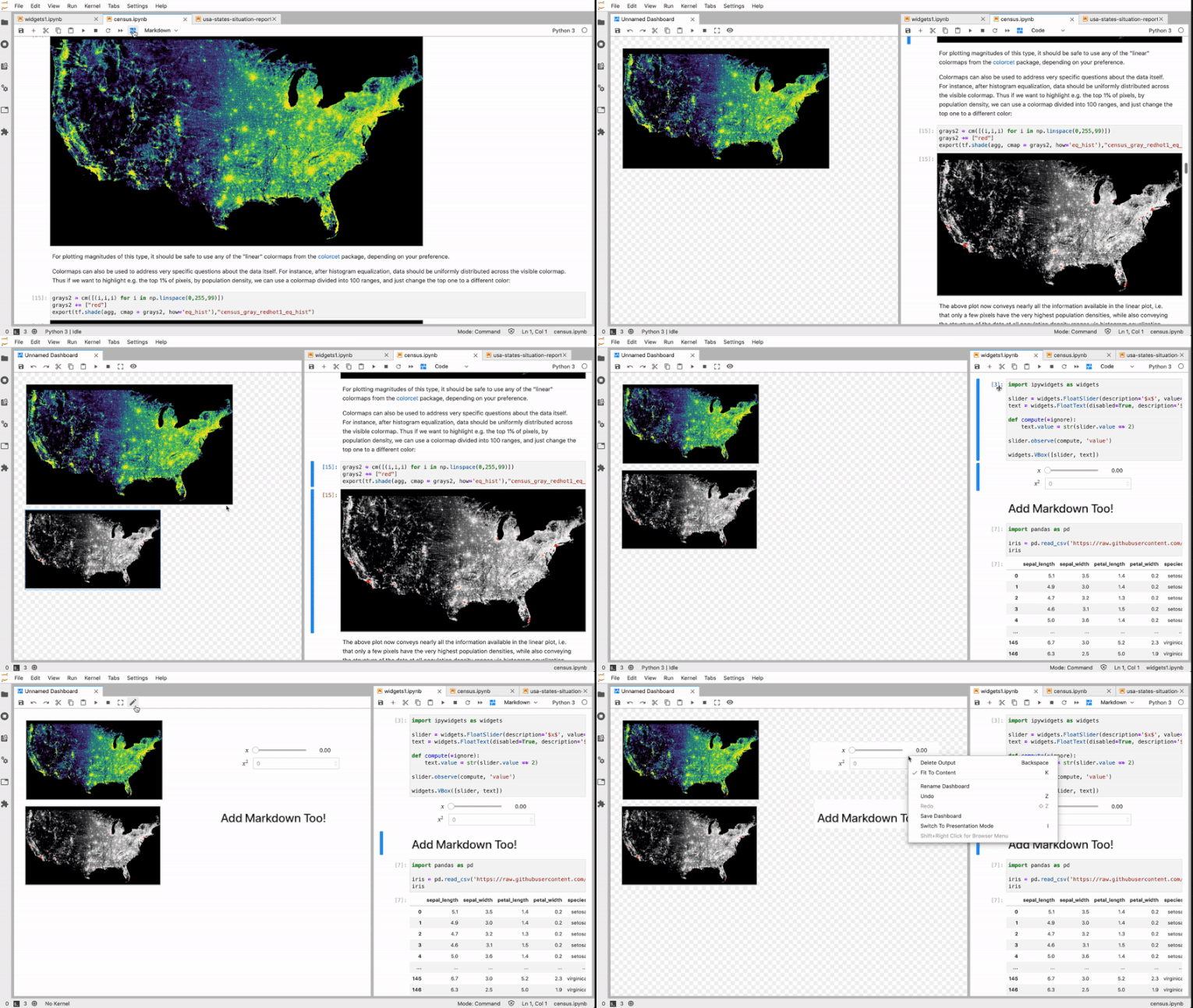
Additional Gifs
Click to expand
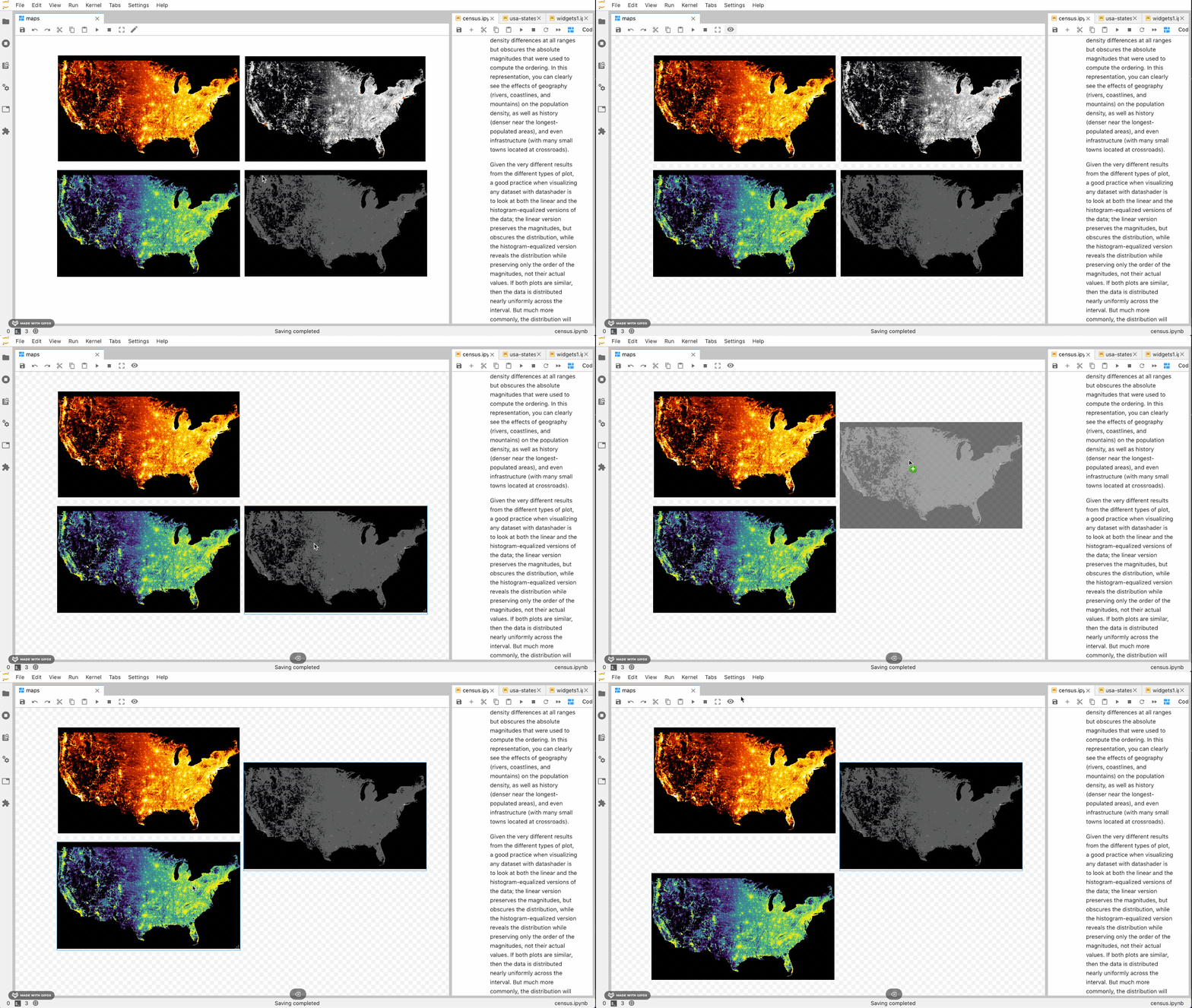
Add and rearrange outputs on dashboards right from your notebook. 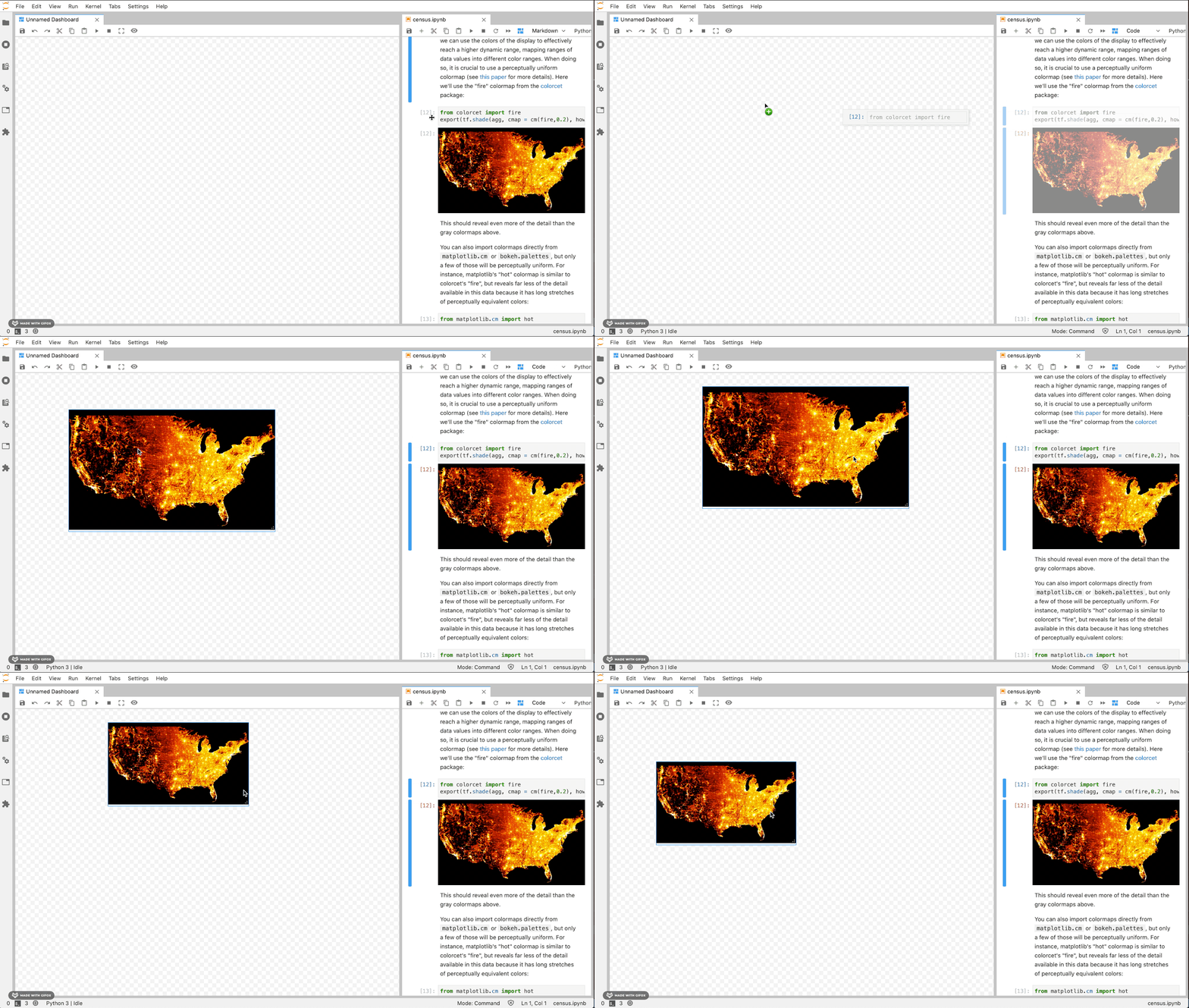
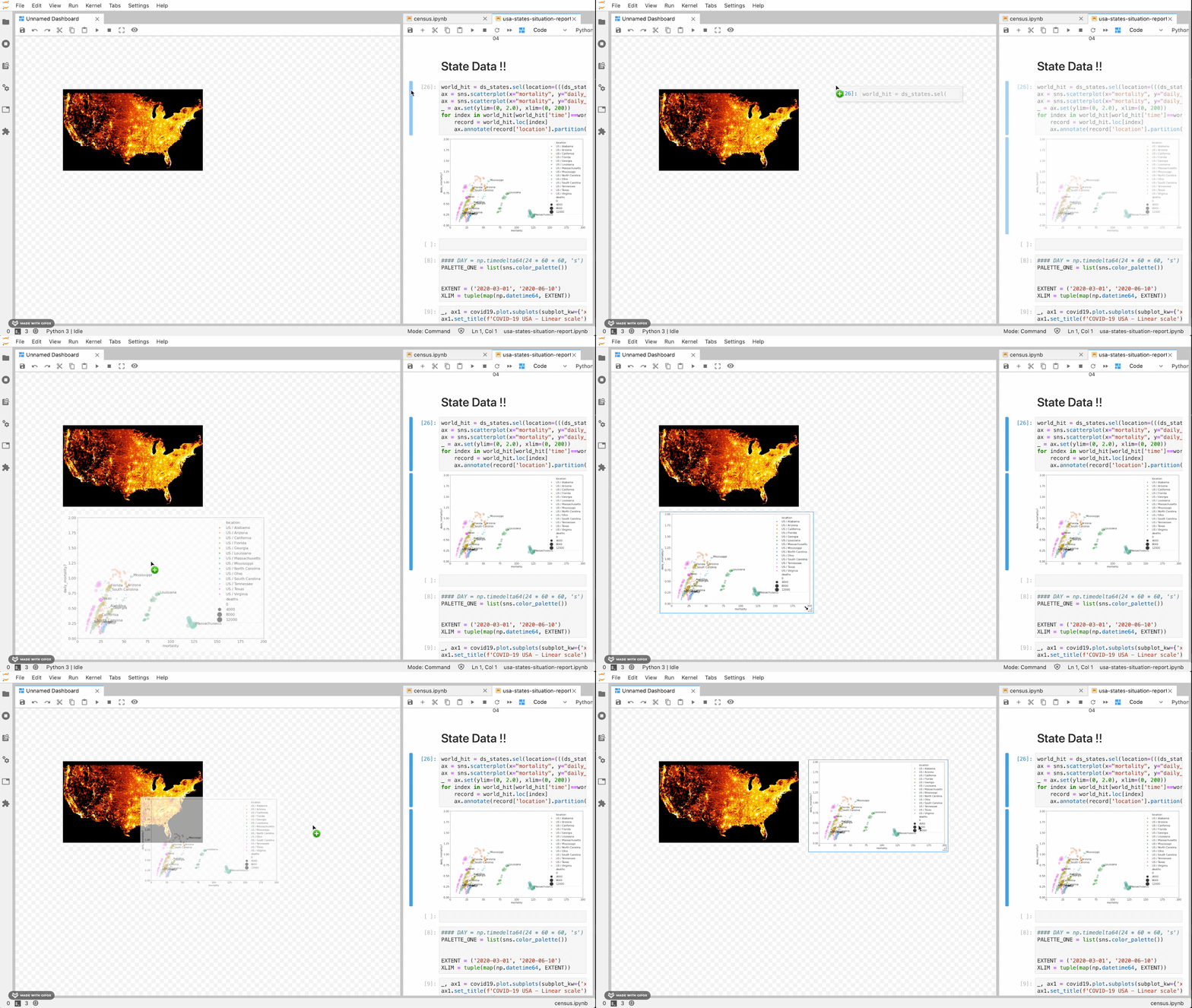
Add outputs from multiple notebooks.
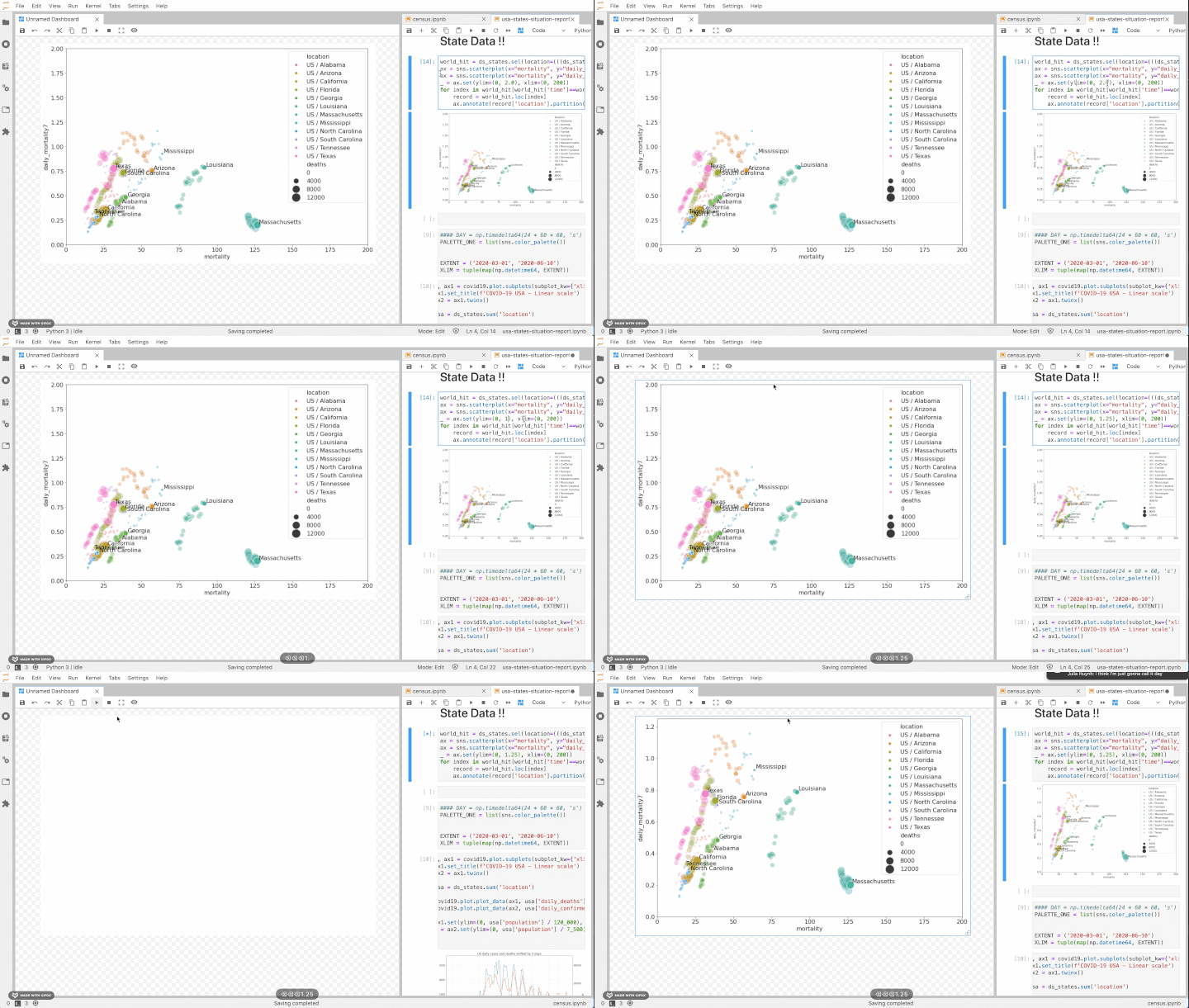
See changes immediately.
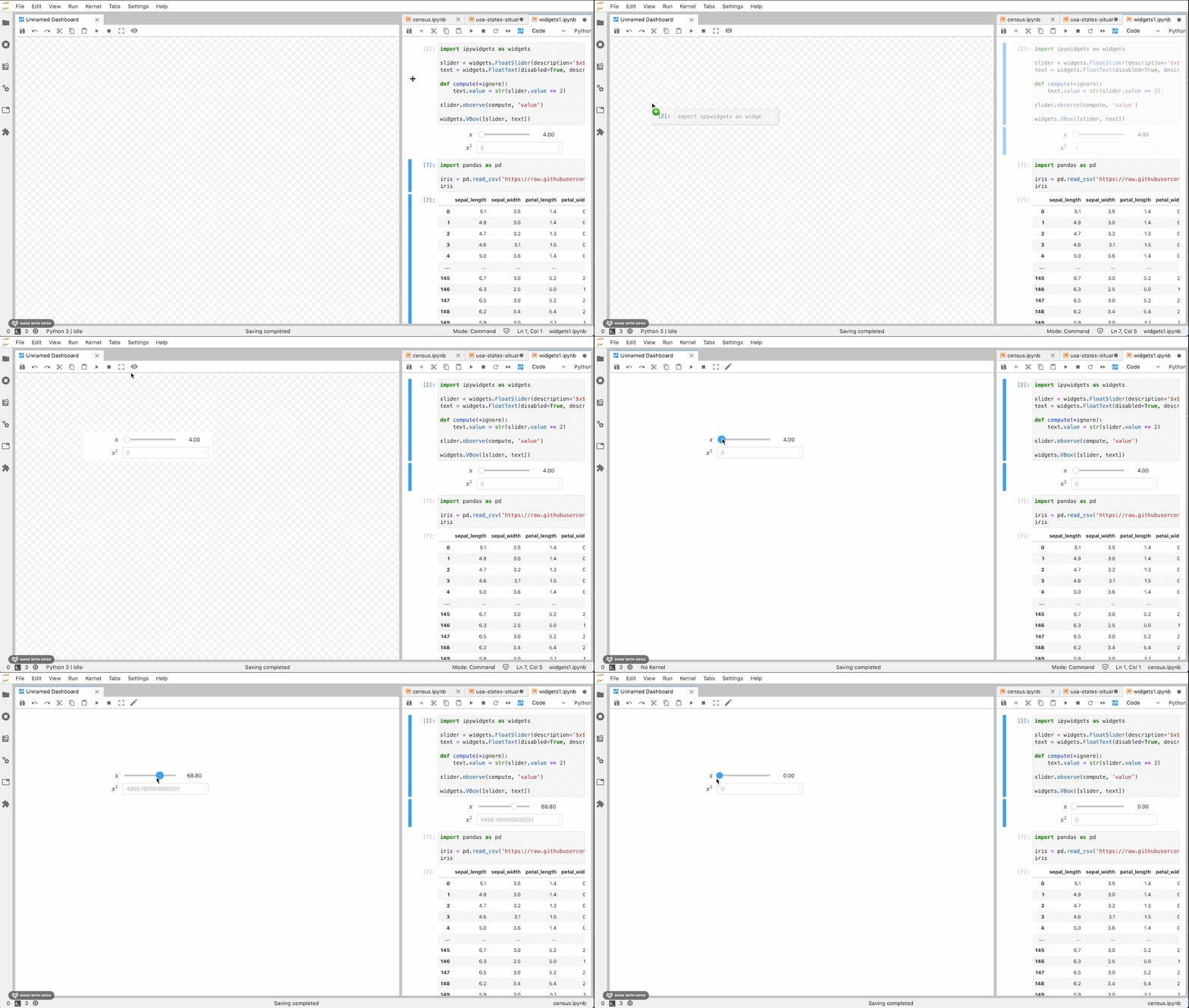
Preview your dashboard and interact with widgets in present mode.
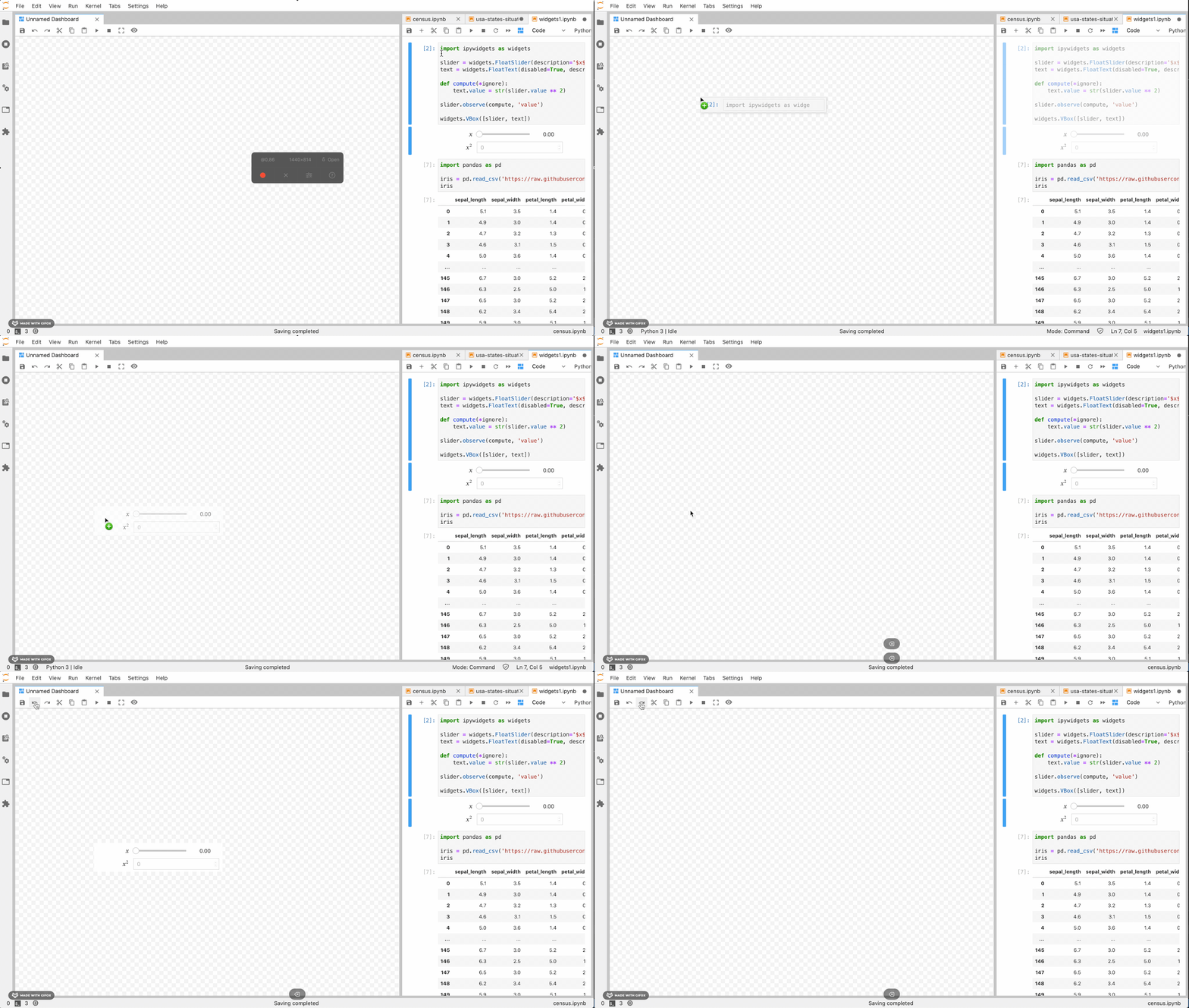
Undo and redo.
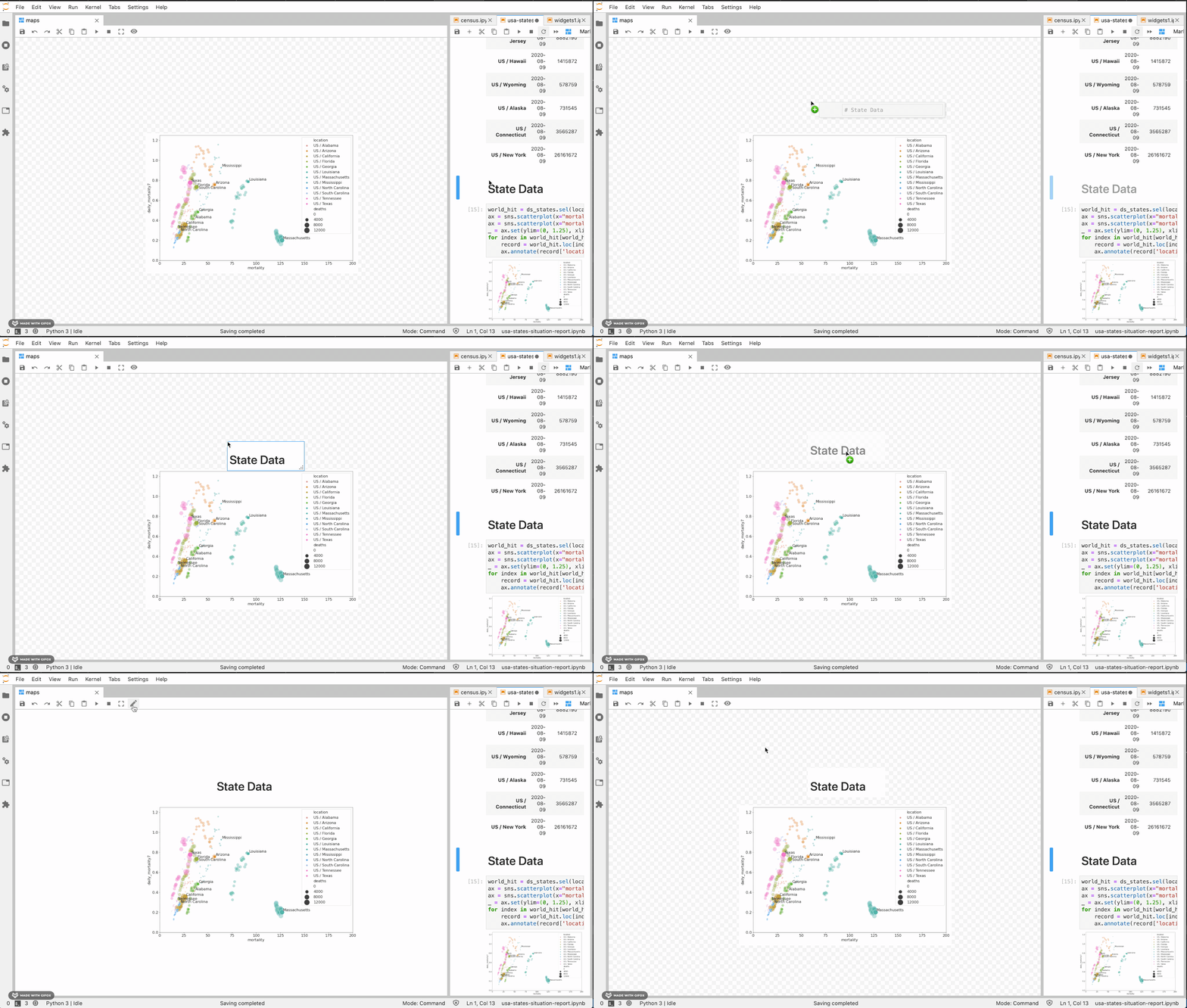
Add markdown too.
Save dashboards to file,
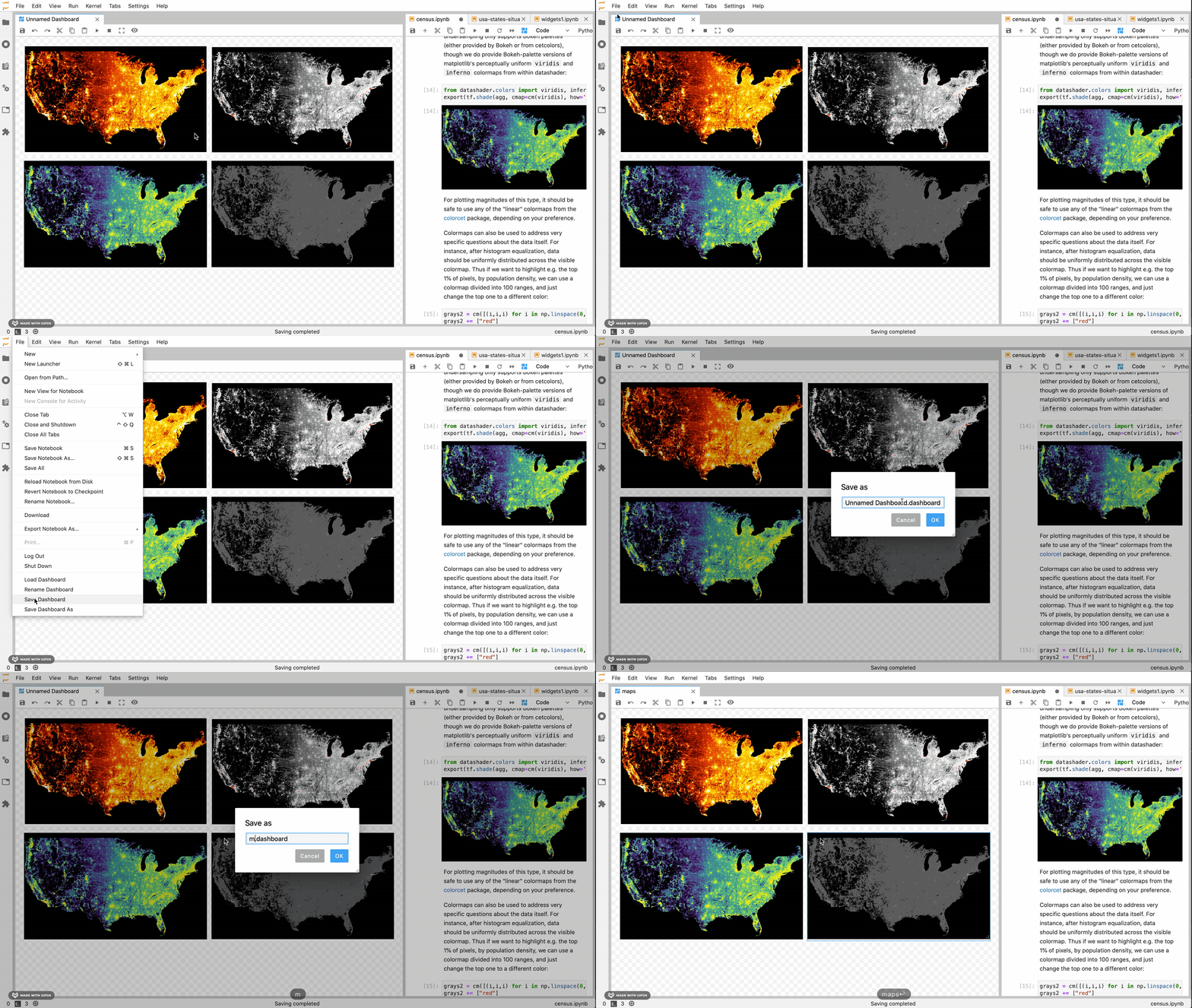
Load them up,
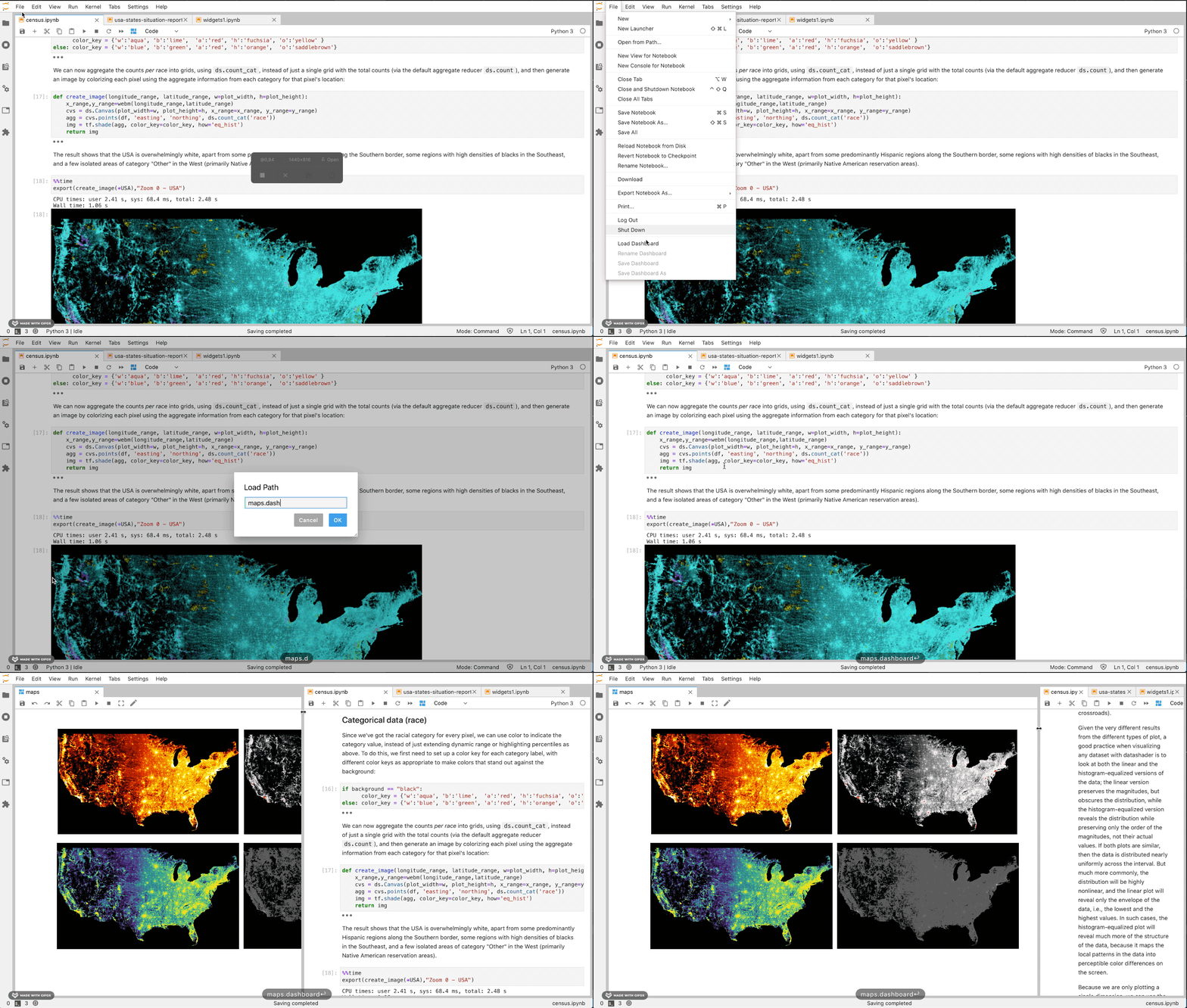
And edit them again!
Requirements
- JupyterLab >= 2.0
Install
Note: You will need NodeJS to install the extension.
pip install jupyterlab_interactive_dashboard_editor
jupyter lab build
Install
The jlpm command is JupyterLab's pinned version of
yarn that is installed with JupyterLab. You may use
yarn or npm in lieu of jlpm below.
# Clone the repo to your local environment
# Move to jupyterlab-interactive-dashboard-editor directory

# Install dependencies
jlpm
# Build Typescript source
jlpm build
# Link your development version of the extension with JupyterLab
jupyter labextension install .
# Rebuild Typescript source after making changes
jlpm build
# Rebuild JupyterLab after making any changes
jupyter lab build
You can watch the source directory and run JupyterLab in watch mode to watch for changes in the extension's source and automatically rebuild the extension and application.
# Watch the source directory in another terminal tab
jlpm watch
# Run jupyterlab in watch mode in one terminal tab
jupyter lab --watch
Now every change will be built locally and bundled into JupyterLab. Be sure to refresh your browser page after saving file changes to reload the extension (note: you'll need to wait for webpack to finish, which can take 10s+ at times).
Uninstall
jupyter labextension uninstall jupyterlab-interactive-dashboard-editor