
Install scriptsThis package runs scripts during installation (preinstall/install/postinstall)
killstata


killstata is an AI-native CLI for econometric analysis workflows.
It is designed for users who need reproducible data import, staged preprocessing, econometric estimation, and paper-ready outputs from the command line.
Install
Supported on Windows x64:
npm i -g killstata@latestFor source development:
bun installQuick Start
killstata
killstata --version
On first run, enter a DeepSeek API key. KillStata prepares its private data-analysis environment automatically; Python, Stata, MCP, and skills setup are not required.
killstata config remains available only for optional advanced model settings.
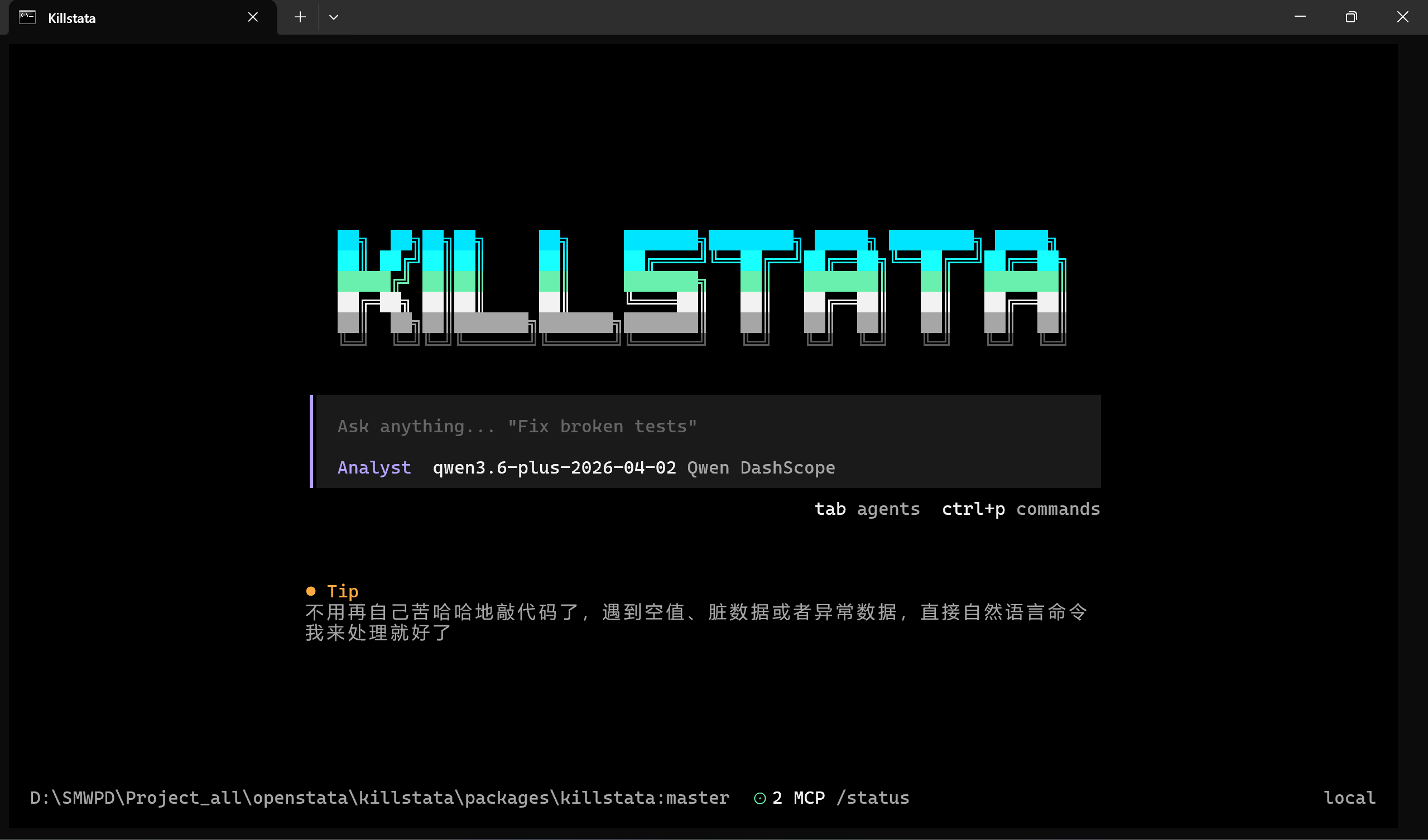
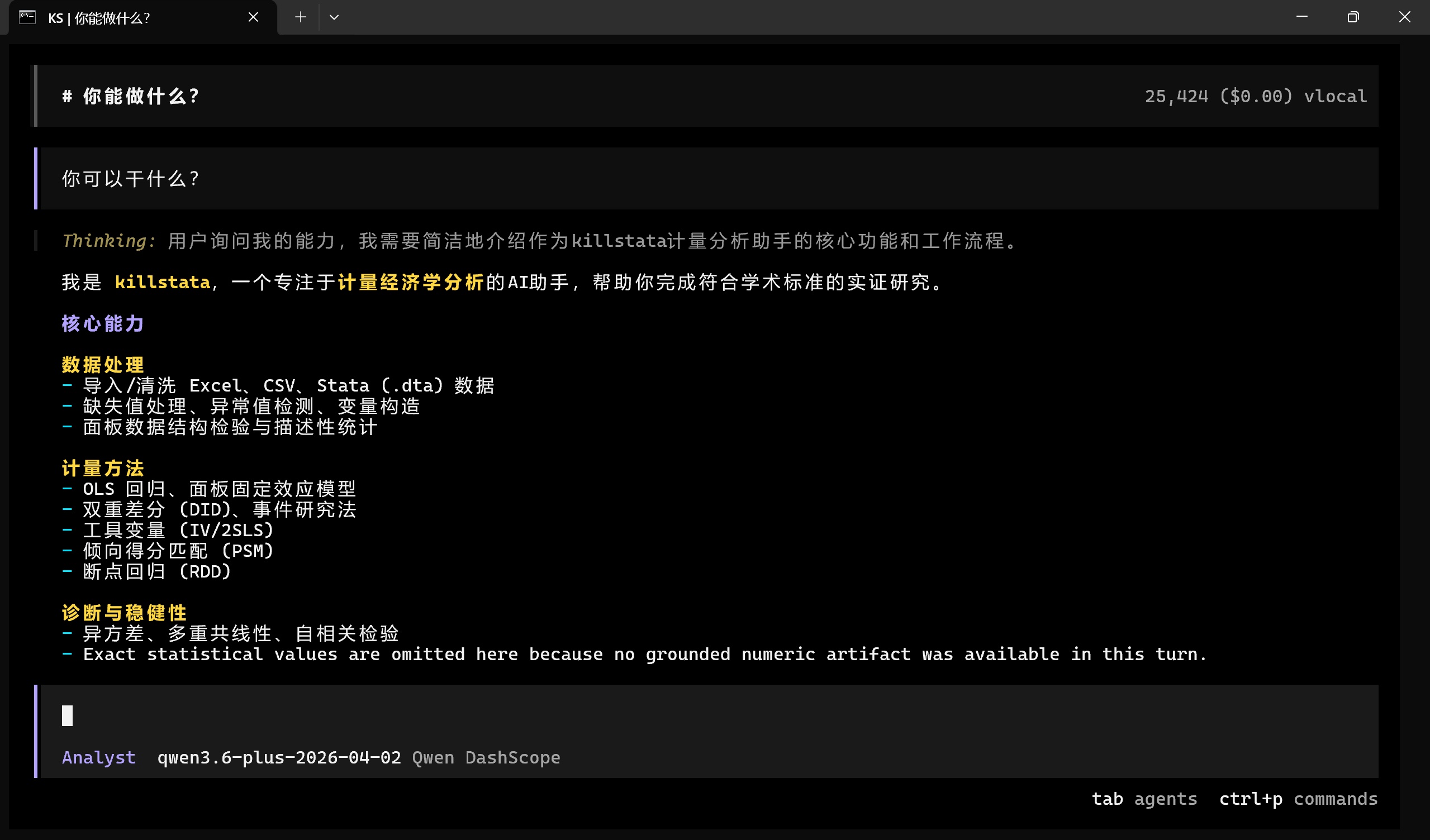
Screenshots
Common Prompt Examples
Import this Excel file and show me the schema.Run QA on the current dataset and tell me if panel keys are duplicated.Use the current panel stage and run a fixed-effects regression with clustered SE.Export a three-line table and a short result summary.
What It Supports
- Data import from
CSV,XLSX, andDTA - Structured working datasets with tracked stages
- QA, filtering, preprocessing, and rollback workflows
- Econometric methods such as OLS, panel fixed effects, DID-style flows, IV, and PSM-related flows
- Output generation for summaries, regression tables, and deliverables
Output Layout
Typical artifact layout:
.killstata/
  datasets/
    <datasetId>/
      manifest.json
      stages/
      inspection/
      meta/
      audit/
      reports/
Install Troubleshooting
If installation succeeds but the CLI still does not start, retry the Windows-first install path:
npm i -g killstata@latestThe npm package supports Windows x64 only. For source development, install Bun:
Key Design
- Continue from saved artifacts instead of rereading raw files
- Treat preprocessing as tracked stages, not silent overwrites
- Generate outputs from structured result files for better traceability
Repository
- GitHub:
https://github.com/dean-create/KillStata
License
MIT