
leaflet-drift-marker


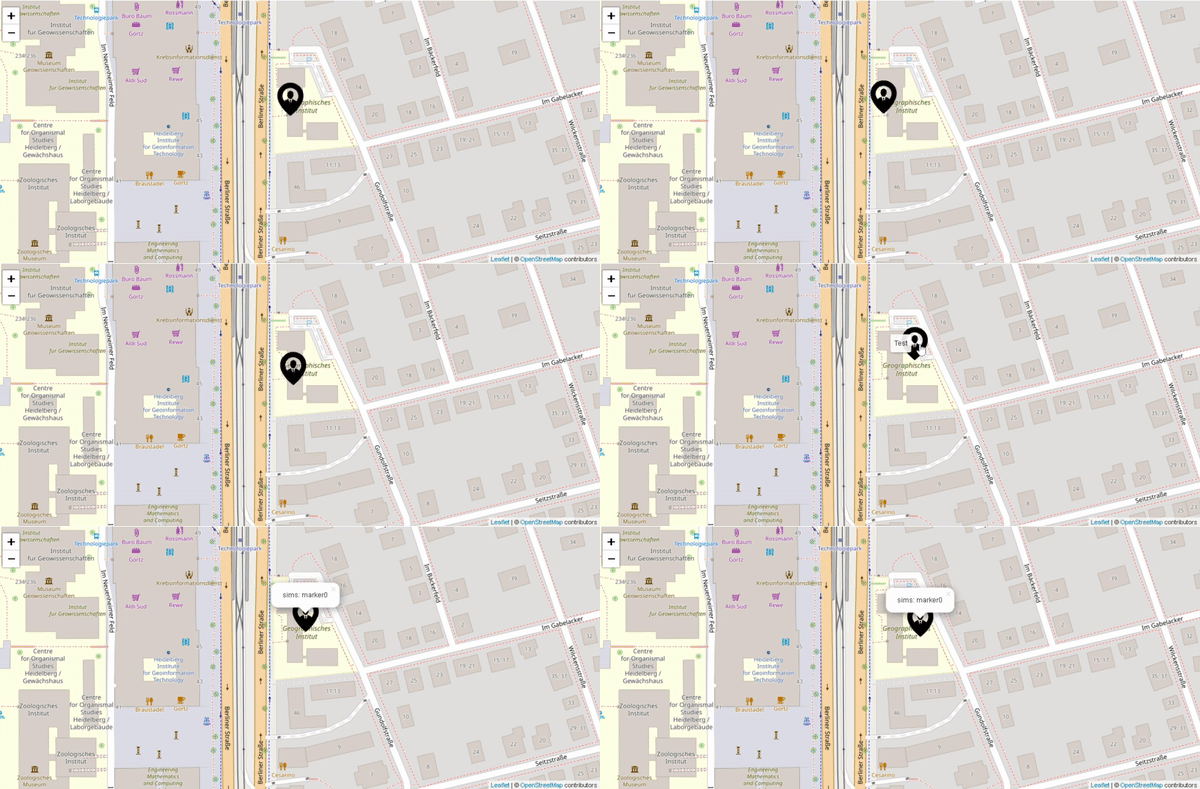
A Leaflet marker that moves smoothly to a new position instead of jumping. Written in TypeScript and framework-agnostic, so it works with plain Leaflet, Vue, Angular and others. Ported from Leaflet.Marker.SlideTo.
Using React? See react-leaflet-drift-marker.
Works with Leaflet 1.x and is tested with Leaflet 1.9. For many markers, use Leaflet's canvas renderer for better performance.
Installation
npm install leaflet-drift-marker leafletleaflet is a peer dependency.
Usage
With a bundler
import DriftMarker from "leaflet-drift-marker";
// CommonJS: const { DriftMarker } = require("leaflet-drift-marker");

const marker = new DriftMarker([10, 10]).addTo(map);

marker.slideTo([20, 20], {
  duration: 2000,
  keepAtCenter: true,
});
With a <script> tag
Load Leaflet first; the script reads the global L and sets window.DriftMarker.
<link rel="stylesheet" href="https://unpkg.com/leaflet@1.9.4/dist/leaflet.css" />
<script src="https://unpkg.com/leaflet@1.9.4/dist/leaflet.js"></script>
<script src="https://unpkg.com/leaflet-drift-marker@2.1.0/lib/index.js"></script>
<div id="map" style="height: 400px"></div>
<script>
const map = L.map("map").setView([0, 0], 4);
L.tileLayer("https://tile.openstreetmap.org/{z}/{x}/{y}.png", {
attribution: "© OpenStreetMap contributors",
}).addTo(map);
const marker = new DriftMarker([0, 0]).addTo(map);
marker.slideTo([10, 10], { duration: 1000 });
</script>
With ES modules in the browser
Use a module script and an import map so leaflet resolves to Leaflet's ESM build (Leaflet 1.9).
<link rel="stylesheet" href="https://unpkg.com/leaflet@1.9.4/dist/leaflet.css" />
<script type="importmap">
{
"imports": {
"leaflet": "https://unpkg.com/leaflet@1.9.4/dist/leaflet-src.esm.js",
"leaflet-drift-marker": "https://unpkg.com/leaflet-drift-marker@2.1.0/lib/index.mjs"
}
}
</script>
<div id="map" style="height: 400px"></div>
<script type="module">
import * as L from "leaflet";
import DriftMarker from "leaflet-drift-marker";
const map = L.map("map").setView([0, 0], 4);
L.tileLayer("https://tile.openstreetmap.org/{z}/{x}/{y}.png", {
attribution: "© OpenStreetMap contributors",
}).addTo(map);
const marker = new DriftMarker([0, 0]).addTo(map);
marker.slideTo([10, 10], { duration: 1000 });
</script>API
DriftMarker accepts everything L.Marker does, and adds:
.slideTo(latlng, options): animates the marker tolatlng. Firesmovestartandmoveend.options.duration(number, required): animation length in ms.options.keepAtCenter(boolean, optional): pans the map with the marker and locks dragging and zoom-to-point until the slide ends.
.slideCancel(): stops the current slide and restores map interaction.
Calling setLatLng or removing the marker during a slide cancels the slide. A duration of 0 moves the marker straight to the target.
Contributing
See AGENTS.md for layout, commands and conventions.
License
MIT