
Licence
MIT
Version
0.5.0
Deps
8
Size
7 kB
Vulns
0
Weekly
0
listr-update-renderer 
Listr update renderer
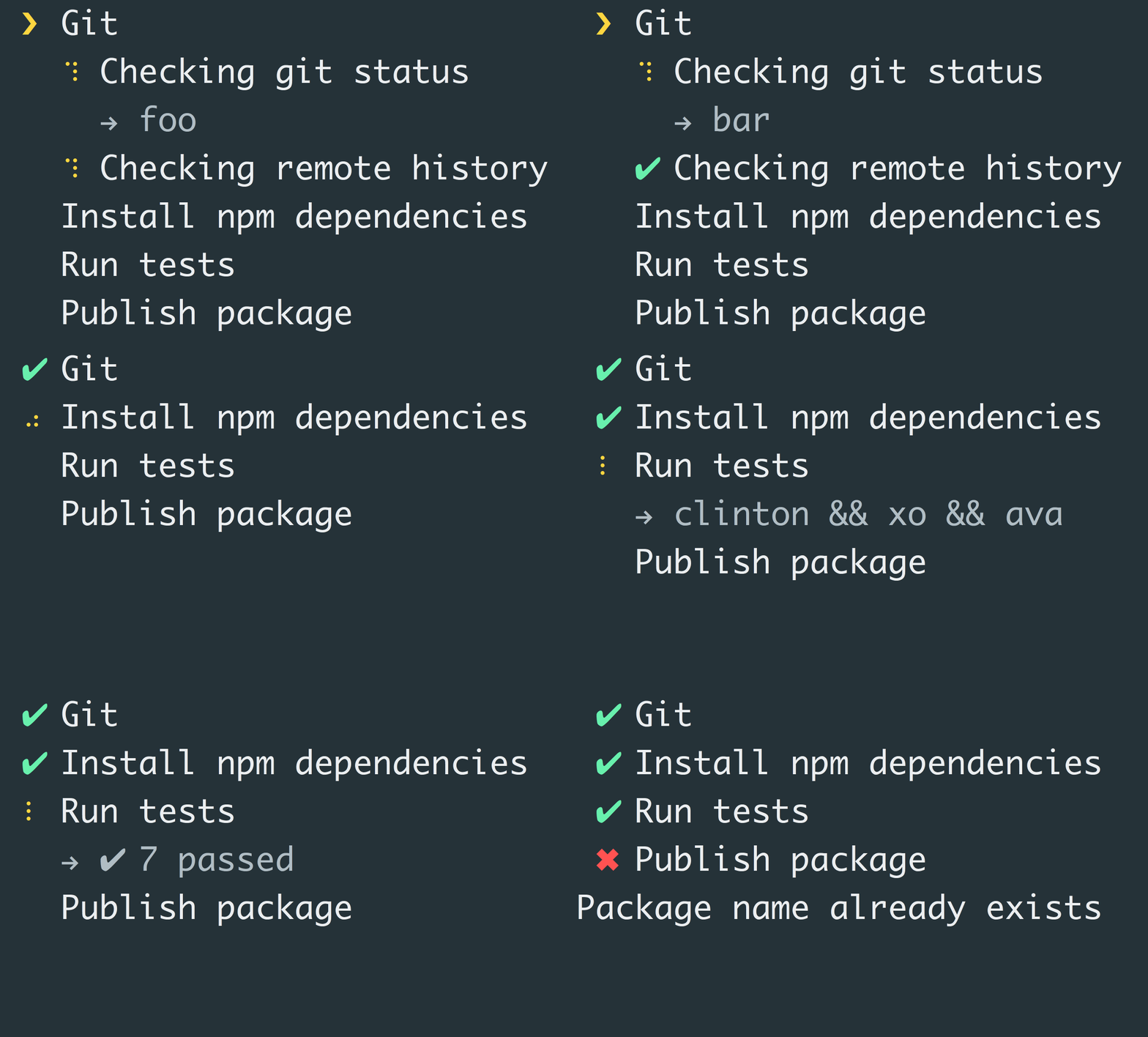
Install
$ npm install --save listr-update-rendererUsage
const UpdaterRenderer = require('listr-update-renderer');
const Listr = require('listr');

const list = new Listr([
    {
        title: 'foo',
        task: () => Promise.resolve('bar')
    }
], {
    renderer: UpdaterRenderer,
	collapse: false
});

list.run();
Note: This is the default renderer for Listr and doesn't need to be specified.
Options
These options should be provided in the Listr options object.
showSubtasks
Type: boolean
Default: true
Set to false if you want to disable the rendering of the subtasks. Subtasks will be rendered if an error occurred in one of them.
collapse
Type: boolean
Default: true
Set to false if you don't want subtasks to be hidden after the main task succeed.
clearOutput
Type: boolean
Default: false
Clear the output when all the tasks are executed succesfully.
Related
- listr - Terminal task list
- listr-verbose-renderer - Listr verbose renderer
- listr-silent-renderer - Suppress Listr rendering output
License
MIT Sam Verschueren