
Quran Madina Html (no-images)




A Madina Quran HTML Renderer without images
Theres a pre-processing python script to generate Json databases with quran text with special metadata. The preprocessing is based on text from Tanzil, and the OCR DB downloaded from Murtaza Raja helper project. Every line has a stretch-x factor pre-computed to ensure the best text fitting. Afterwards, the JS library uses those Json objects to render Madina-based Quran pages and lines.
The main purpose of this library is:
- Render Quran text that's visually similar to Madina Printed Pages
- Efficient Loading of Quran Visual Text (Not image-based, but pure Html)
- Easy to use: just a simple HTML tag!
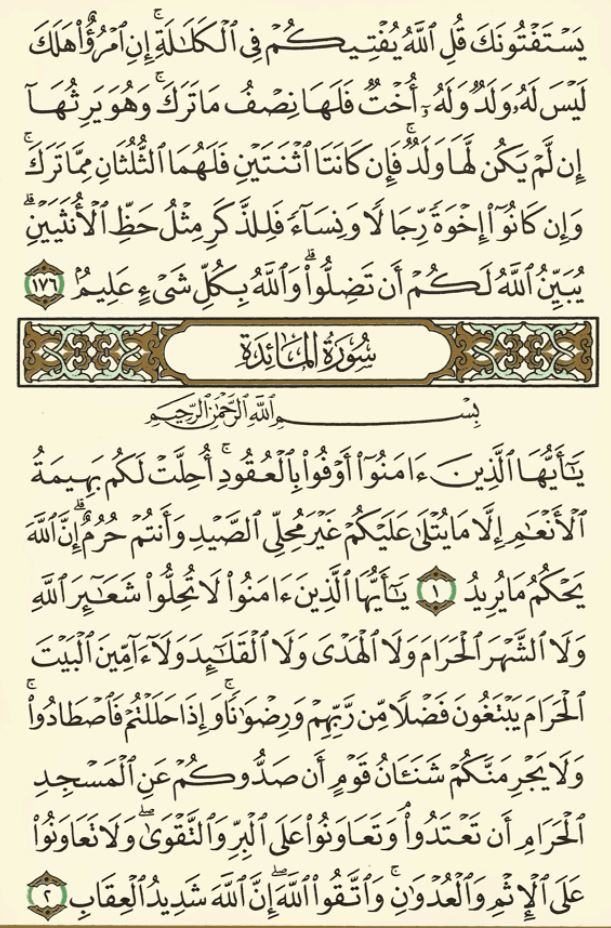 Reference Image |
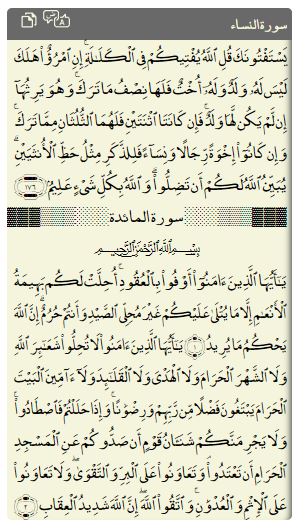 HTML: Font=me_quran |
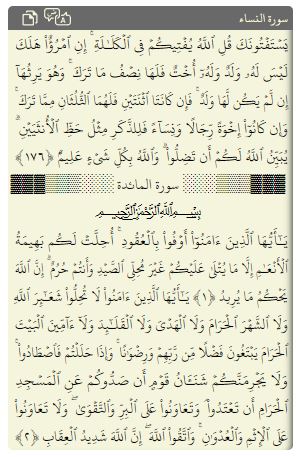 HTML: Font=Hafs |
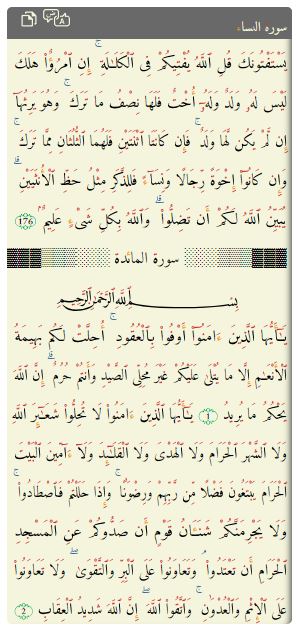 HTML: Font=Amiri Quran Colored |
|---|---|---|---|
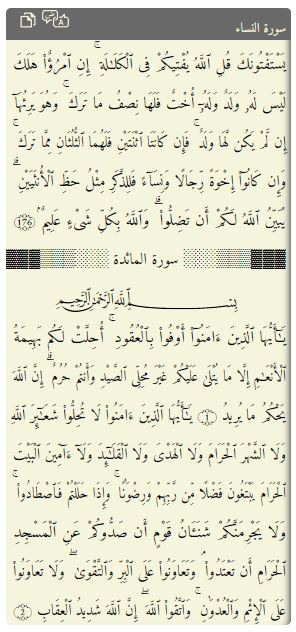 HTML: Font=Amiri Quran |
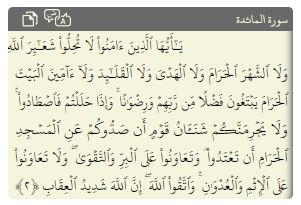 HTML: Range of Ayas |
Getting Started
In your Html header, add this script:
<script type="text/javascript" src="https://unpkg.com/quran-madina-html"></script>- Supported
data-nameparameters are: Madina05 (default), others are under development (Shemerly, Qaloon, Newer Madina) - Supported
data-fontparameters are: Hafs (default), Uthman, Amiri Quran, Amiri Quran Colored - Other options include:
data-font-sizewhich defaults to 16 (px)
Then in your body, just add the tag.
<quran-madina-html sura="2" aya="8-10"></quran-madina-html> If the selected aya(s) fit on a single line, the default is to generate an inline <span> element, otherwise a <div> is generated.
You can also restrict the output to a specific word sequence with the words attribute (1-based, inclusive; start-end, start:end or a single index). Word indices are counted starting from the given sura/aya and may run past it, so the rendered selection can span multiple ayas — and even cross page and sura boundaries (the sura name/basmala are shown for context but not counted as words). The non-selected words are kept in place so the original Madina line layout is preserved — only the chosen words are shown. Aya-number markers are not counted.
<quran-madina-html sura="1" aya="1" words="1:2"></quran-madina-html>  <!-- first two words only -->
<quran-madina-html sura="1" aya="1" words="3-10"></quran-madina-html> <!-- words 3..10, spanning ayas 1-3 -->
<quran-madina-html sura="1" aya="7" words="1-10"></quran-madina-html> <!-- spans Al-Fatiha into Al-Baqara -->
The words attribute is ignored when rendering a full page.
Another option exists to render a complete quran page:
<quran-madina-html page="106"></quran-madina-html> By default a header (sura name + copy/translate icons, on a multiline render) or a copy button (on an inline render) is added. Set headless="true" to drop that chrome and render only the Quran text:
<quran-madina-html sura="2" aya="8-10" headless="true"></quran-madina-html> <!-- no header -->
<quran-madina-html sura="1" aya="1" headless="true"></quran-madina-html>    <!-- no copy button -->
Dev Setup
The project is published on npm npm install quran-madina-html, with sources, assets and distributables.
Alternatively, you can fork this repo, then clone it.
apt install python3-distutils nodejs npm chromium-driver
npm install // install components and scripts
npm run build-db // build all json Db files
npm run release // build the dist with dependencies
Demo
https://tarekeldeeb.github.io/quran-madina-html/demo/index.html
Don't forget to see the page source!