
react-native-col
Flexbox made easy & semantic
┌─────────────┐
│ TL   T   TR │
│             │
│ L    C    R │
│             │
│ BL   B   BR │
└─────────────┘
Install
yarn add react-native-colUsage
Before
import { View } from 'react-native';

<View
  style={{
    flexDirection: 'row',
    justifyContent: 'flex-end',
    alignItems: 'flex-start',
  }}
/>;
After
import { Row } from 'react-native-col';

// "Top Right"
<Row.TR />;
API
All demos use these 3 RGB squares:
import { View } from 'react-native';

const square = {
  minWidth: 50,
  minHeight: 50,
};

const $ = {
  // Red
  r: {
    ...square,
    backgroundColor: 'red',
  },
  // Green
  g: {
    ...square,
    backgroundColor: 'green',
  },
  // Blue
  b: {
    ...square,
    backgroundColor: 'blue',
  },
};

const Red = () => <View style={$.r} />;

const Green = () => <View style={$.g} />;

const Blue = () => <View style={$.b} />;
Also assume that all Col and Row containers in demos, are { flex: 1 }. Which are redacted for clarity.
Col
import { Col } from 'react-native-col';Top Left
// Equivalent to <Col />
<Col.TL>
  <Red />
  <Green />
  <Blue />
</Col.TL>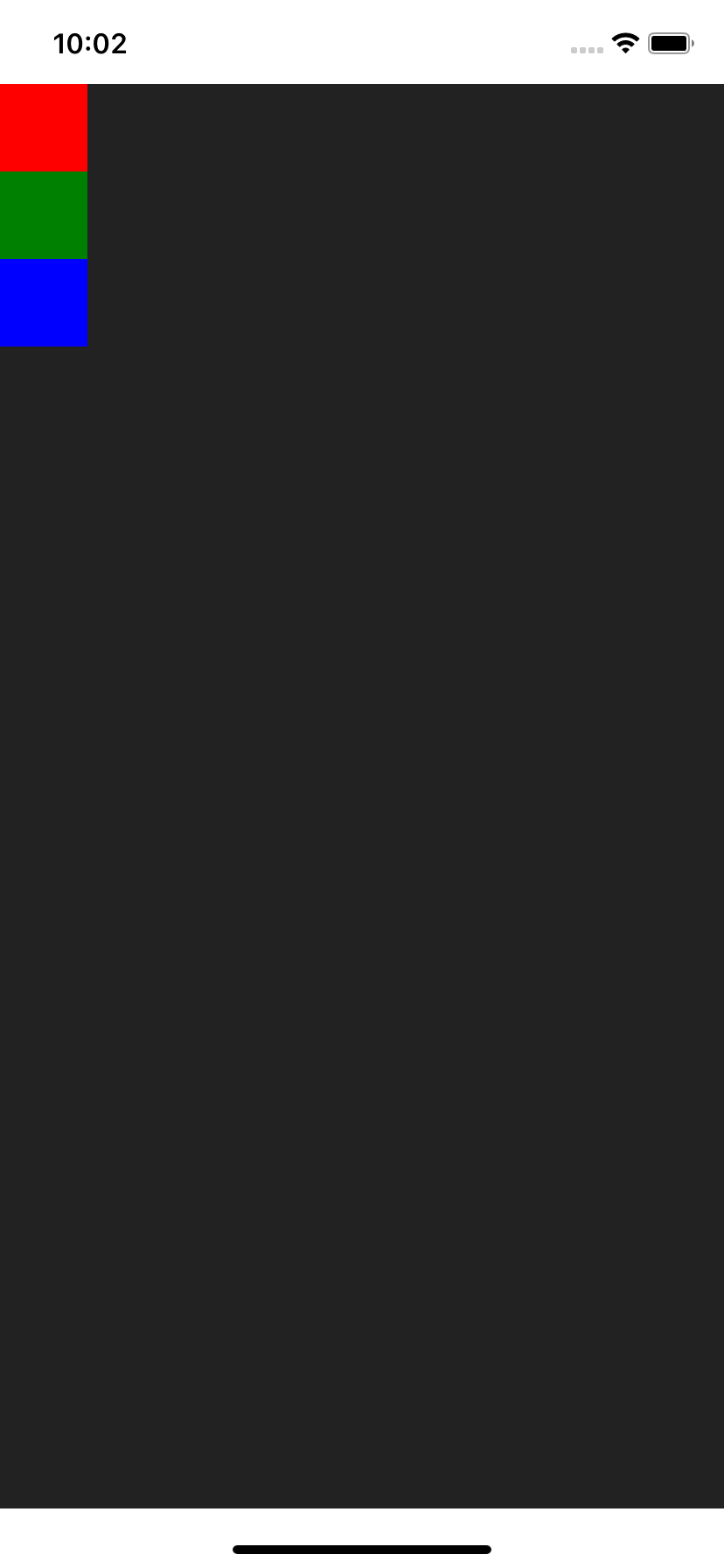
Top
<Col.T>
  <Red />
  <Green />
  <Blue />
</Col.T>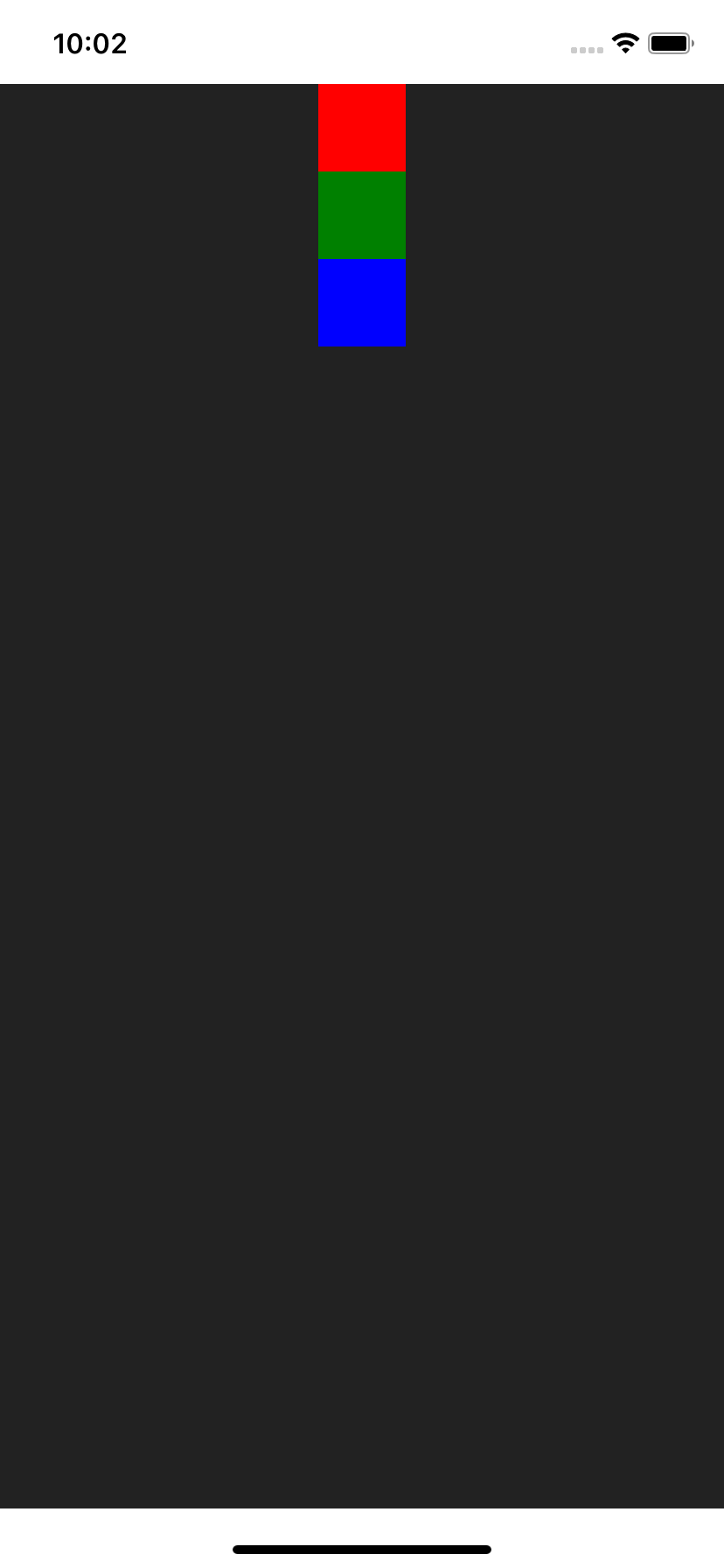
Top Right
<Col.TR>
  <Red />
  <Green />
  <Blue />
</Col.TR>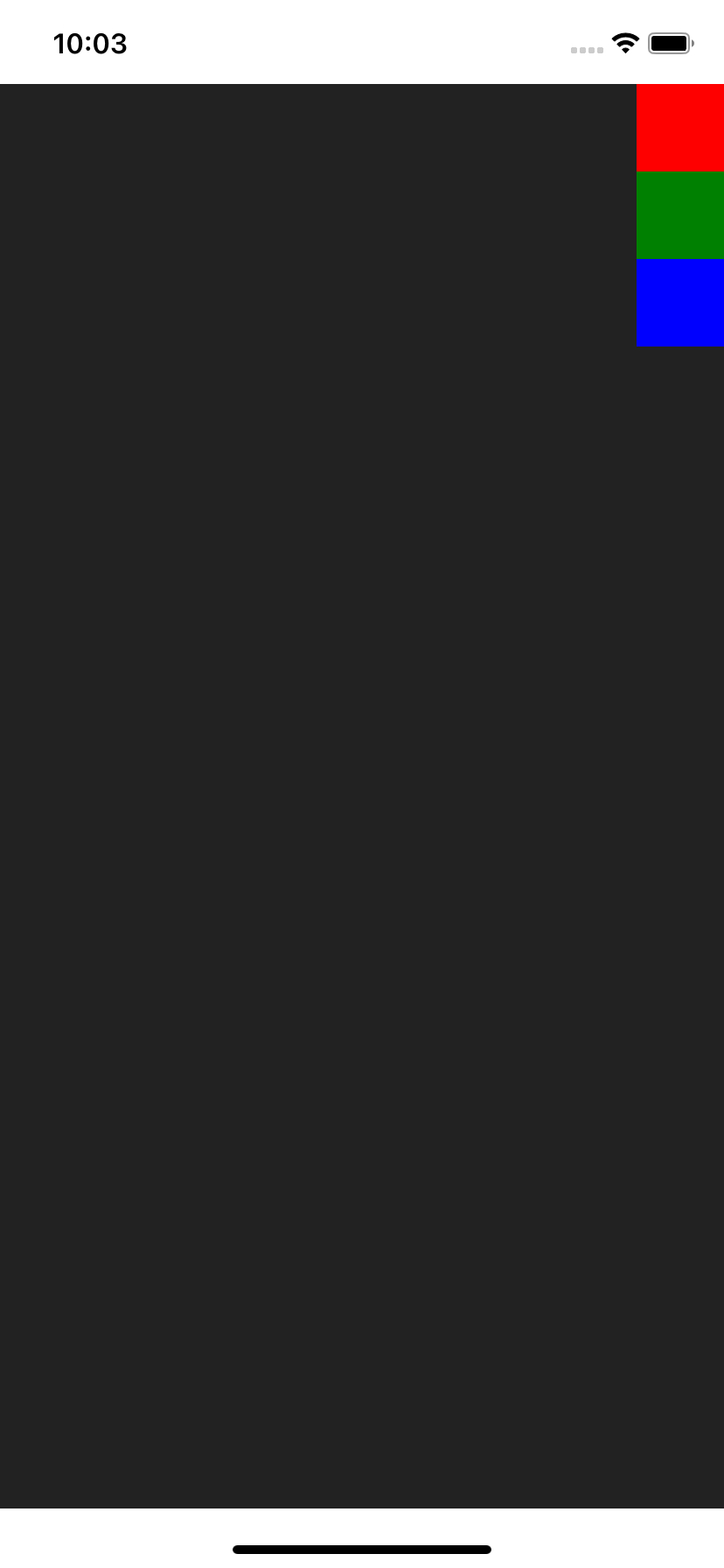
Left
<Col.L>
  <Red />
  <Green />
  <Blue />
</Col.L>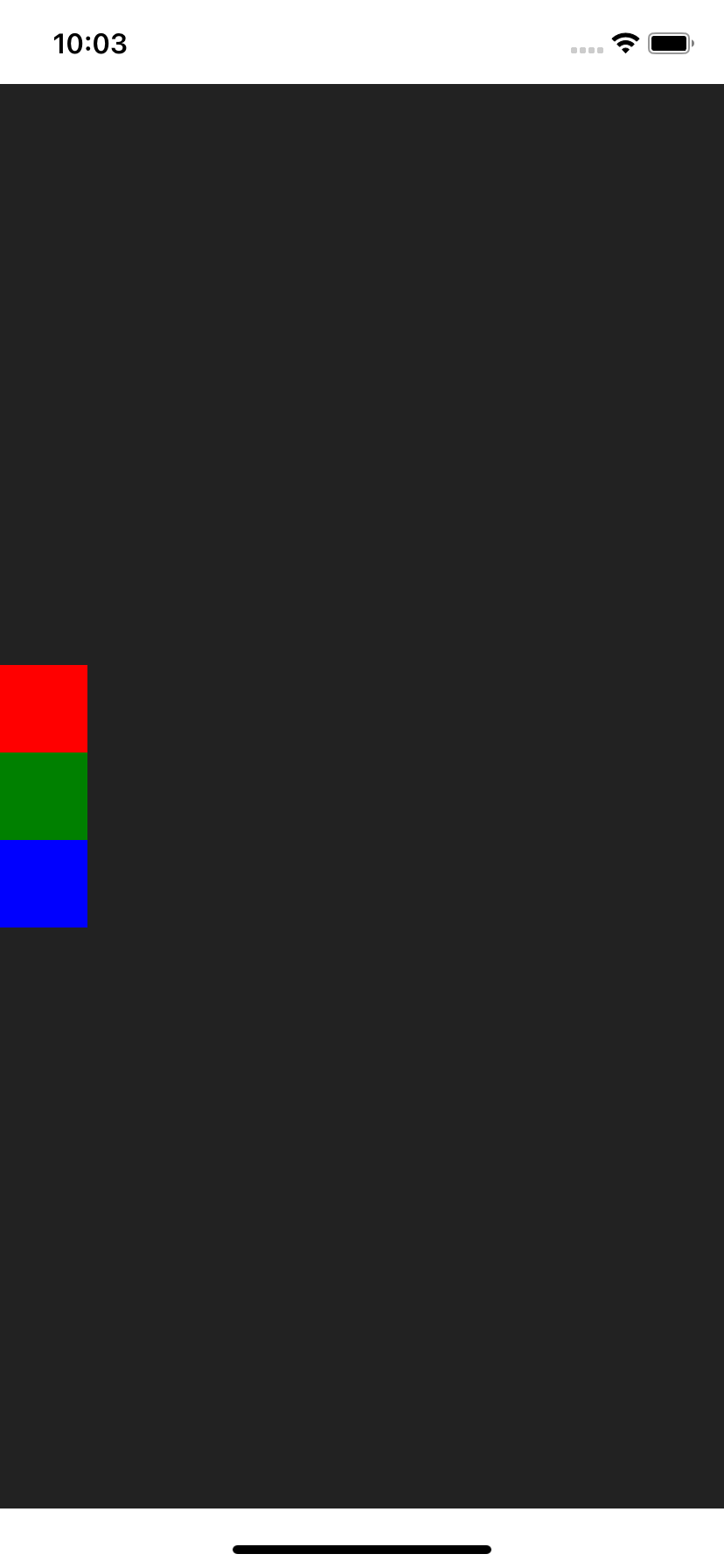
Center
<Col.C>
  <Red />
  <Green />
  <Blue />
</Col.C>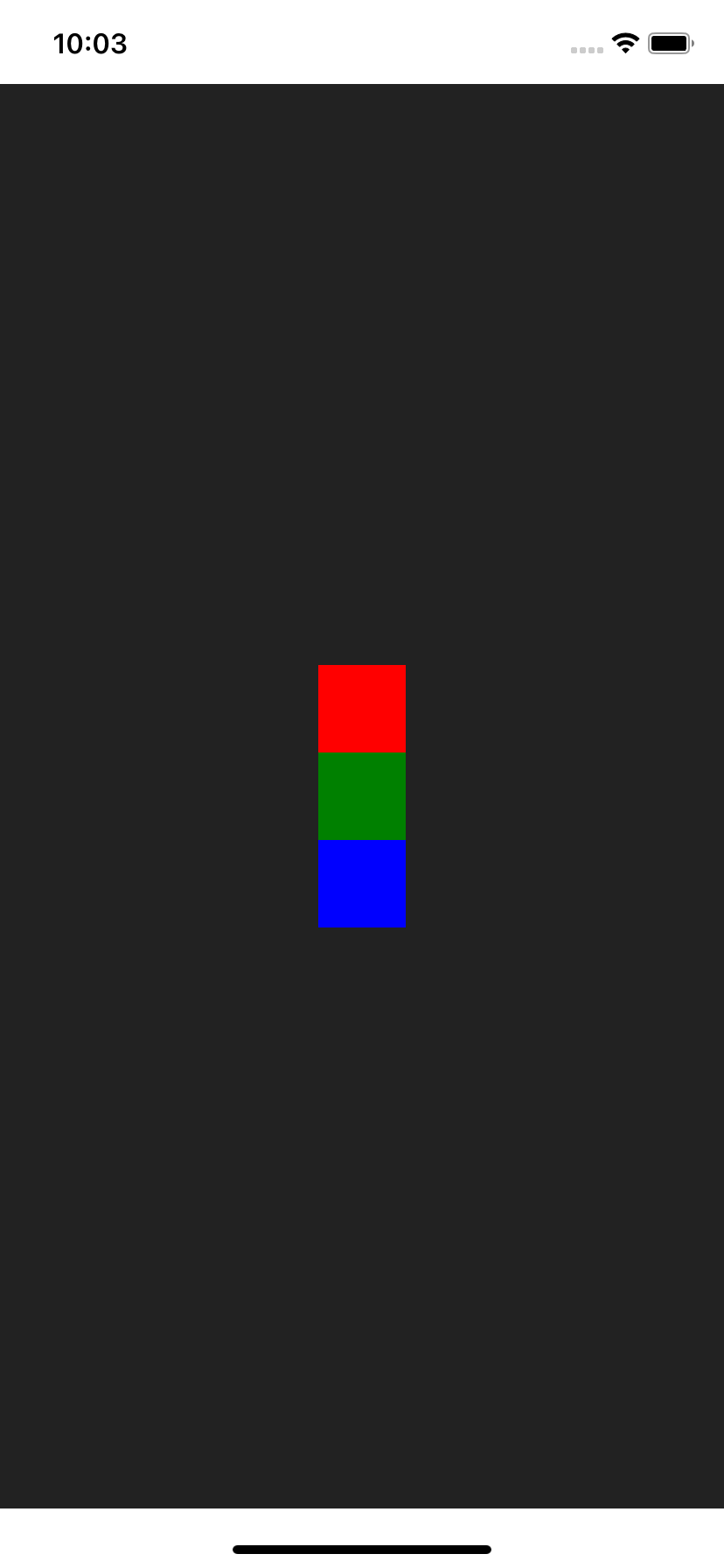
Right
<Col.R>
  <Red />
  <Green />
  <Blue />
</Col.R>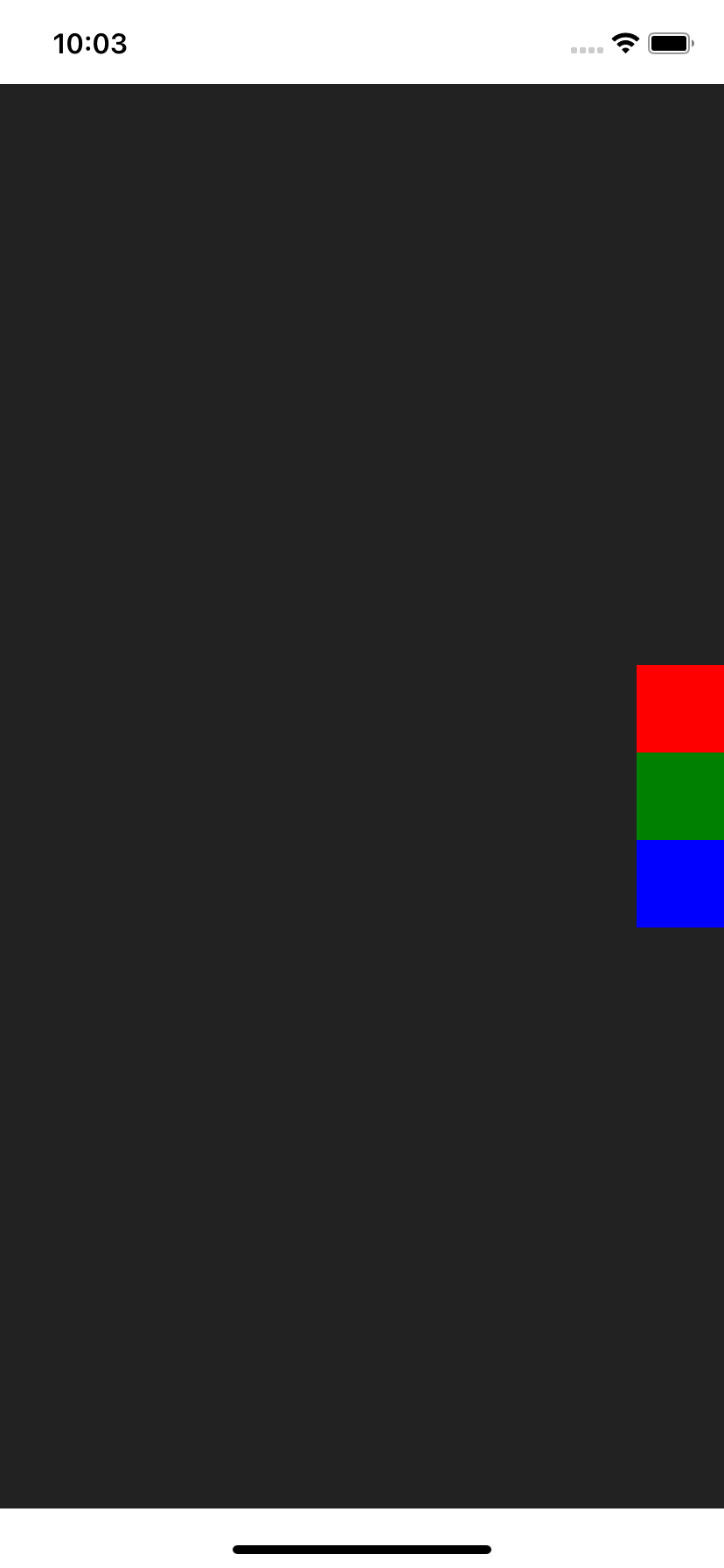
Bottom Left
<Col.BL>
  <Red />
  <Green />
  <Blue />
</Col.BL>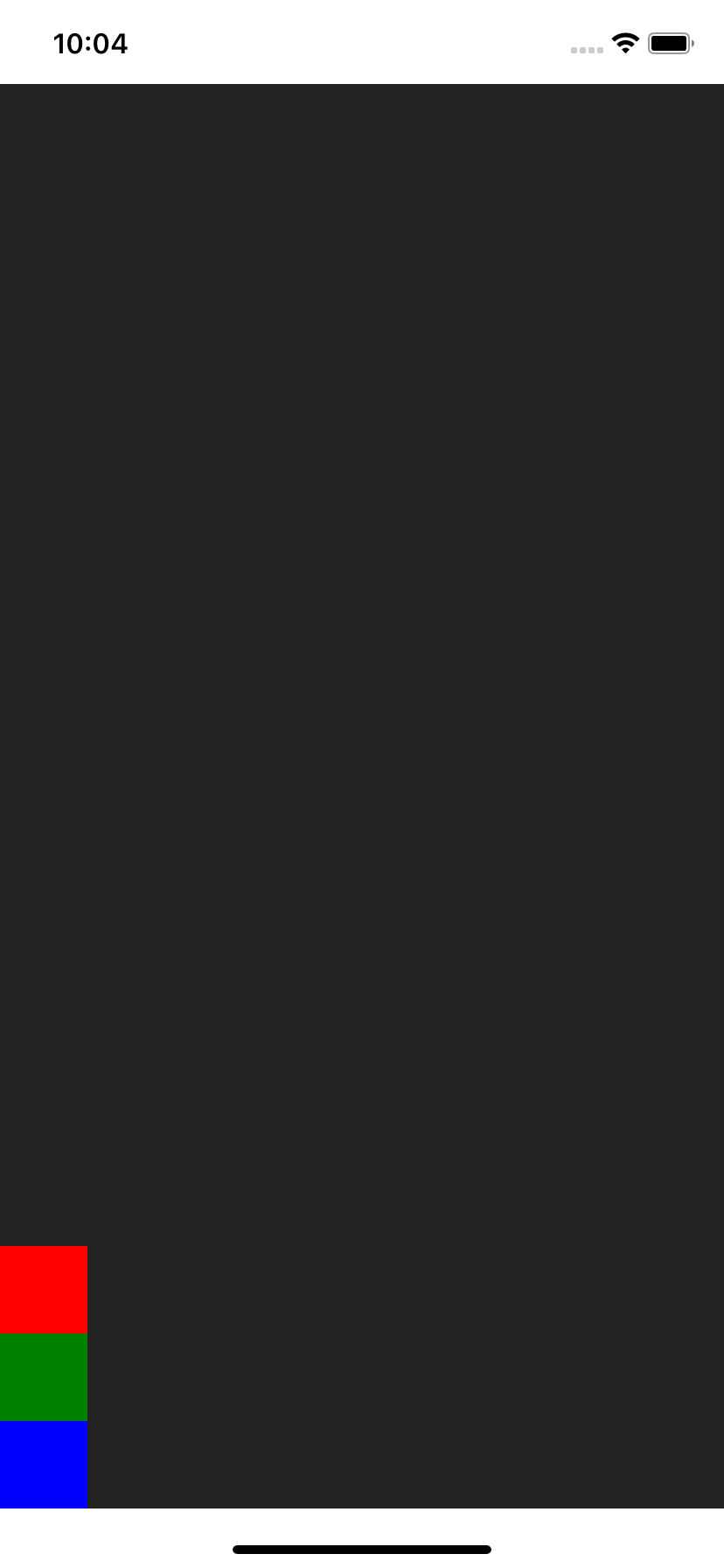
Bottom
<Col.B>
  <Red />
  <Green />
  <Blue />
</Col.B>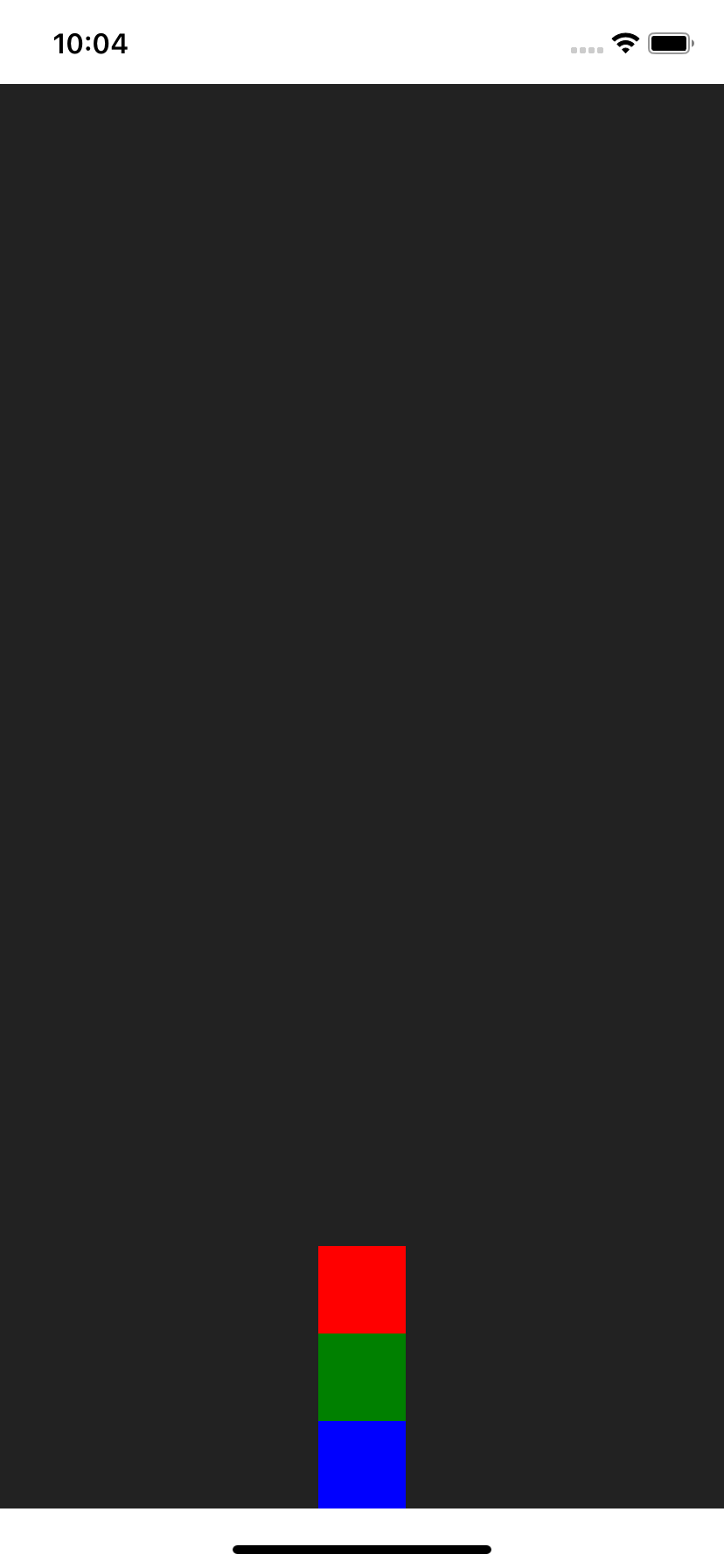
Bottom Right
<Col.BR>
  <Red />
  <Green />
  <Blue />
</Col.BR>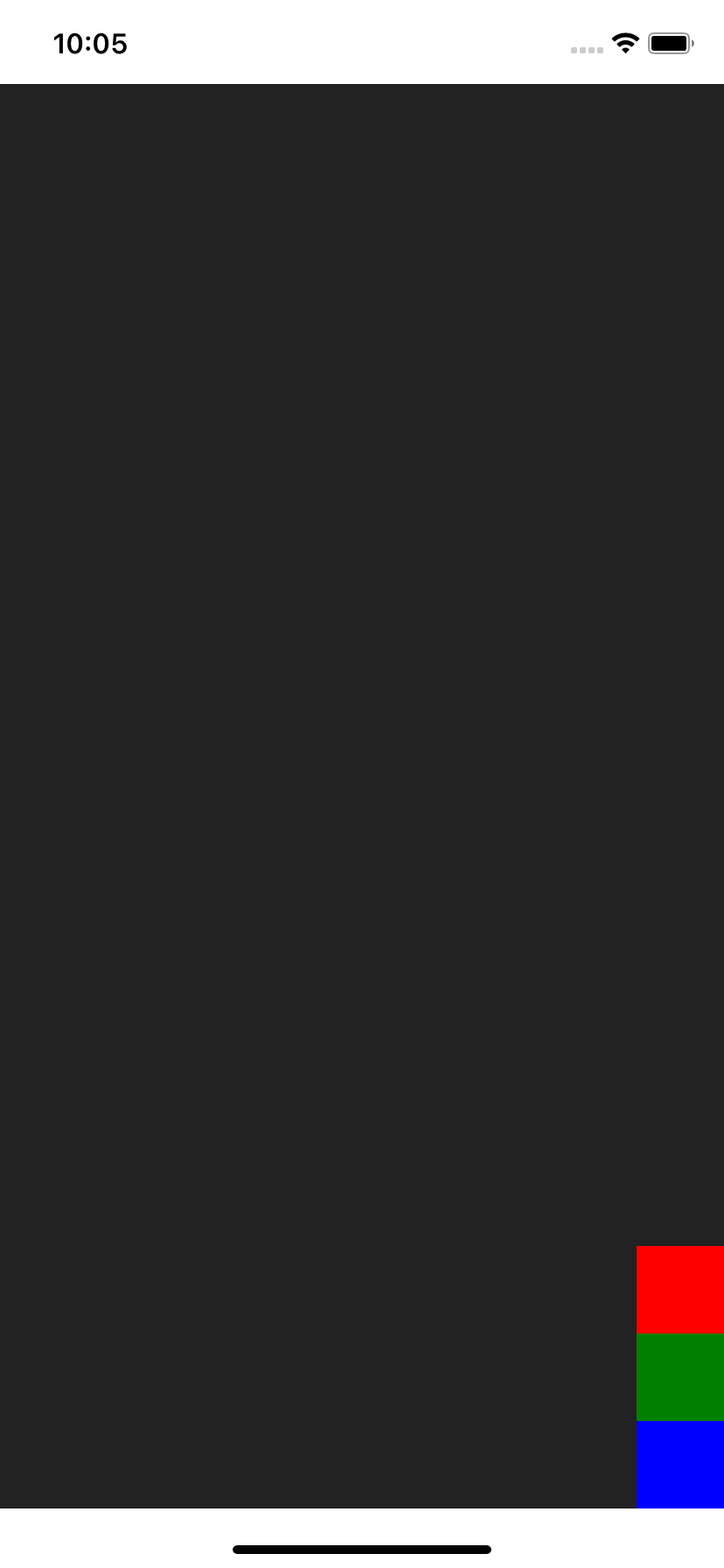
Top to Bottom, aligned Left
<Col.TBL>
  <Red />
  <Green />
  <Blue />
</Col.TBL>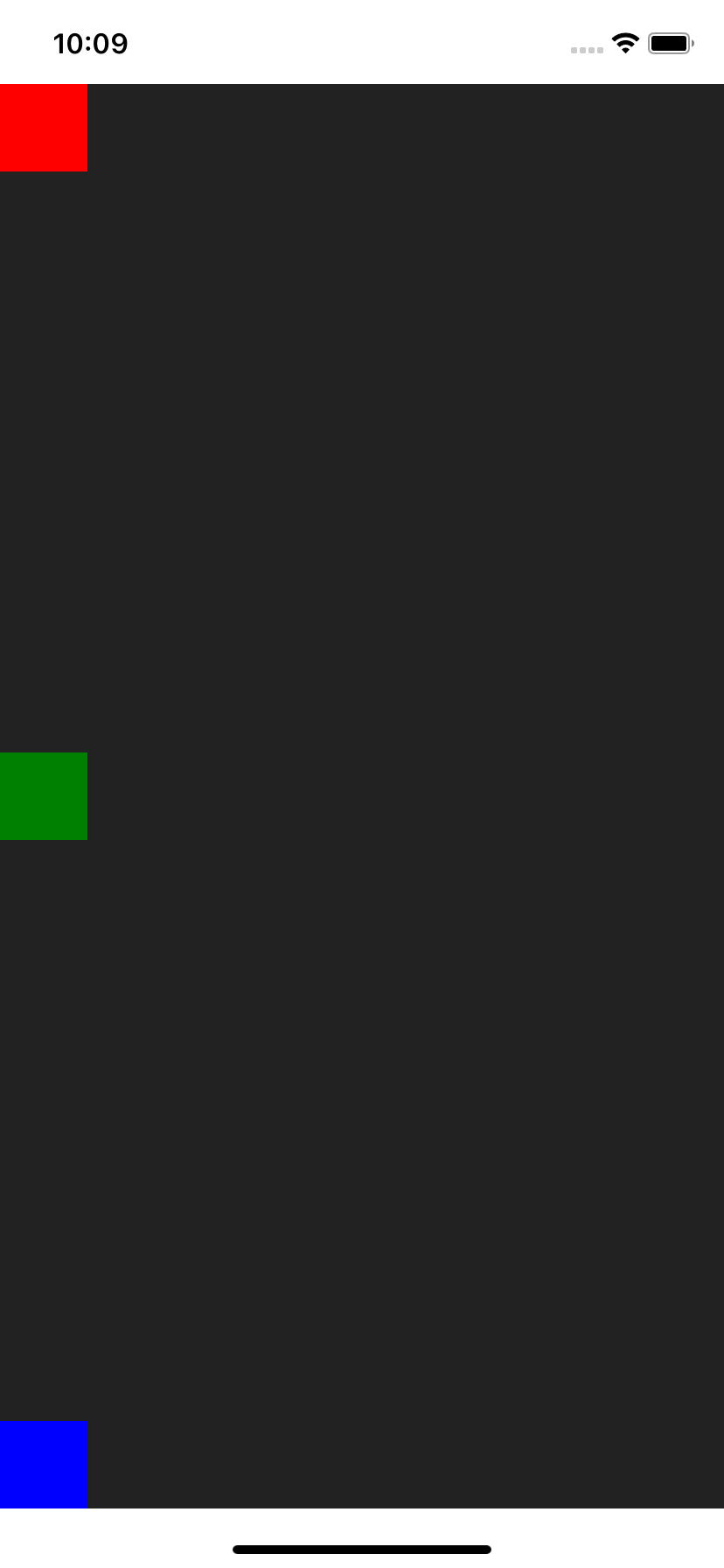
Top to Bottom
<Col.TB>
  <Red />
  <Green />
  <Blue />
</Col.TB>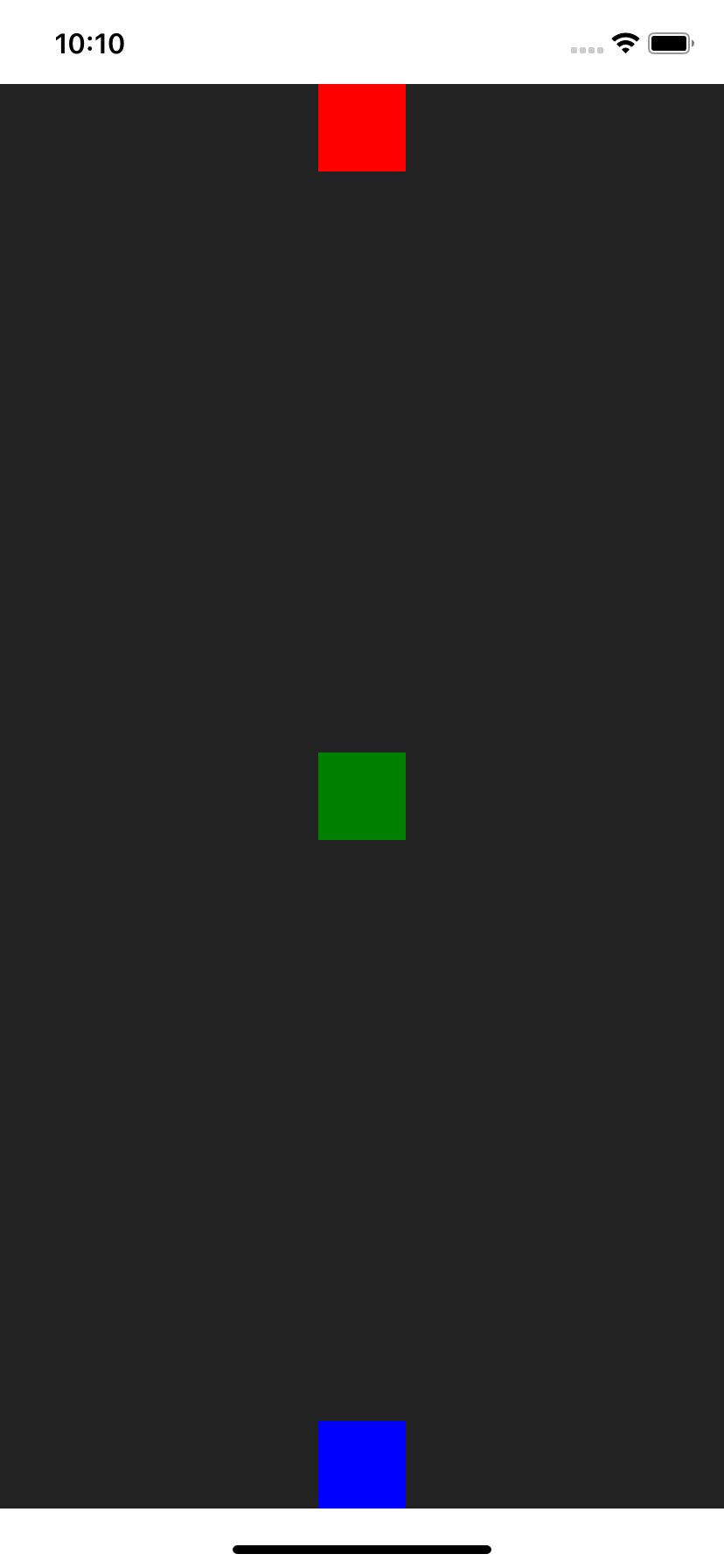
Top to Bottom, aligned Right
<Col.TBR>
  <Red />
  <Green />
  <Blue />
</Col.TBR>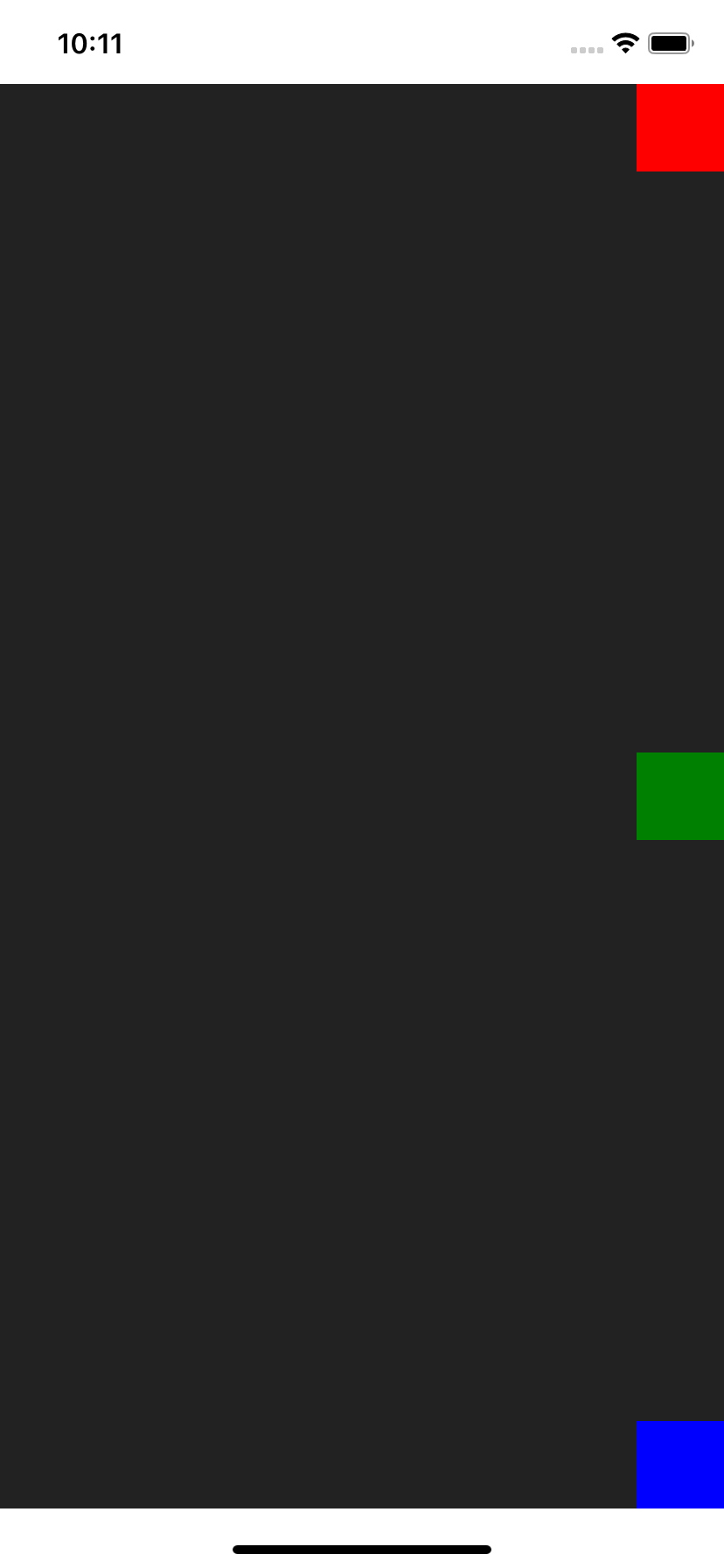
Bottom to Top, aligned Left
<Col.BTL>
  <Red />
  <Green />
  <Blue />
</Col.BTL>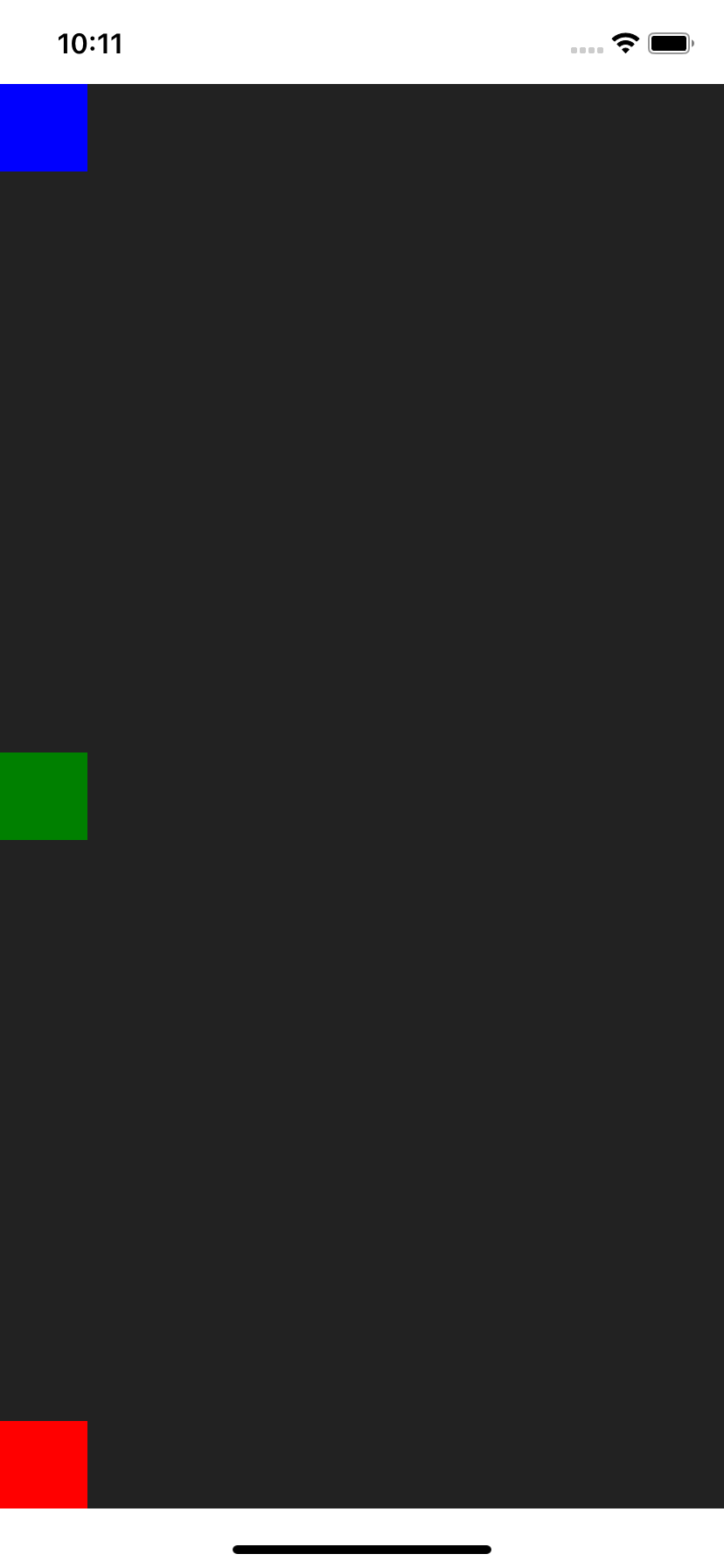
Bottom to Top
<Col.BT>
  <Red />
  <Green />
  <Blue />
</Col.BT>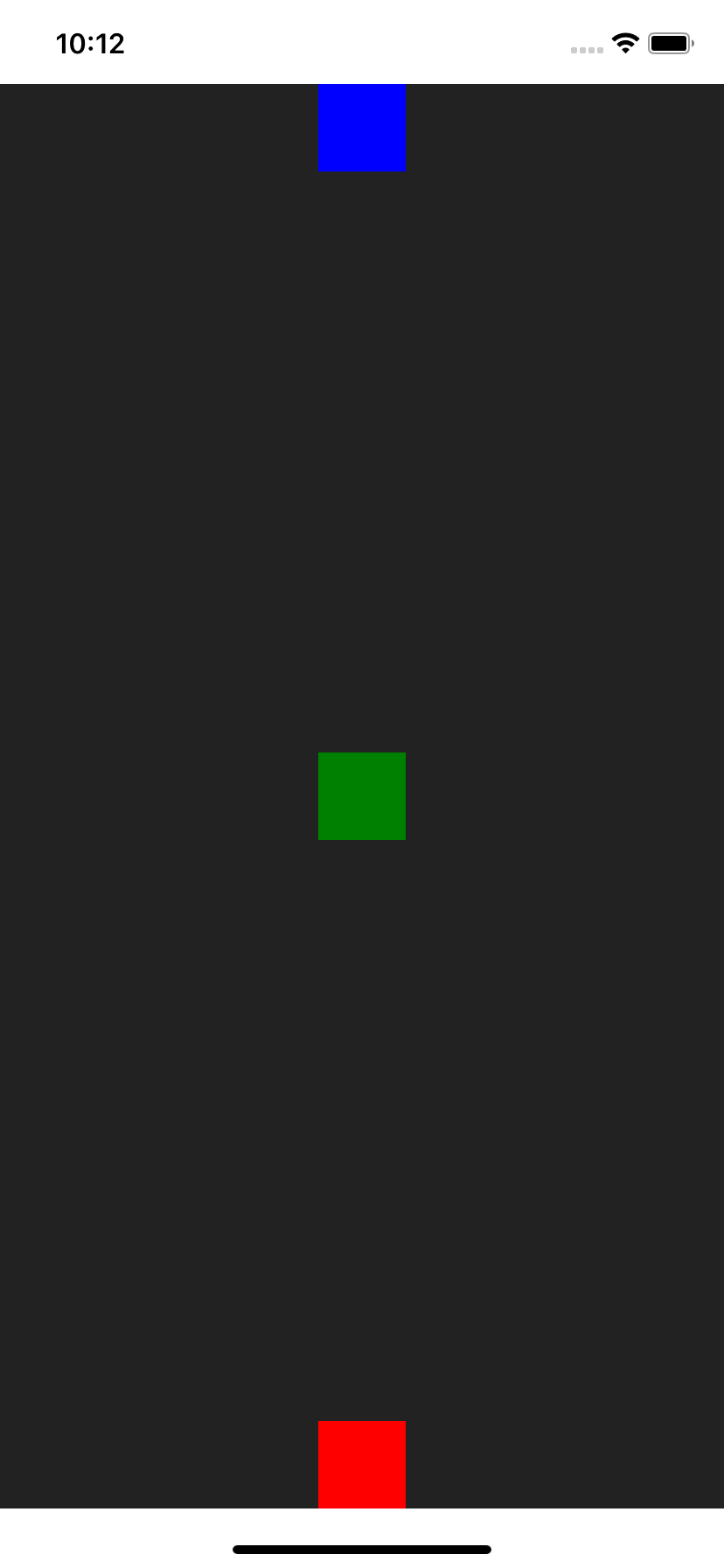
Bottom to Top, aligned Right
<Col.BTR>
  <Red />
  <Green />
  <Blue />
</Col.BTR>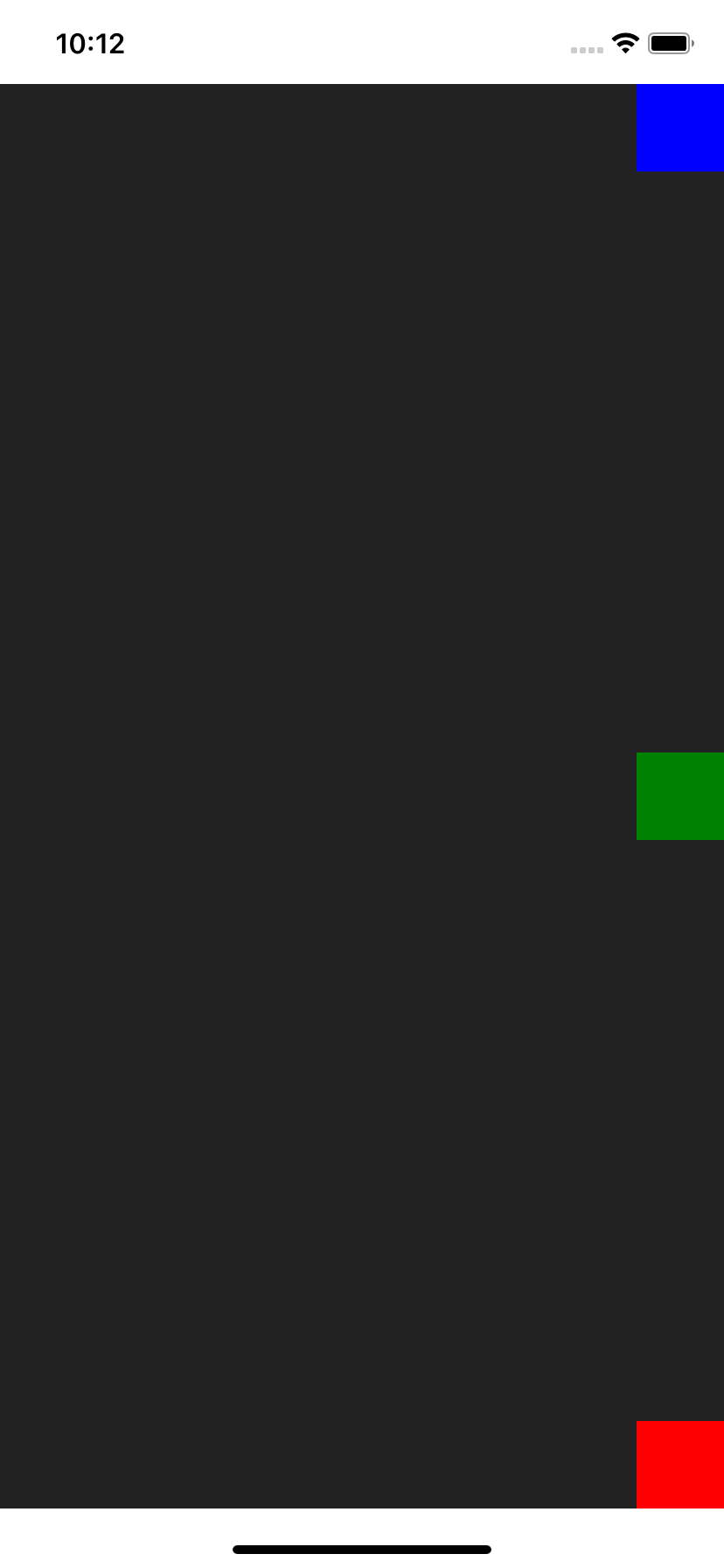
Top, aligned Left to Right
<Col.LRT>
  <Red />
  <Green />
  <Blue />
</Col.LRT>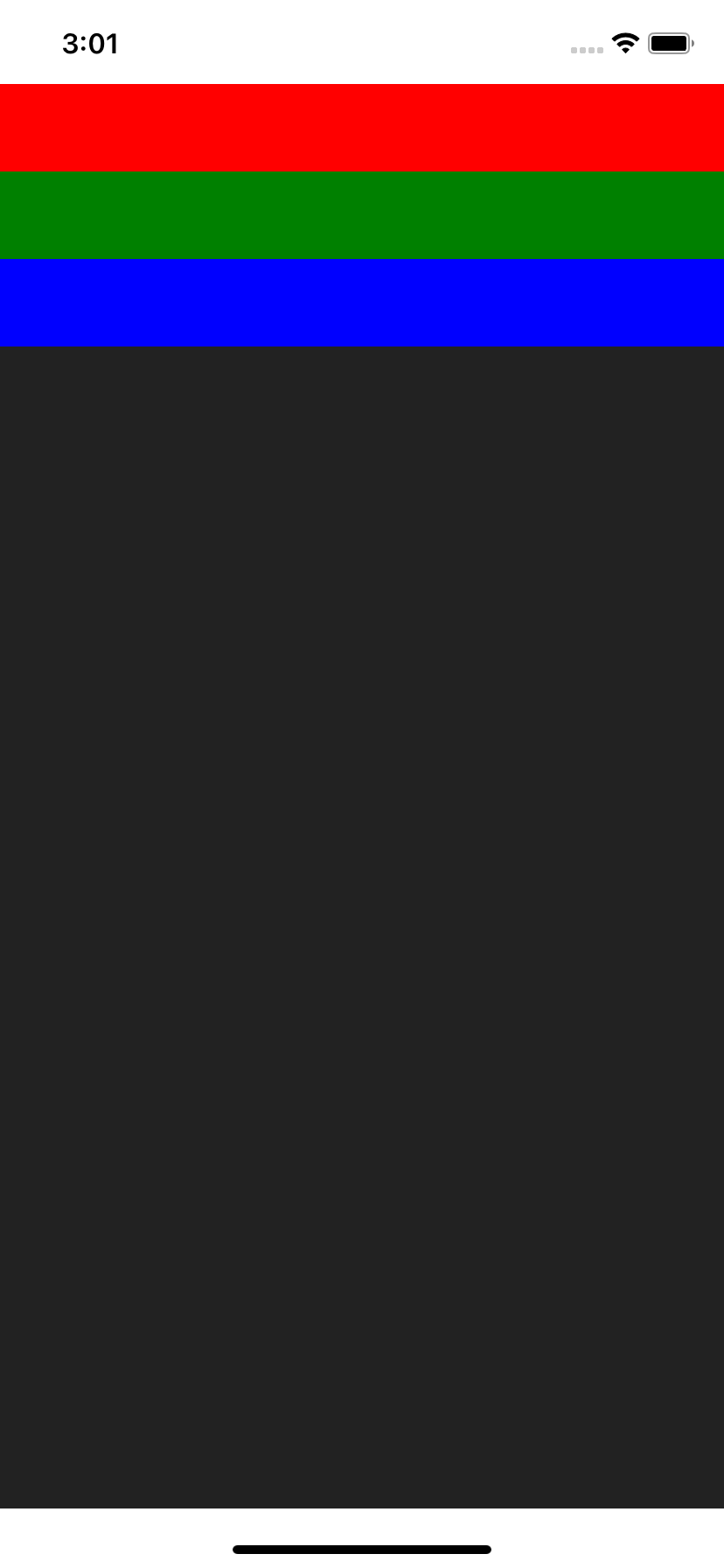
Center, aligned Left to Right
<Col.LRC>
  <Red />
  <Green />
  <Blue />
</Col.LRC>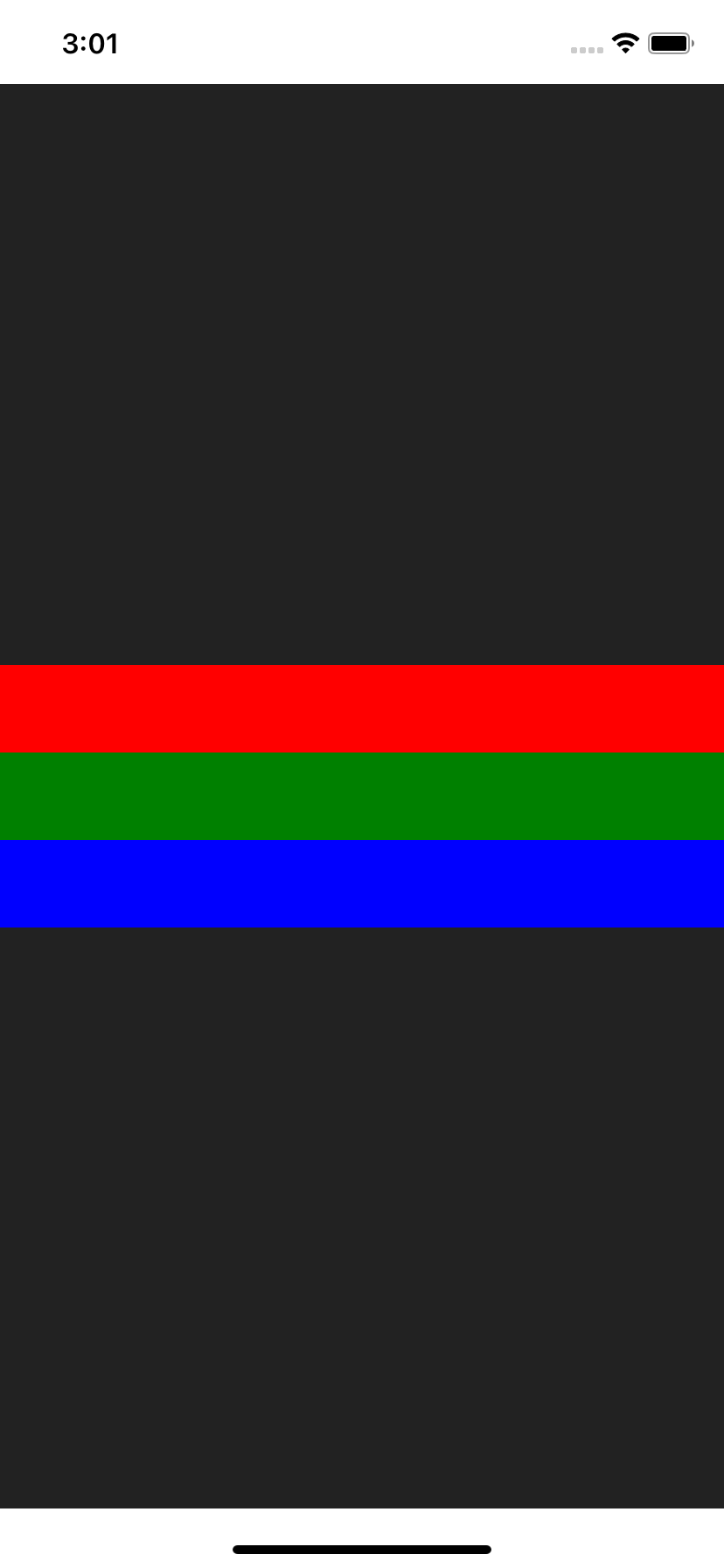
Bottom, aligned Left to Right
<Col.LRB>
  <Red />
  <Green />
  <Blue />
</Col.LRB>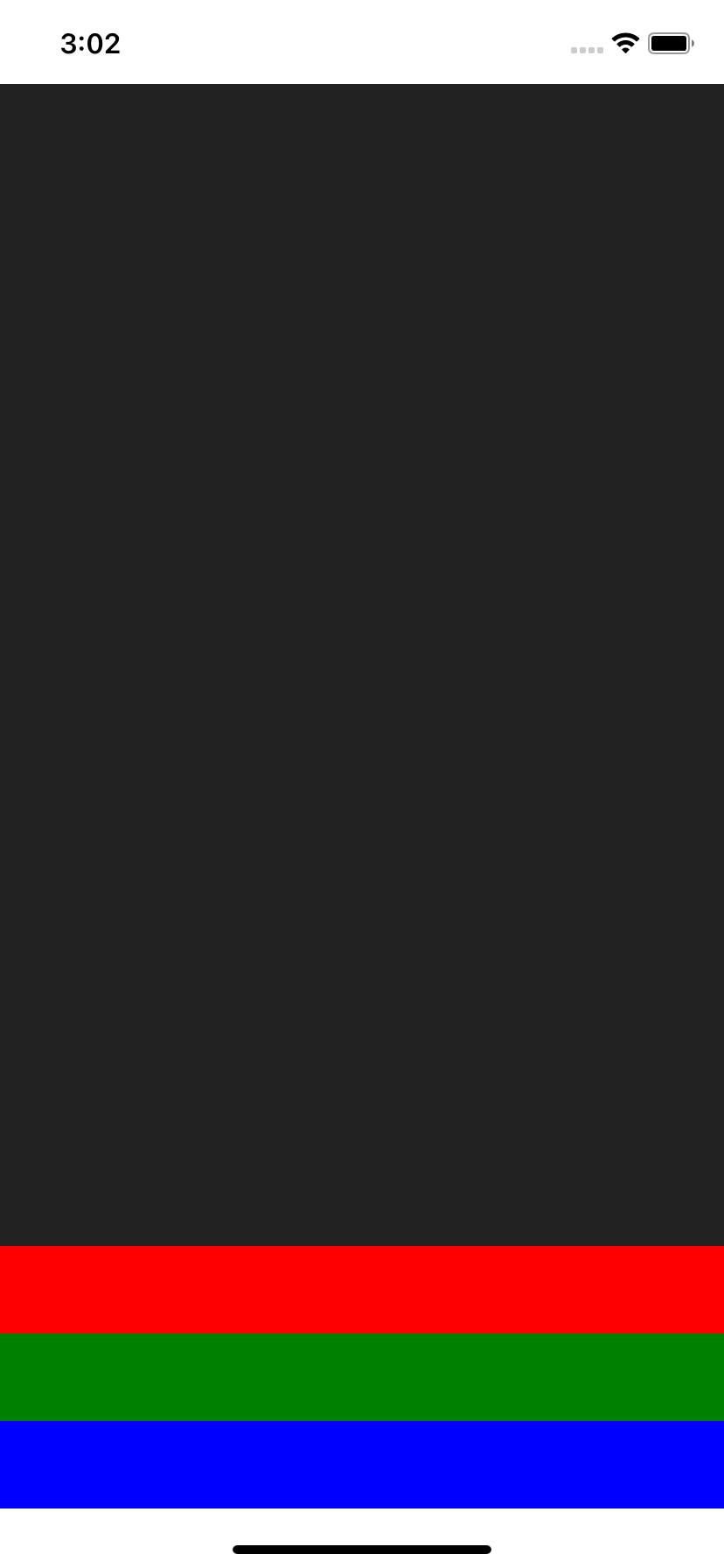
Row
import { Row } from 'react-native-col';Top Left
// Equivalent to <Row />
<Row.TL>
  <Red />
  <Green />
  <Blue />
</Row.TL>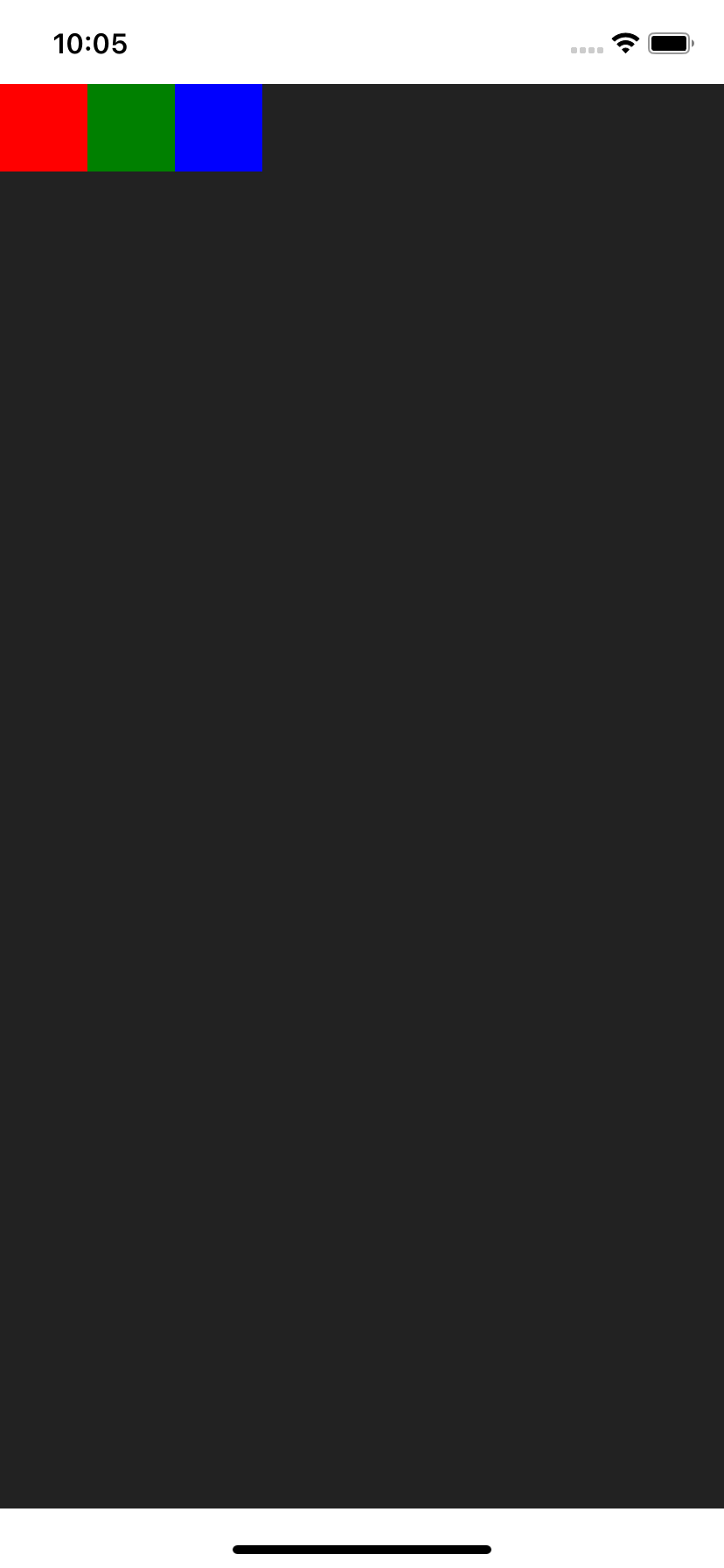
Top
<Row.T>
  <Red />
  <Green />
  <Blue />
</Row.T>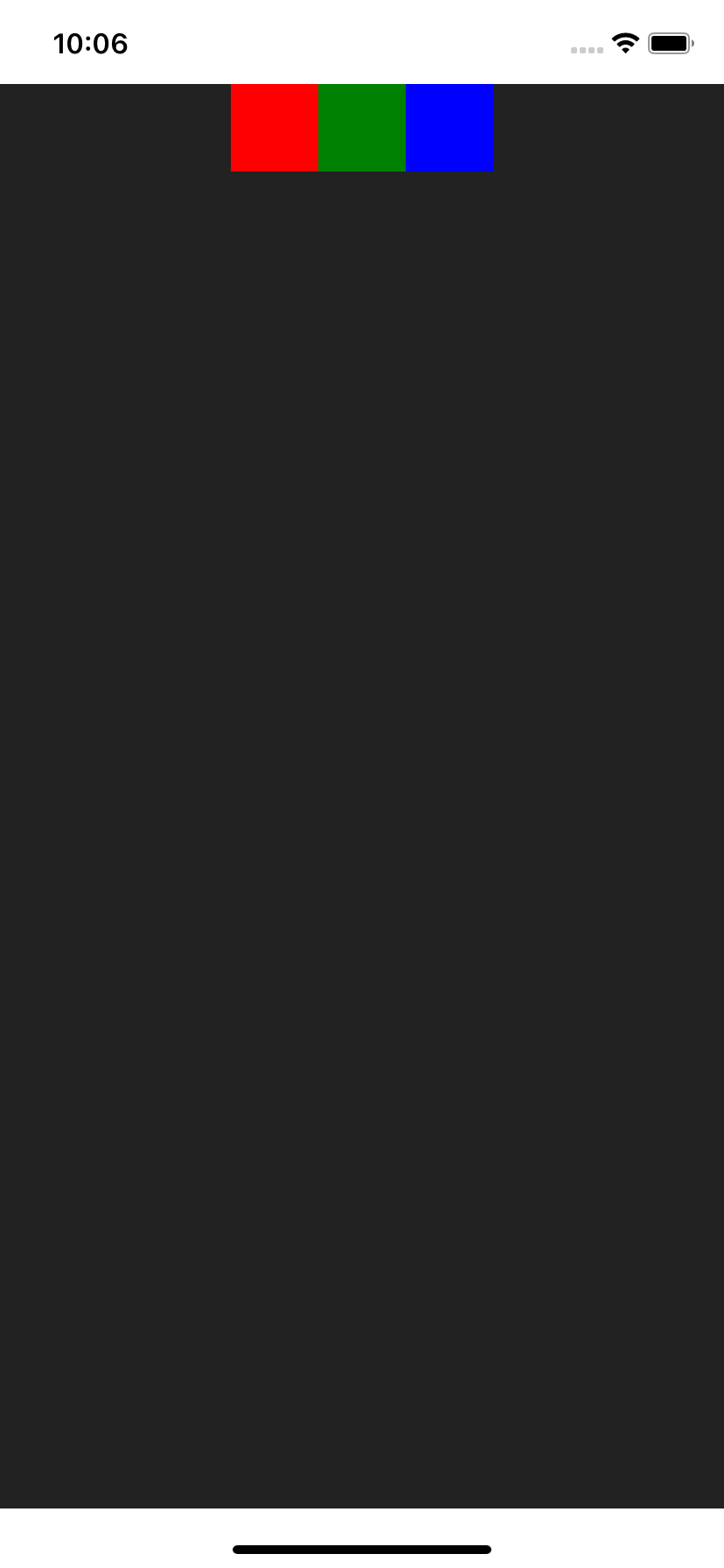
Top Right
<Row.TR>
  <Red />
  <Green />
  <Blue />
</Row.TR>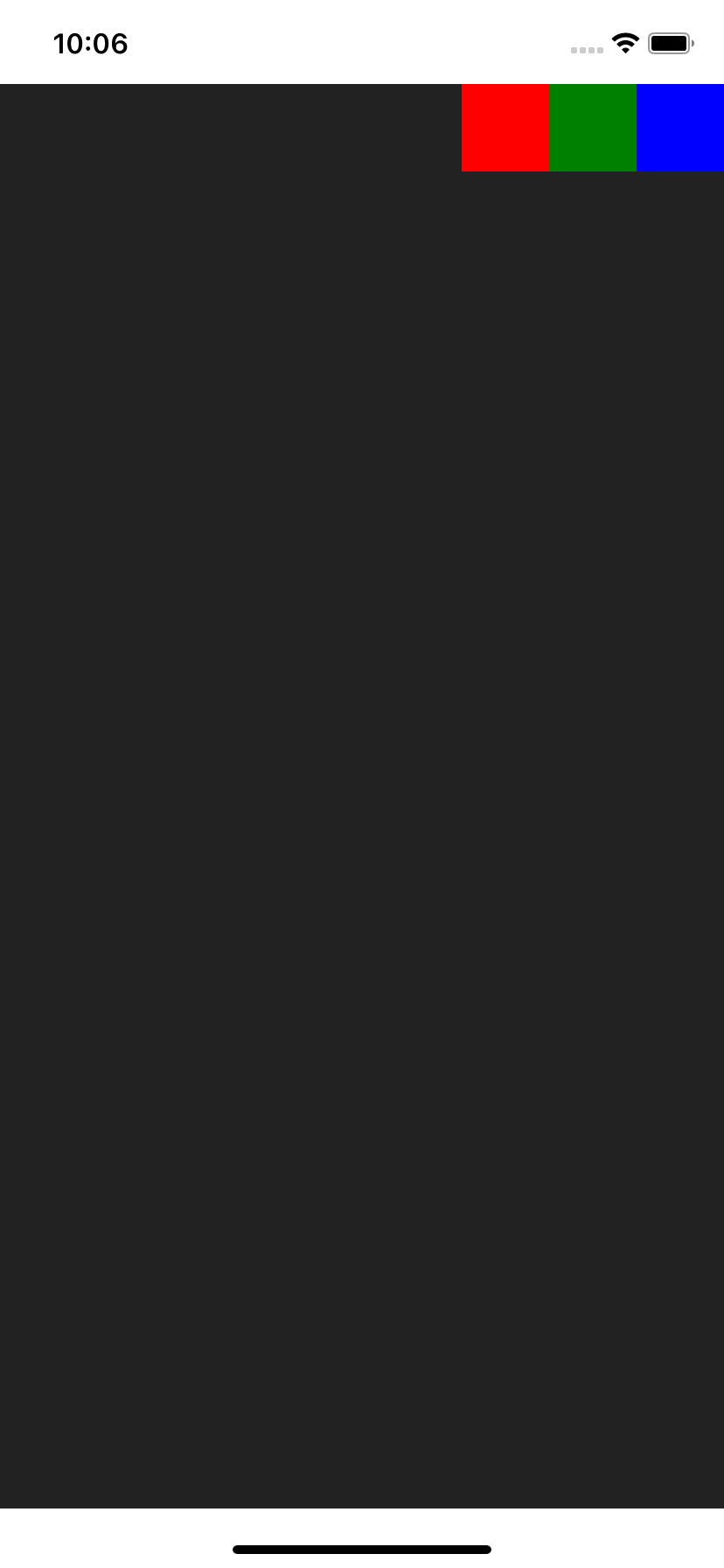
Left
<Row.L>
  <Red />
  <Green />
  <Blue />
</Row.L>
Center
<Row.C>
  <Red />
  <Green />
  <Blue />
</Row.C>
Rigth
<Row.R>
  <Red />
  <Green />
  <Blue />
</Row.R>
Bottom Left
<Row.BL>
  <Red />
  <Green />
  <Blue />
</Row.BL>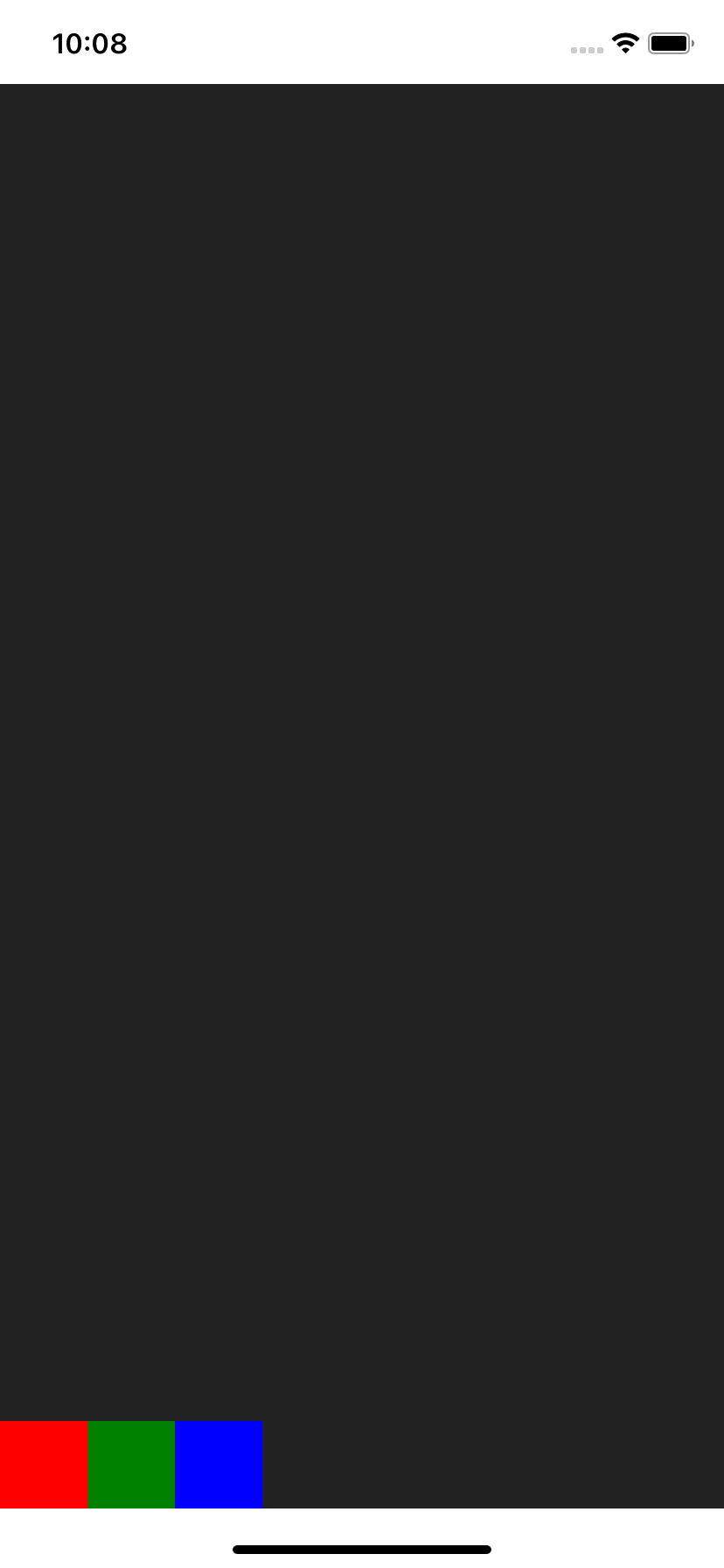
Bottom
<Row.B>
  <Red />
  <Green />
  <Blue />
</Row.B>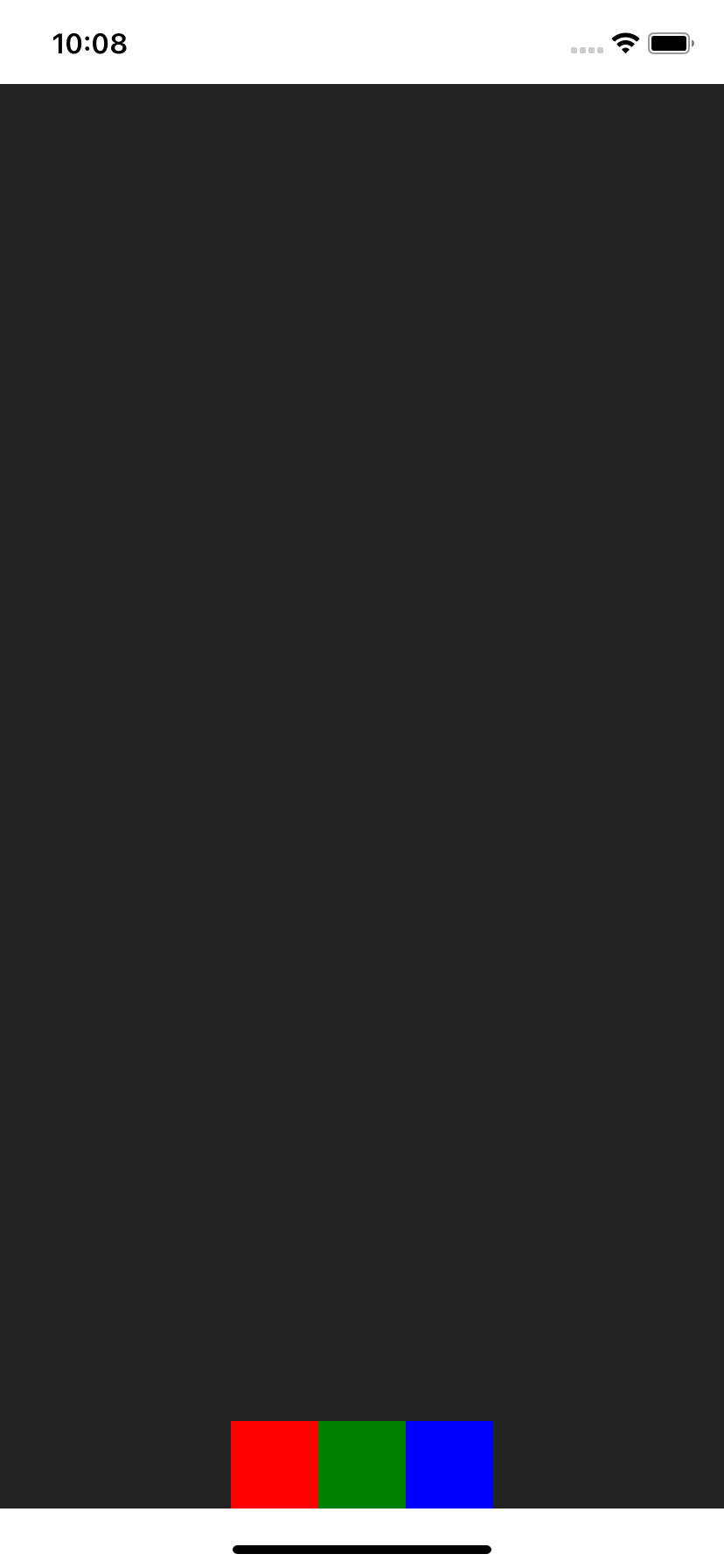
Bottom Right
<Row.BR>
  <Red />
  <Green />
  <Blue />
</Row.BR>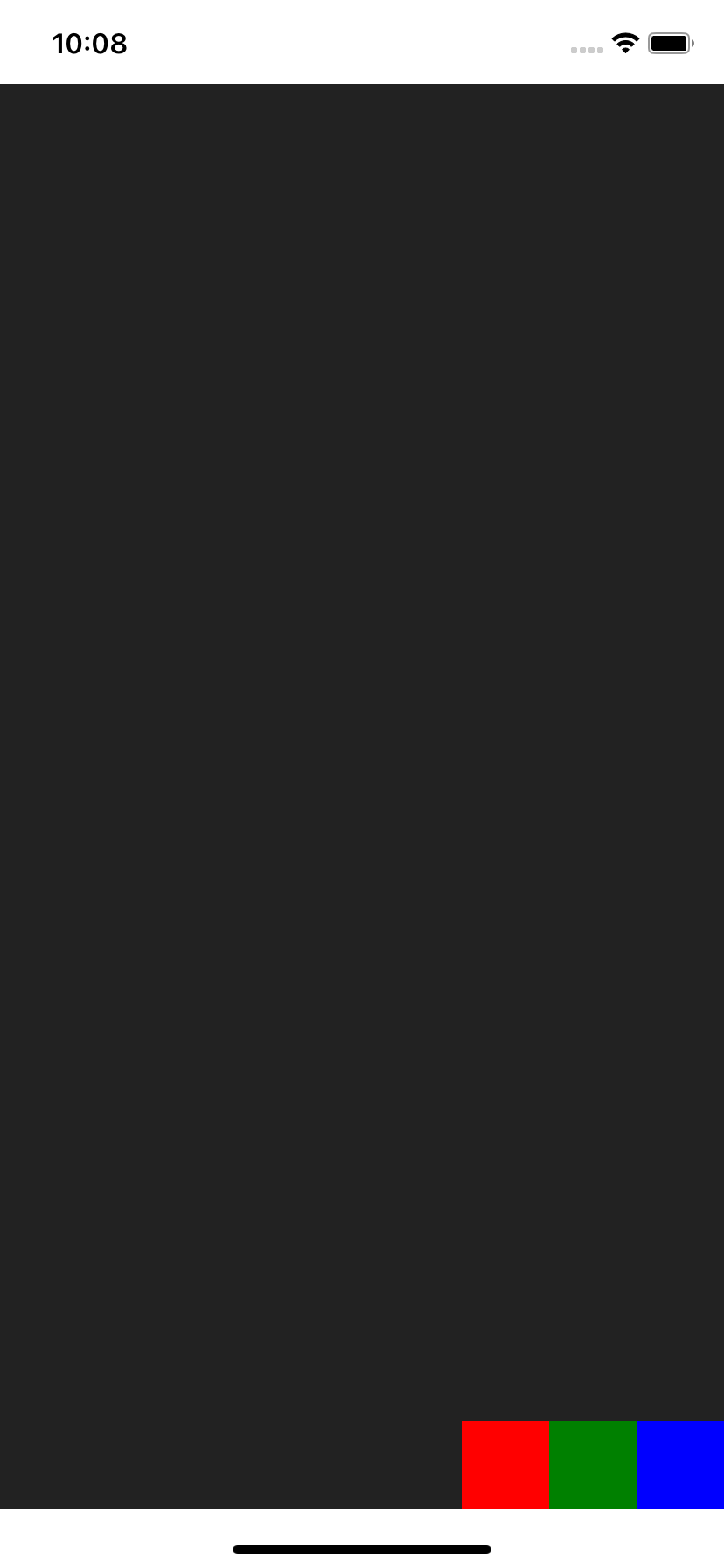
Left to Right, aligned Top
<Row.LRT>
  <Red />
  <Green />
  <Blue />
</Row.LRT>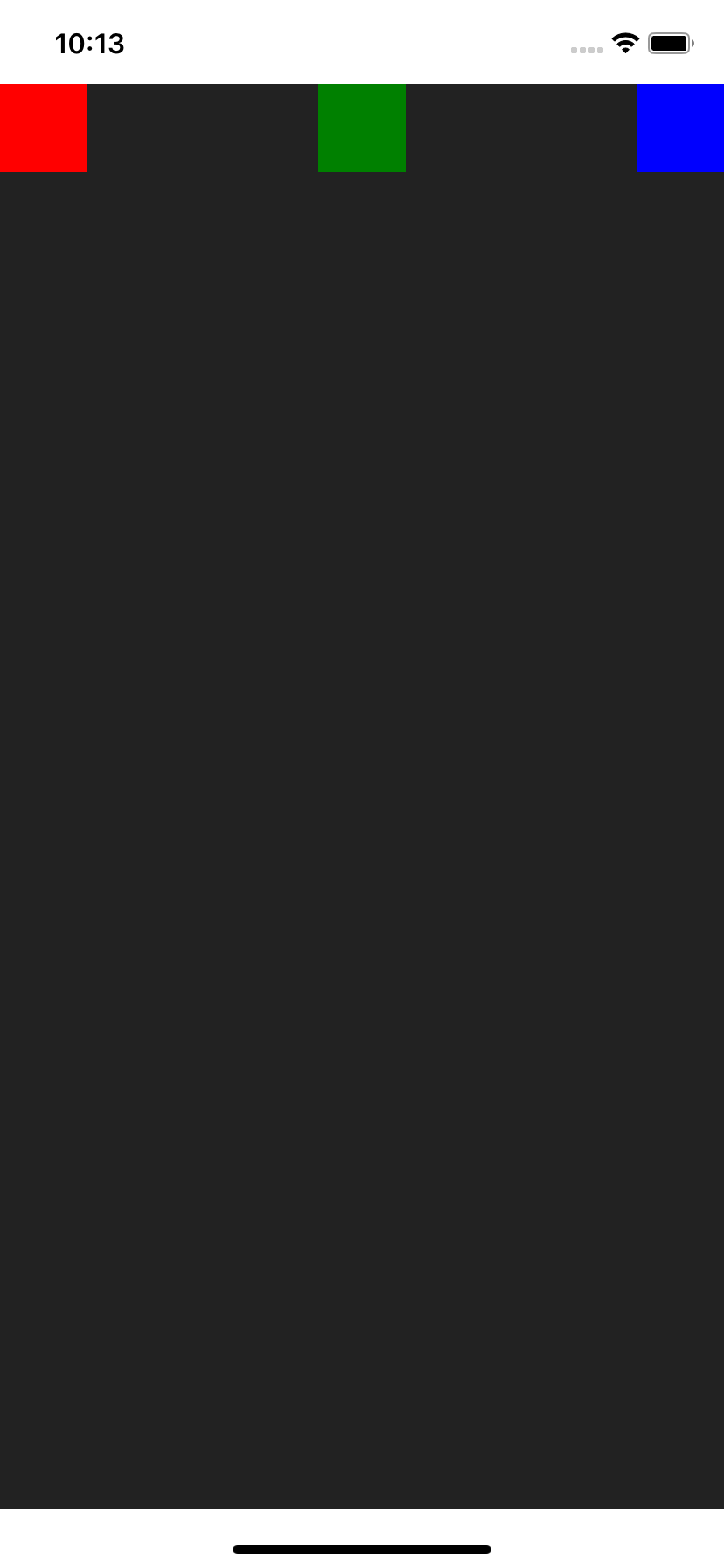
Left to Right
<Row.LR>
  <Red />
  <Green />
  <Blue />
</Row.LR>
Left to Right, aligned Bottom
<Row.LRB>
  <Red />
  <Green />
  <Blue />
</Row.LRB>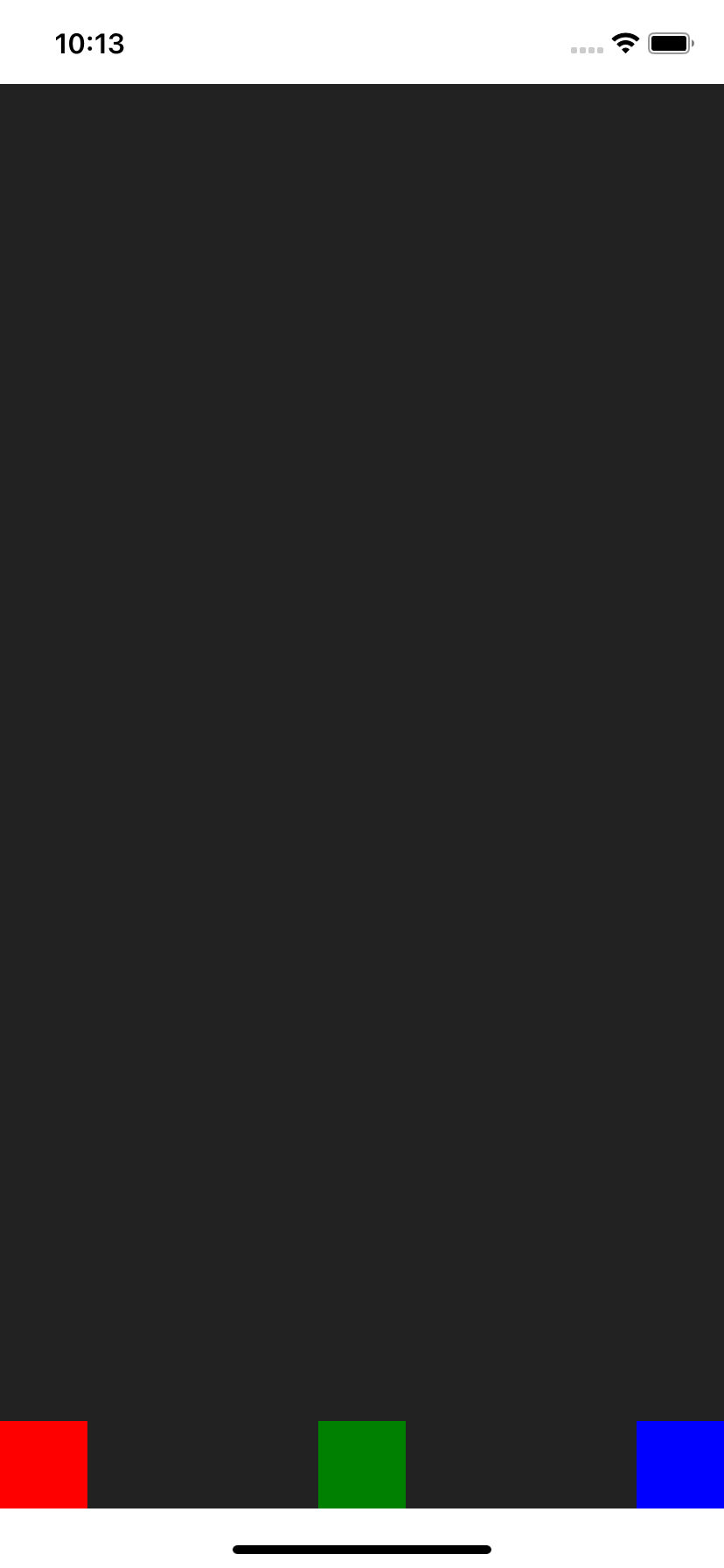
Right to Left, aligned Top
<Row.RLT>
  <Red />
  <Green />
  <Blue />
</Row.RLT>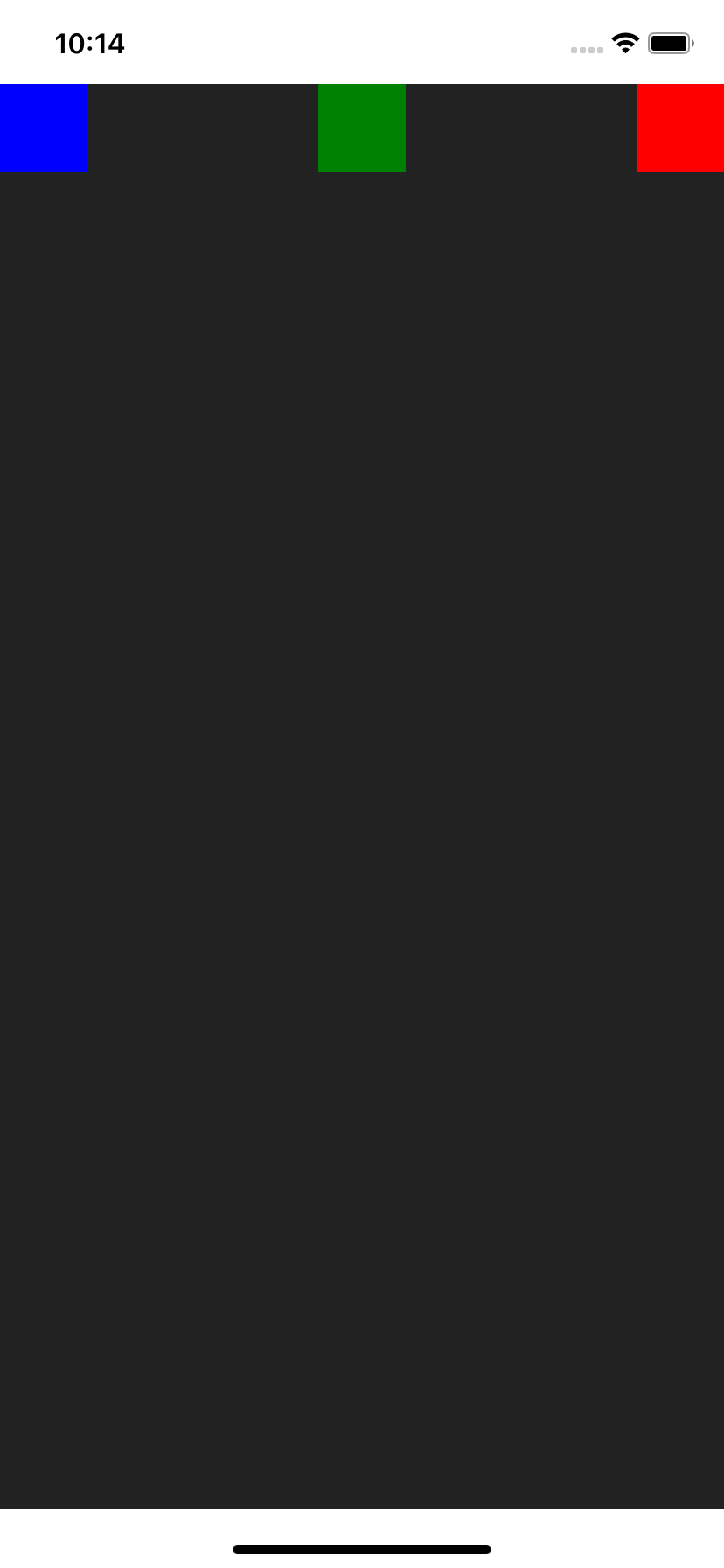
Right to Left
<Row.RL>
  <Red />
  <Green />
  <Blue />
</Row.RL>
Right to Left, aligned Bottom
<Row.RLB>
  <Red />
  <Green />
  <Blue />
</Row.RLB>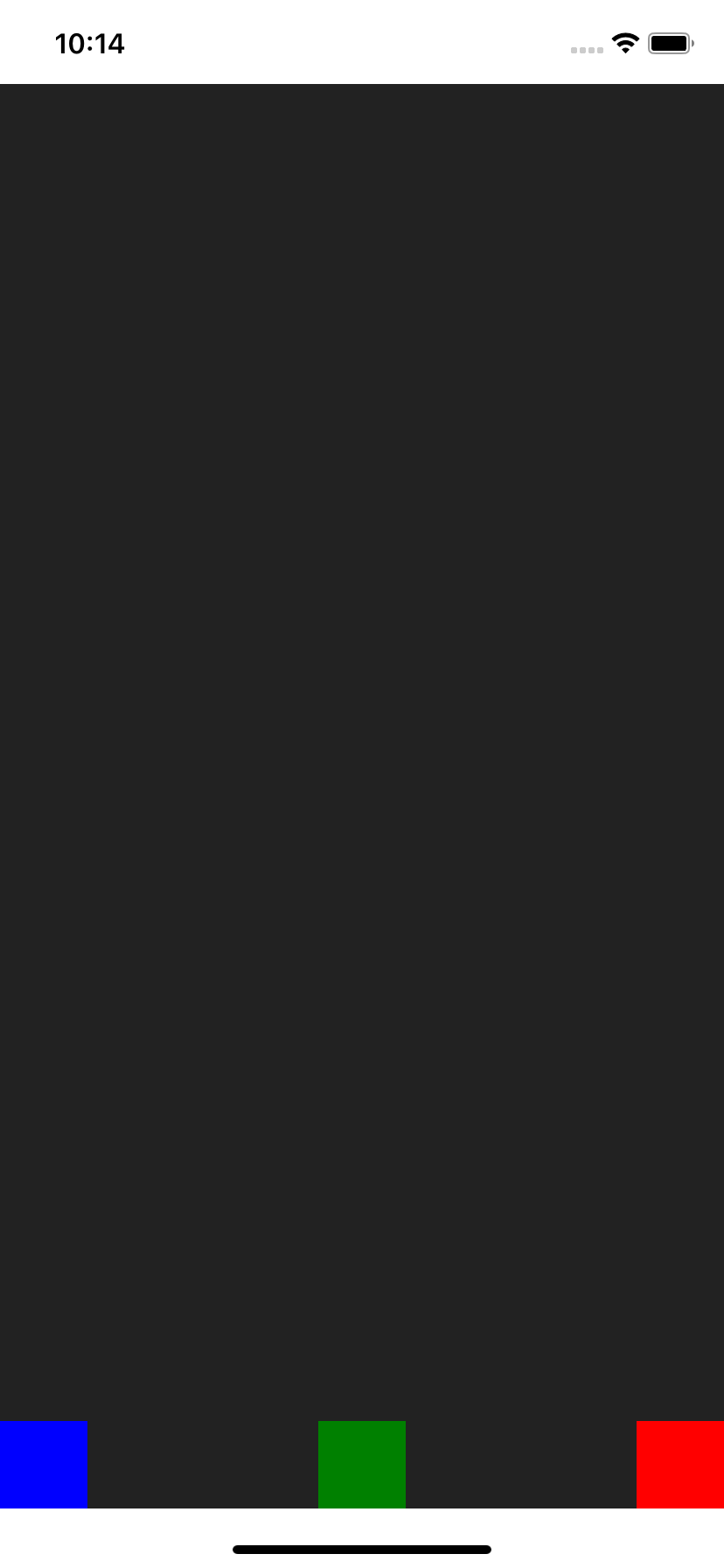
Left, aligned Top to Bottom
<Row.TBL>
  <Red />
  <Green />
  <Blue />
</Row.TBL>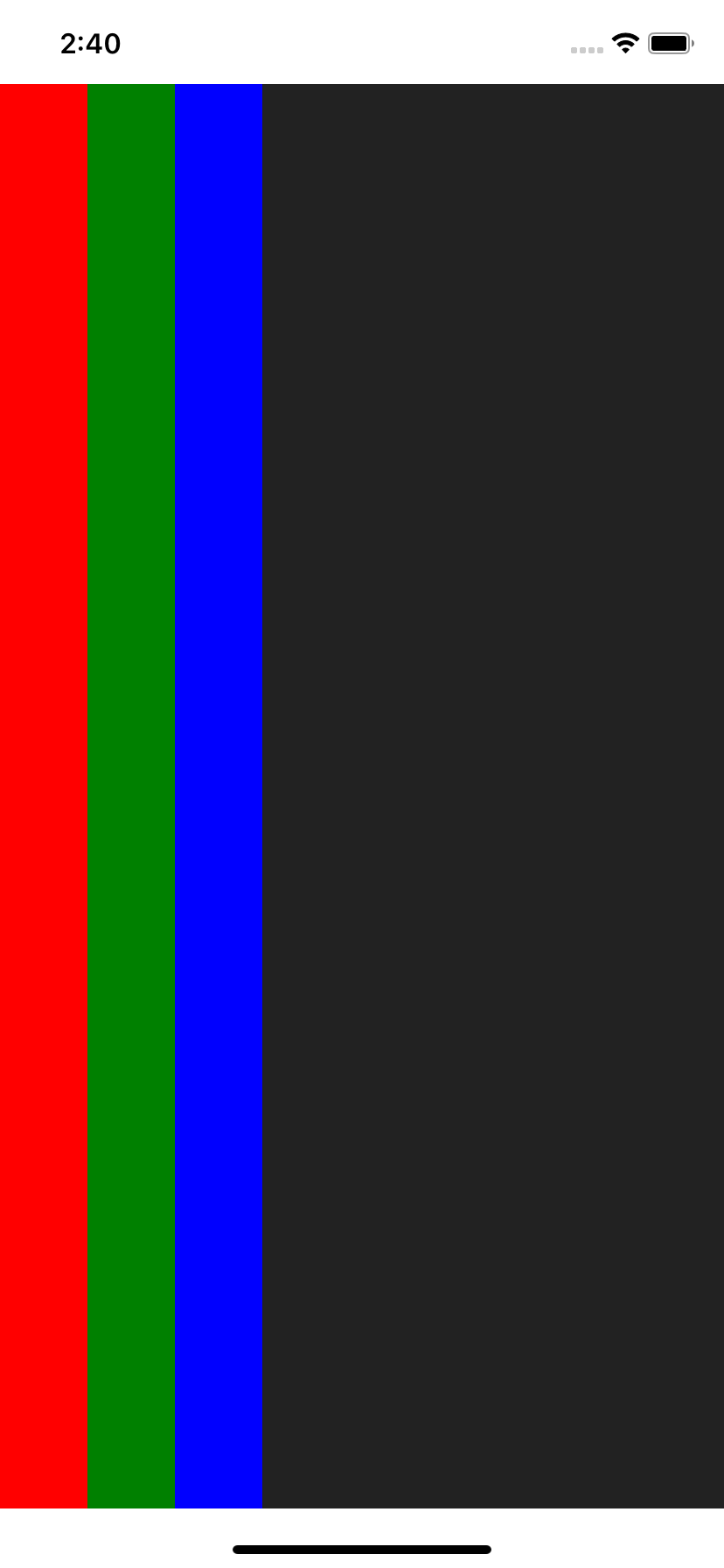
Center, aligned Top to Bottom
<Row.TBC>
  <Red />
  <Green />
  <Blue />
</Row.TBC>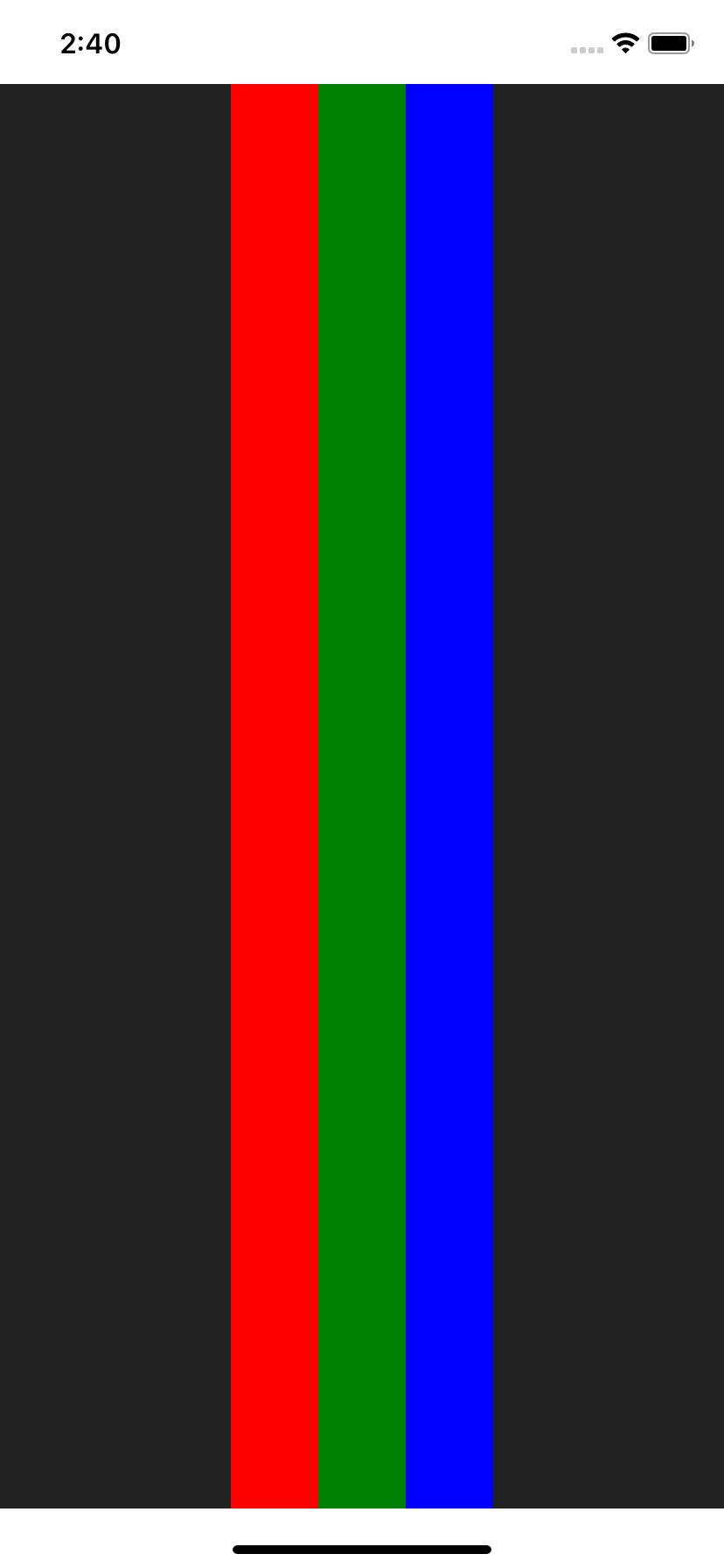
Right, aligned Top to Bottom
<Row.TBR>
  <Red />
  <Green />
  <Blue />
</Row.TBR>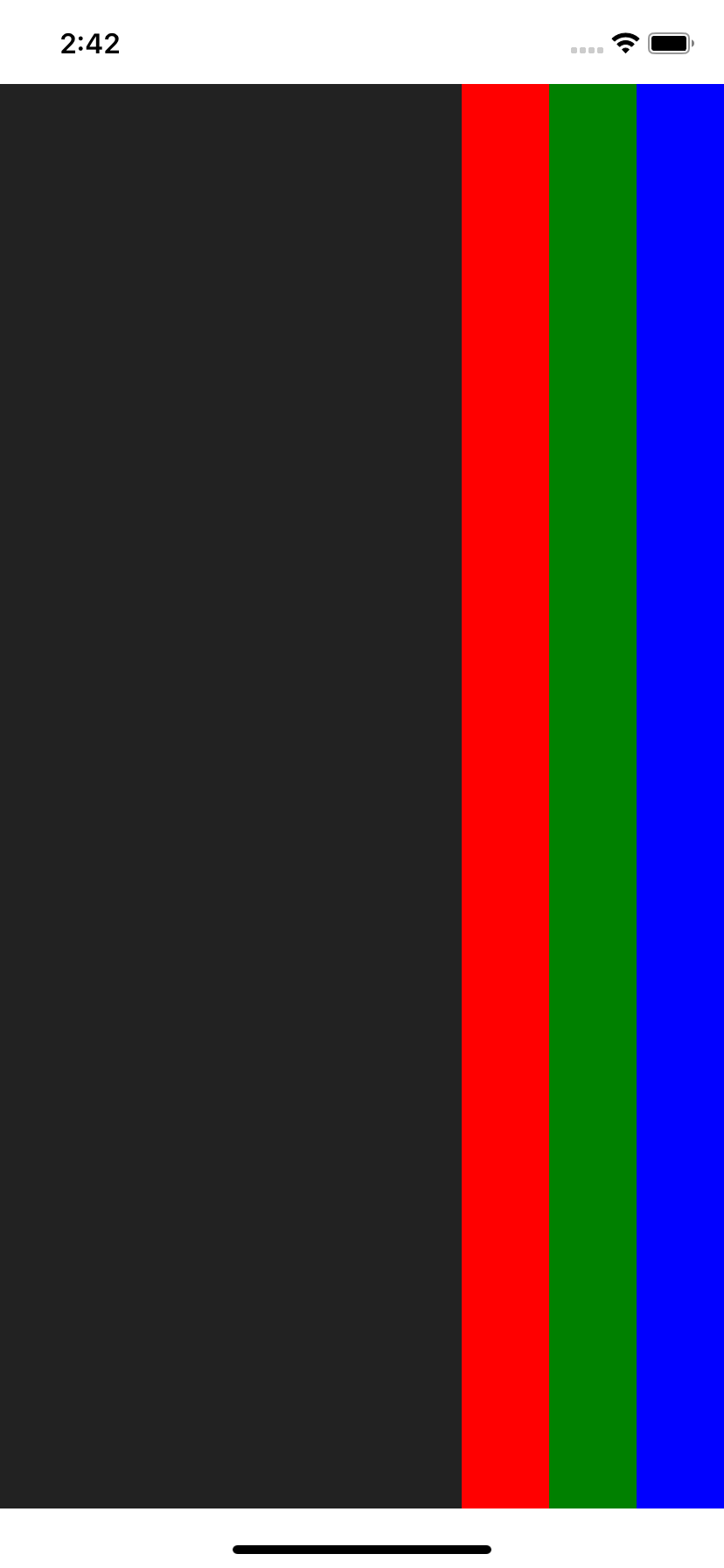
Col0, Col1, Row7... (Flex)
The package also exports Col[0-9] and Row[0-9] views with pre-defined flex values.
So instead of writing:
<Col style={{ flex: 1 }}>
  <Red />
  <Green />
  <Blue />
</Col>
You could make use of Col1:
import { Col1 } from 'react-native-col';

<Col1>
  <Red />
  <Green />
  <Blue />
</Col1>;
Here are all possible pre-defined flex values:
import {
  Col0,
  Col1,
  Col2,
  Col3,
  Col4,
  Col5,
  Col6,
  Col7,
  Col8,
  Col9,
  //
  Row0,
  Row1,
  Row2,
  Row3,
  Row4,
  Row5,
  Row6,
  Row7,
  Row8,
  Row9,
} from 'react-native-col';
You can also use the positioning shortcuts on them:
<Col6.TL />
<Col0.T />
<Col2.TR />
<Col9.L />
<Col4.C />
// ...

<Row7.TL />
<Row4.T />
// ...
create(Col|Row)
createCol<T extends ViewProps>(BaseComponent: ComponentType<any>)createRow<T extends ViewProps>(BaseComponent: ComponentType<any>)Utility functions to generate all positioning shortcuts based on your BaseComponent of choice.
Works great with react-native-themesheet for example:
import { createTheme } from 'react-native-themesheet';

// src/lib/theme.ts
export const { createBox } = createTheme(
  { primary: '#ff00dd' },
  { s: 4, m: 8, l: 16, xl: 32 }
);

// src/lib/index.ts
import { View } from 'react-native';
import { createCol } from 'react-native-col';

import { createBox } from './theme';

const Box = createBox(View);

export const Col = createCol(Box);

export const Row = createRow(Box);

// src/screens/home.tsx
import { Col, Row } from '../lib';

export function Home() {
  return (
    <Col.C py="xl" mb="l">
      {/* ... */}
    </Col.C>
    <Row.LR p="m" mb="m">{/* ... */}</Row.LR>
  );
}
createDialStyle
type Dial = 1 | 2 | 3 | 4 | 5 | 6 | 7 | 8 | 9

createDialStyle(flexDirection: 'row' | 'column', dial: Dial): ViewStyle
Utility function to generate Flex "dial" positioning raw styles.
Think of your Flexbox container as a dial number pad:
┌─────────────┐
│ 1    2    3 │
│             │
│ 4    5    6 │
│             │
│ 7    8    9 │
└─────────────┘
You can then align container items according to the "dial" number:
import { createDialStyle as dial } from 'react-native-col';

dial('column', 3); // --> col direction, justified right (flex-end), aligned Top

dial('row', 8); // --> row direction, justified center, aligned bottom

// Etc
(col|row|flex)Styles
All react-native StyleSheet styles used by the library are re-exported:
import { colStyles, rowStyles, flexStyles } from 'react-native-col';

colStyles.col;
colStyles.TR;
colStyles.T;
// Etc...

rowStyles.row;
rowStyles.B;
rowStyles.BR;
// Etc...

flexStyles.f0;
flexStyles.f1;
flexStyles.f2;
// Etc...
Credits
react-native-rowfor the initialdialidea