
ThreeUI CLI


A shadcn-style source installer for ThreeUI Community. Copy one component with every required asset, then keep the code.
npx threeui-cli add kage-landing-page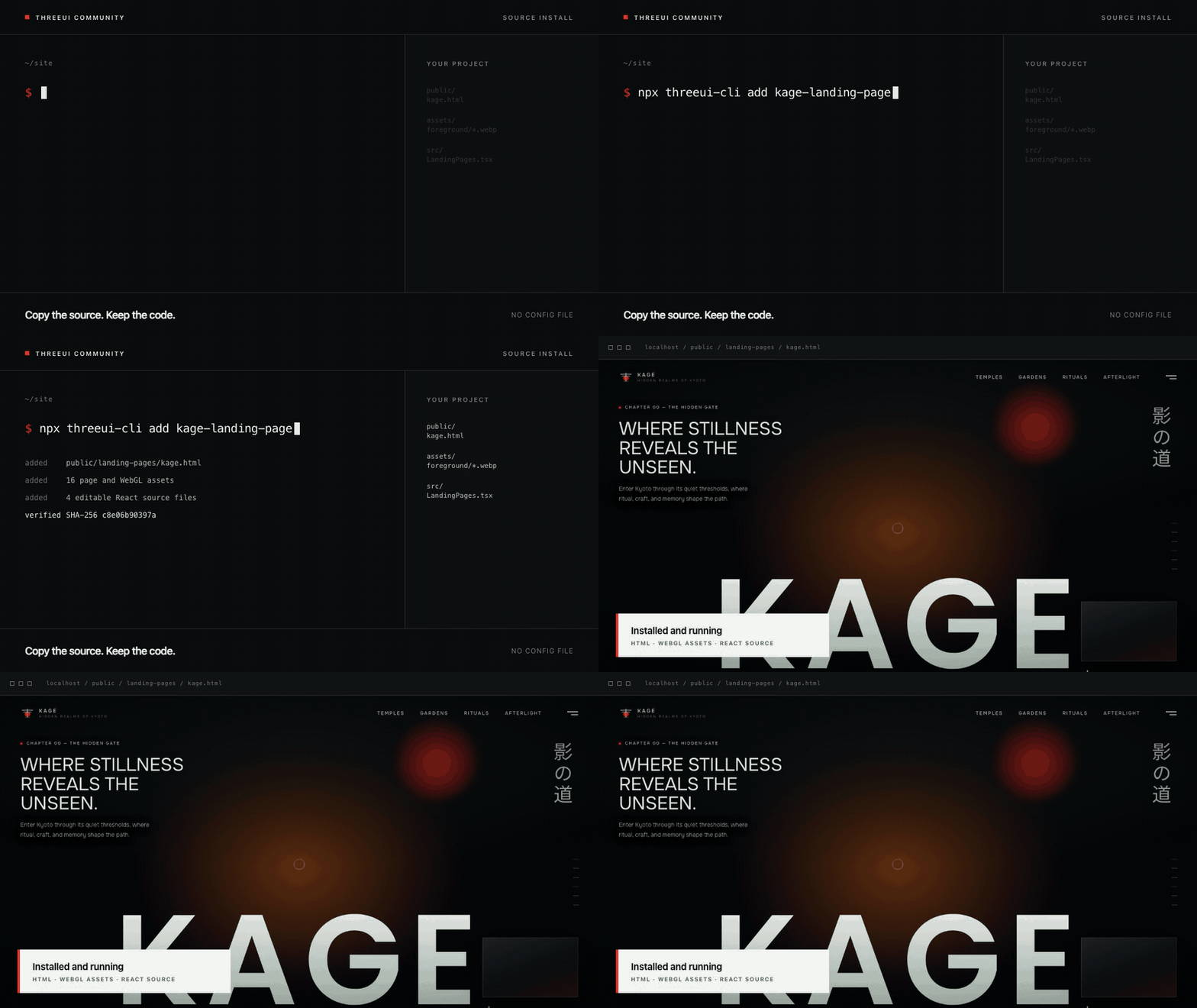
The Kage example above installs its HTML page, WebGL assets and editable React source in one command. Every file is checked against the SHA-256 digest in the official catalog before it is written.
Package or source
Use the official @designcodeio/threeui package when you want ThreeUI as a dependency.
Use this CLI when you want the source in your project. It also resolves the shared files and public assets required by full HTML components, preserves their original paths and refuses to replace existing files unless you ask it to.
Find a component
npx threeui-cli list
npx threeui-cli search "landing page"
Then add the component from your project root.
npx threeui-cli add predictive-arc
npx threeui-cli add spark-badge --target ./app
Use --dry-run to verify every file without writing it. Existing paths stop the install unless you explicitly pass --force.
Use it from a coding agent
Install the included skill.
npx skills add sjh9714/threeui-cliThen ask Codex or another SKILL.md compatible agent to add a ThreeUI component. The agent uses the same CLI rather than recreating the visual from a screenshot.
What gets copied
- The selected component source
- Every required shared source file
- Binary assets from the official repository
- Original relative paths expected by the component
Existing files are never replaced unless you pass --force. Source files and assets are checked against the digests in the official registry before anything is written.
Community catalog
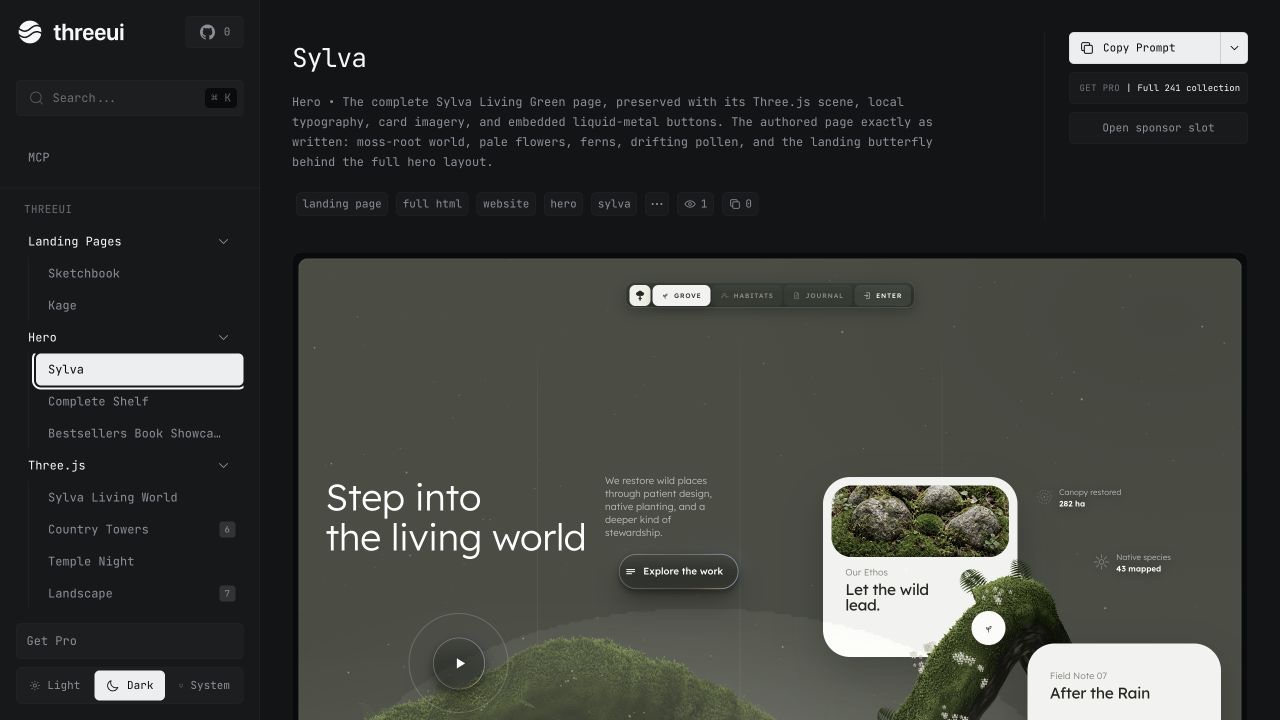
The catalog currently contains 50 Community components across React, DOM and CSS, Canvas 2D, WebGL and Three.js. list reads the live upstream registry, so this repository does not keep a stale component list.
Credits
Components and source belong to ThreeUI Community and are MIT licensed. This repository is an independent source installer and is not affiliated with ThreeUI.
License
MIT