
Varyloom
English · 简体中文
Explore the live playground
Choose a transition, tune it live, and bring it into your project. Explore all 31 effects · Copy integration code
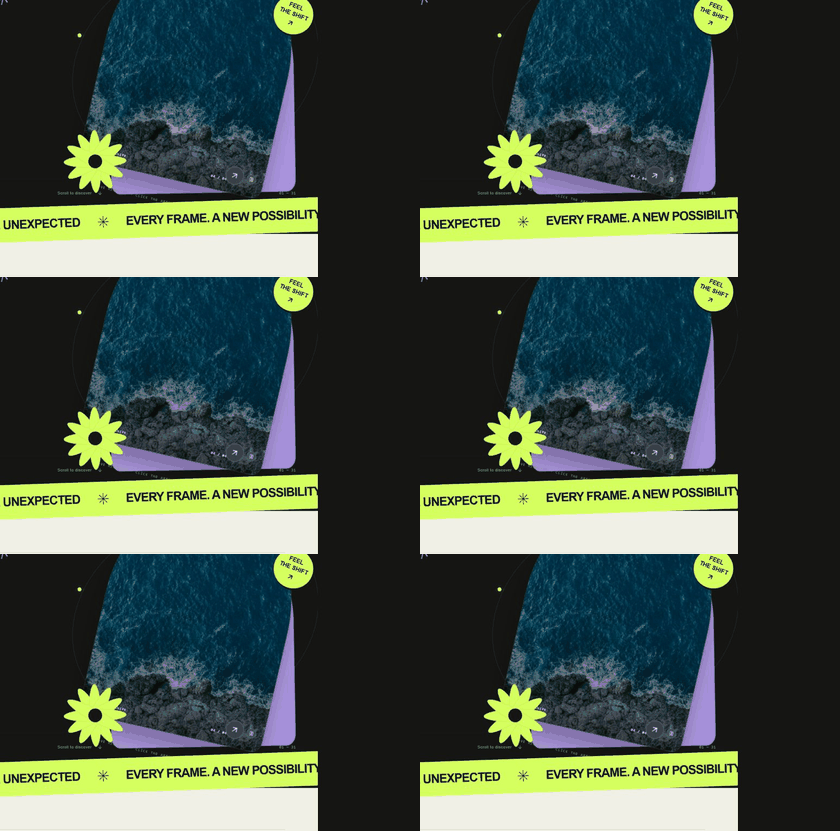
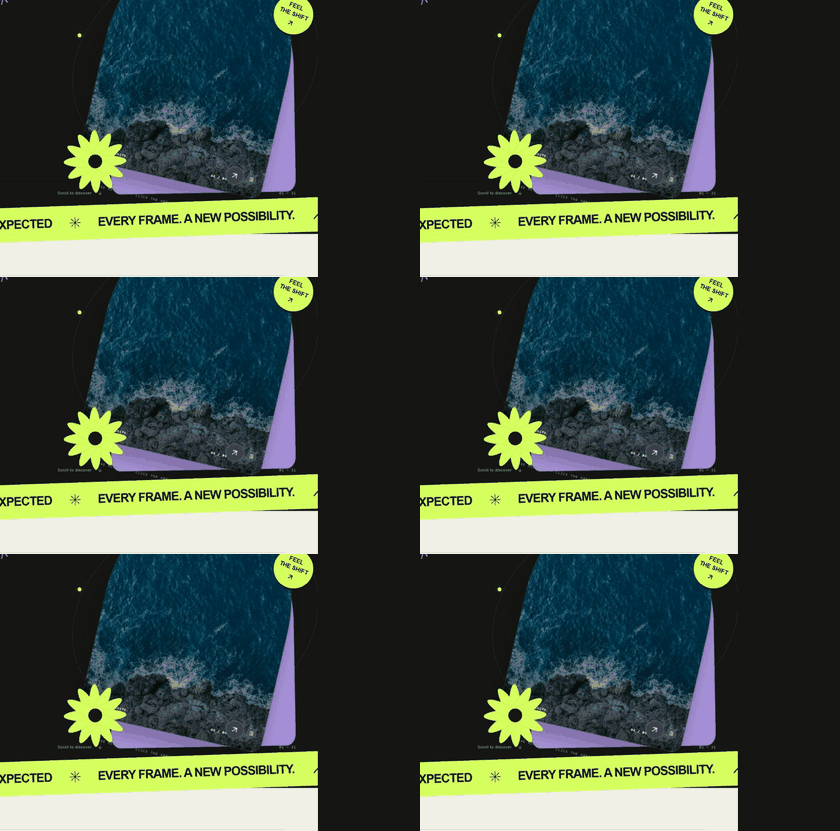
| Particle Shift | Meteor Wake | Memory Mosaic |
|---|---|---|
 |
 |
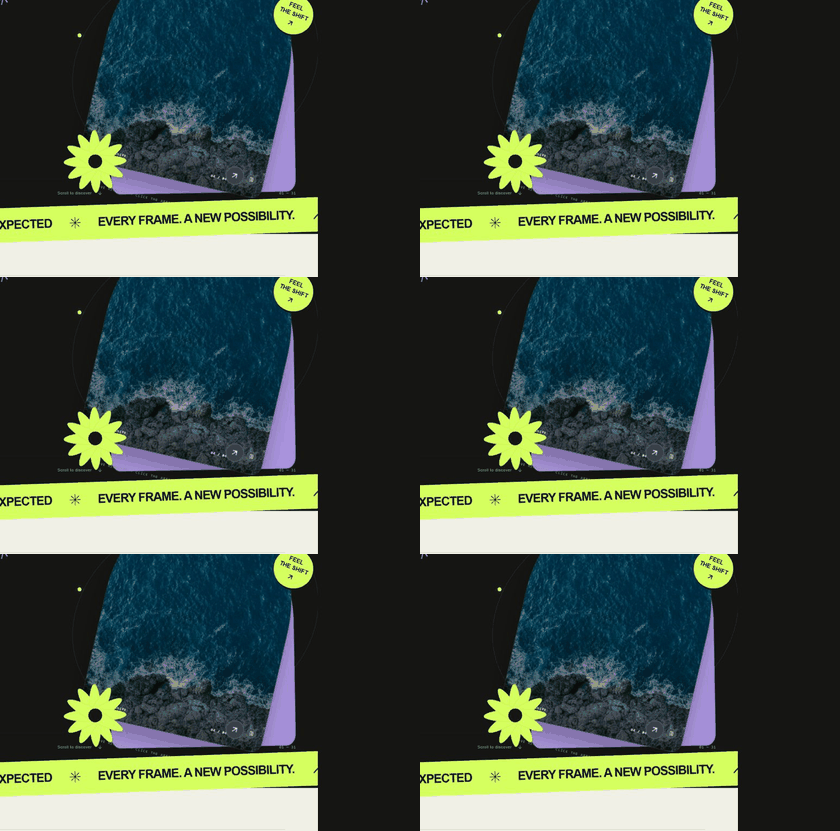 |
The independent showcase installs the published varyloom@0.1.1 package, without importing core source files. Particle Shift and Meteor Wake require WebGPU; the playground clearly reports when it falls back.
Image transitions with room to grow. Varyloom brings 31 built-in effects under one controller API for JavaScript, TypeScript, and React—from quiet material and graphic transitions to GPU-driven particles.
The npm package is available at npmjs.com/package/varyloom. The repository includes the core library and an independent website in website/; the website and its images are excluded from the npm package.
Why Varyloom?
- One interface, many looks. Switch effects without rebuilding your gallery or changing navigation code.
- Images of different shapes. Use
imageFit: 'contain'to show each image in full, or'cover'to fill the stage. - A graceful fallback. When an effect's capability check reports unsupported, Varyloom can select another registered effect.
- Built for real interfaces. Autoplay, drag, keyboard navigation, resize handling, events, reduced-motion support, and cleanup are handled by the controller.
- Extensible by design. Register a custom transition without modifying the controller.
Install
npm install varyloomThe React entry point is optional. A React application also needs React 18 or newer.
Quick start — JavaScript
<div id="slider"></div>#slider {
width: min(100%, 900px);
aspect-ratio: 16 / 10;
}import { createVaryloom } from 'varyloom';
const slider = await createVaryloom(document.querySelector('#slider'), {
items: [
{ image: '/images/one.jpg', alt: 'First image' },
{ image: '/images/two.jpg', alt: 'Second image' },
{ image: '/images/three.jpg', alt: 'Third image' },
],
effect: 'ink-reveal',
duration: 1.6,
effectOptions: { imageFit: 'contain' },
});
slider.next();
// Call slider.destroy() when you remove the gallery.Provide at least two items and give the host element a size. An image source can be a URL, Blob, HTMLImageElement, or ImageBitmap. Remote image servers must allow cross-origin loading for GPU sampling.
Quick start — React
import { VaryloomSlider } from 'varyloom/react';

const items = [
  { image: '/images/one.jpg', alt: 'First image' },
  { image: '/images/two.jpg', alt: 'Second image' },
];

export function Gallery() {
  return (
    <div style={{ width: '100%', height: 500 }}>
      <VaryloomSlider
        items={items}
        effect="melt"
        duration={1.1}
        effectOptions={{ intensity: 0.55, aberration: 0.35, drift: 0.4 }}
        autoplay
      />
    </div>
  );
}
The component releases its controller and GPU resources on unmount. Keep the items array stable across renders unless you intend to recreate the gallery.
The 31 transitions
| Family | Effects |
|---|---|
| Essentials & flow · 8 | ink-reveal, melt, gummy-squeeze, flow-morph, rack-focus, liquid-lens, frequency-handoff, darkroom-develop |
| Materials & form · 12 | prismatic-glass, silk-ribbons, torn-paper, burn-through, impasto-stroke, holo-foil, lenticular-shift, zipper-cloth, drowsy-blinds, postcard-relay, memory-mosaic, iris-shutter |
| Graphic design · 5 | misregistration, contour-reveal, type-aperture, archive-seal, contact-sheet |
| Particles & light · 4 | particle-shift, chromatic-dust, fiber-flow, meteor-wake |
| Space & perspective · 2 | depth-flip, vortex-portal |
The four effects in Particles & light require WebGPU. The others use WebGL/WebGL2 or browser rendering. When an effect's capability check reports unsupported, Varyloom tries fallbackEffect (default: melt). Set fallbackEffect: false to surface an error instead. A runtime initialization failure is still reported as an error, not silently replaced. Choose a fallback supported by your target browsers.
Every built-in effect accepts imageFit: 'contain' | 'cover' through effectOptions. Some effects also expose their own controls—for example, exitDirection and enterDirection for particle-shift, or intensity, aberration, and drift for melt. TypeScript users can import the corresponding *Options types from varyloom.
Shared options
| Option | Default | Meaning |
|---|---|---|
items |
required | At least two images; each item may carry alt, caption, or data. |
effect |
ink-reveal |
A built-in or registered transition name. |
duration |
1.2 |
Transition time in seconds. |
easing |
power2.inOut |
Controller easing; an effect may define its own phase easing. |
effectOptions |
{} |
Options passed to the active effect. |
autoplay / autoplayDelay |
false / 4 |
Automatic playback and delay in seconds. |
loop |
true |
Wrap from last to first image and vice versa. |
draggable / keyboard |
true / true |
Horizontal drag and focused arrow-key navigation. |
pauseOnHover |
true |
Pause autoplay while hovered. |
dpr |
2 |
Maximum device-pixel ratio used by effects. |
fallbackEffect |
melt |
Effect to use if capability checking reports unsupported; false disables fallback. |
Controller and events
slider.next();
slider.prev();
slider.goTo(2);
slider.seek(0.5);
slider.play();
slider.pause();
await slider.setEffect('particle-shift', { imageFit: 'contain' });
slider.setOptions({ duration: 2, autoplay: false });

const unsubscribe = slider.on('indexchange', ({ index, item }) => {
  console.log(index, item.alt);
});

unsubscribe();
slider.destroy();
Available events: ready, transitionstart, progress, indexchange, transitionend, effectchange, fallback, error, and destroy. createVaryloom resolves after initialization; React exposes the ready controller through onReady or a ref.
Add your own transition
The registry accepts a transition definition with name, backend, create, and the effect lifecycle init, prepare, resize, render, destroy. Optional defaults, supported, and phaseEasing let the effect own its settings, capability test, and phase clock.
import { defineTransition, registerTransition } from 'varyloom';

const unregister = registerTransition(defineTransition({
  name: 'my-transition',
  backend: 'custom',
  create: () => {
    const canvas = document.createElement('canvas');
    return {
      canvas,
      init(context) { context.host.appendChild(canvas); },
      prepare(fromIndex, toIndex, direction) {},
      resize(width, height, dpr) {},
      render(frame) {},
      destroy() { canvas.remove(); },
    };
  },
}));

// Call unregister() when you no longer need this effect.
render receives normalized progress, elapsed time, frame delta, direction, pointer position, and merged effect options.
Accessibility, support, and license
Varyloom shortens transitions when the user prefers reduced motion. Supply useful alt text for each item, and provide your own visible navigation controls when your design needs them. For GPU effects, verify WebGL/WebGPU and image CORS support in your target browsers. Licensed under MIT.