vue-cli-plugin-element
Element plugin for @vue/cli 3.0.
Install
First you need to install @vue/cli globally (follow the instructions here).
Then create a project and add the Element plugin:
vue create my-app
cd my-app
vue add element
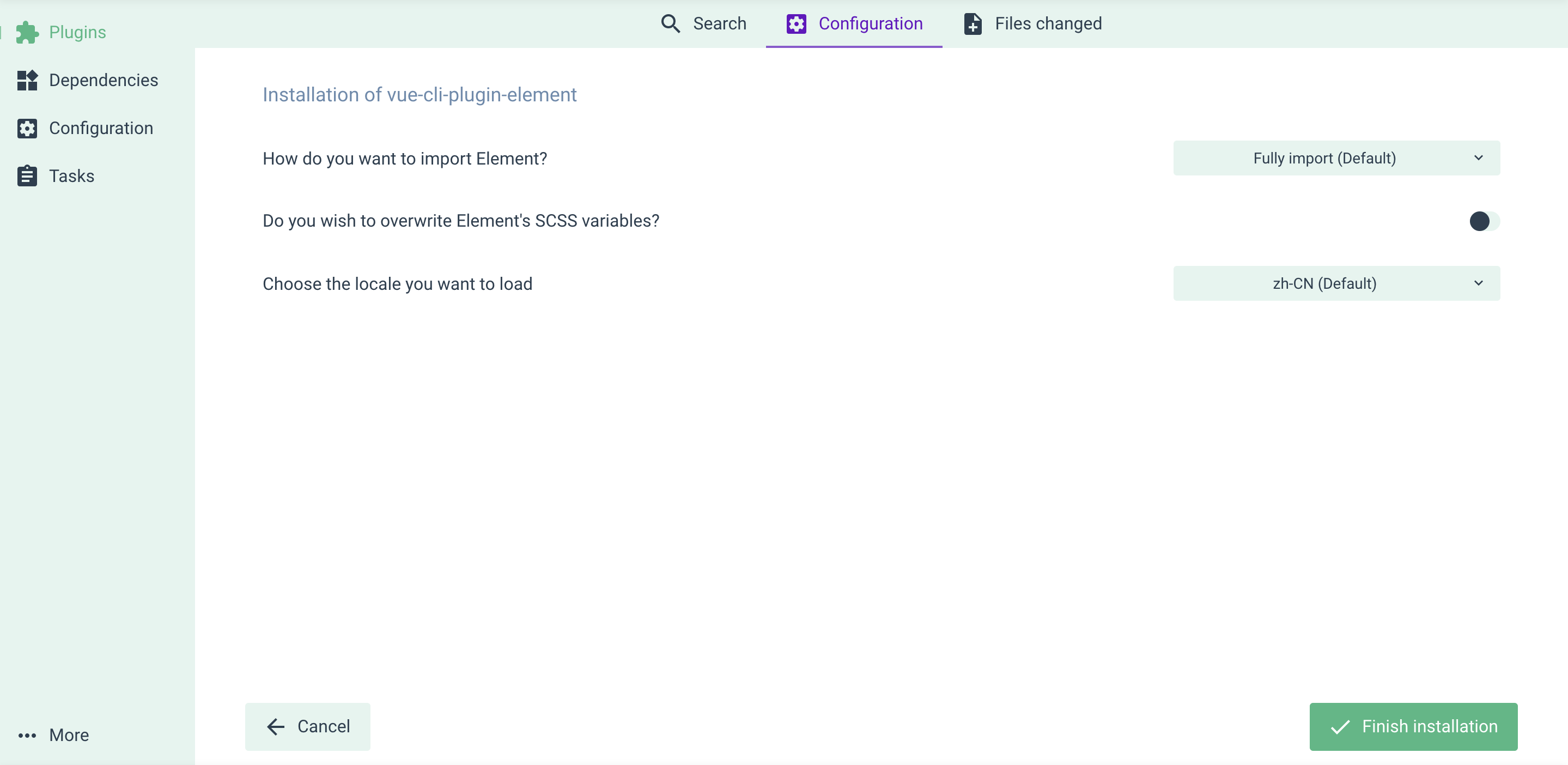
You'll be asked some questions regarding how Element is configured in your project. After that, you're good to go.
Use with vue-cli UI
Skip this part if you've done everything in the Install section.
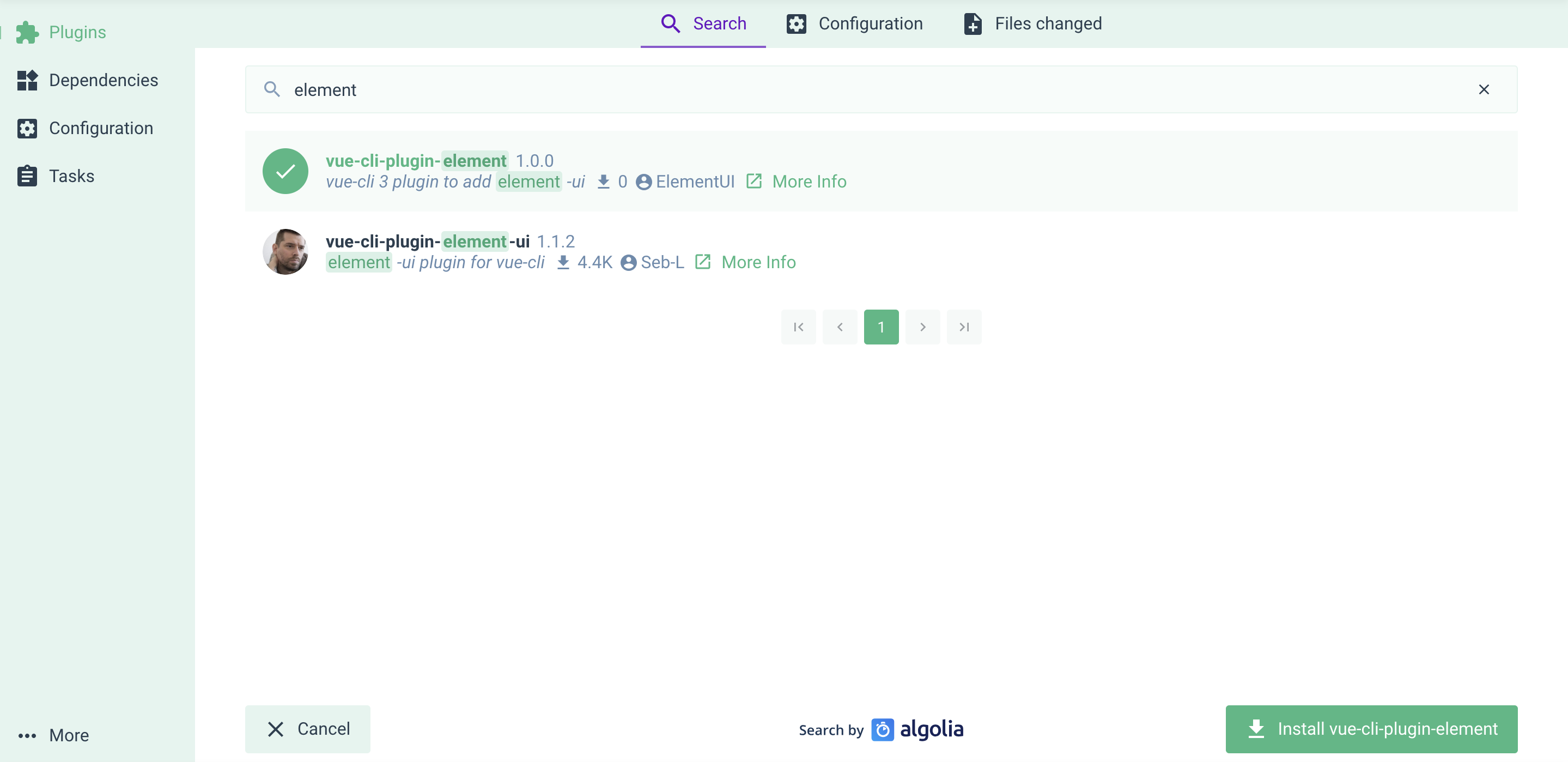
If you prefer managing your project in vue-cli UI (by running vue ui), here's how you can add Element plugin: go to the Plugins menu, click the upper right + Add plugin button, find vue-cli-plugin-element and install it.
Also there're some configurations for you.