







Overview
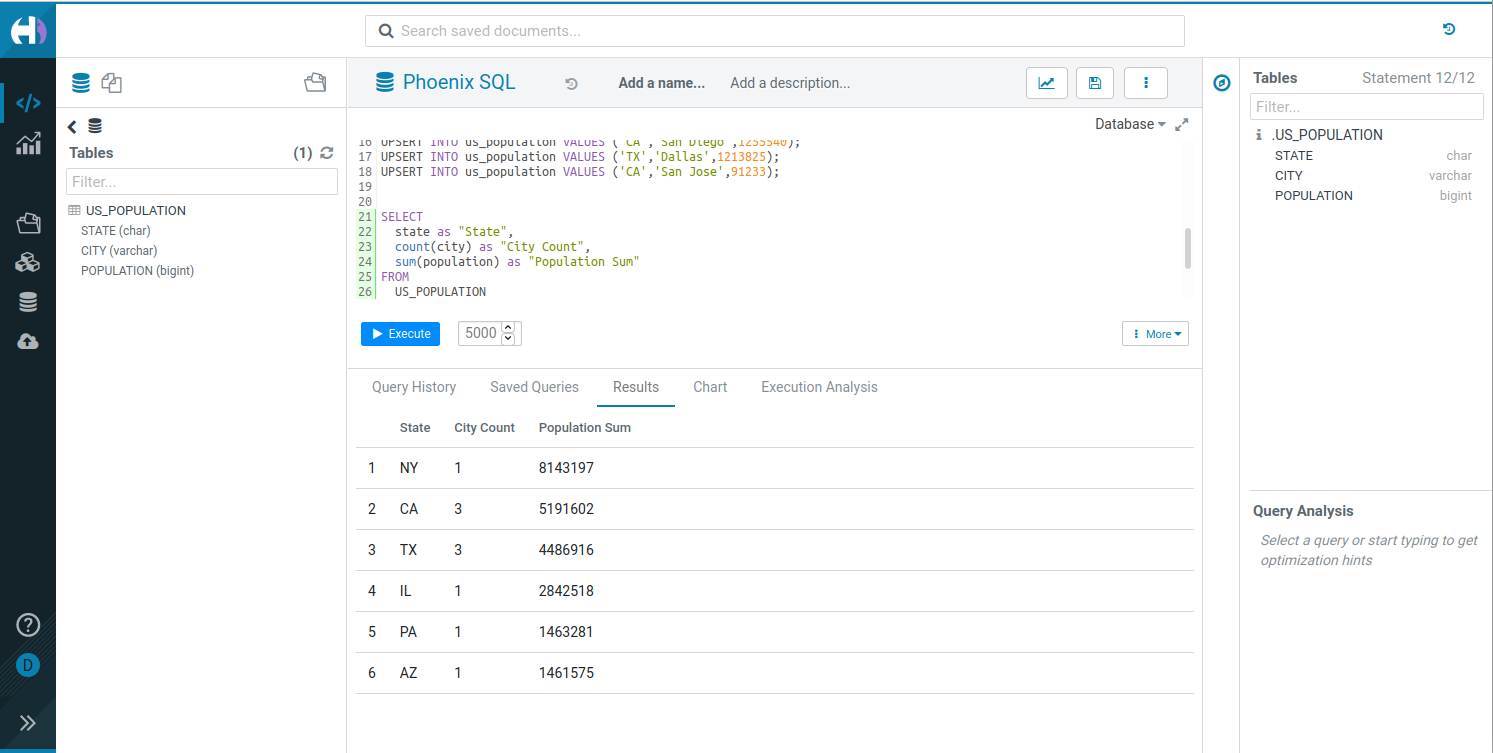
Hue is a mature SQL Assistant for querying Databases & Data Warehouses, trusted by:
- 1000+ customers worldwide
- Top Fortune 500 enterprises
Organizations use Hue to quickly answer questions via self-service querying, executing hundreds of thousands of queries daily.
Key Features
- Interactive SQL editing with syntax highlighting and autocomplete
- File Browser for navigating and operating on HDFS, S3, ABFS, Ozone, and Google Storage (GS) files
- Job Browser for monitoring and managing Hive queries, Impala queries, YARN applications, and Livy Spark jobs
- Table Browser for exploring and managing database tables, schemas, and metadata
- Table Importer for creating Hive and Impala tables from CSV/Excel files, with support for uploading from local system or importing from remote filesystems (HDFS, S3, ABFS, Ozone, GS)
- Multiple database connectors including Hive, Impala, MySQL, PostgreSQL, and more
Useful Links
- Website: gethue.com
- Connect to a database: Configuration Guide
- Build your own Editor: SQL Scratchpad
- Query Service: Kubernetes Setup and API
Getting Started
Try Hue Now
- Live demo: demo.gethue.com
- Quick integrations:
Choose one of these deployment options to start the server, then configure the databases you want to query:
Docker
Start Hue instantly:
docker run -it -p 8888:8888 gethue/hue:latestHue will be available at http://localhost:8888
See the Docker Guide or watch the Quick Start Video
Kubernetes
helm repo add gethue https://helm.gethue.com
helm repo update
helm install hue gethue/hue
Read more about configurations in the Kubernetes docs
Development Setup
Quick Start with Docker
Use the Dev Environment Docker for the fastest setup.
Manual Setup
- Install dependencies
- Clone and build:
git clone https://github.com/cloudera/hue.git
cd hue
make apps
build/env/bin/hue runserver
Hue will be available at http://localhost:8000
Read more in the development documentation
Components
Hue offers several powerful components:
- SQL Editor - Interactive query interface
- SQL Parsers - Syntax handling for multiple dialects
- REST/Python/CLI APIs - Programmatic access to all functionality
Learn about components and APIs
Contributing
We welcome contributions! Please see our CONTRIBUTING.md guide to get started.